Business Card Reissue Kit is a vibe coding kit for Claude Code and Codex. Enter your name, get print-ready business card data. It includes 9 fixes for pitfalls the maker hit in real work. coming soon.
When this helps
Every time you join or move teams you need a new card, but DIY files keep getting rejected by the print shop
What it does
Enter department, name and contact details in a browser and it exports print-ready business card data (91×55mm, 3mm bleed, 600dpi, JPEG). The screen automatically flags any text that strays outside the safe area, and you can print a true-size proof before exporting. Fonts are bundled too, so Windows and Mac look identical even offline. Company name, colour, logo and layout are decided once at setup; after that, employees just open the URL and make their own. With Claude Code, you can also read in details from a photo of your current card. Everything you enter stays in your browser and is never sent anywhere.
The fixes baked into this kit
- The print shop won't accept PNG uploadsPrintpac only accepts eps/ai/pdf/jpg/psd, not PNG, so export was switched to JPEG (highest quality).
- Small contact-text edges come out blurryAt 350dpi, small contact text loses sharp edges, so export is done at 600dpi instead.
- Card fonts differ between Windows and MacLeaving the font to the OS default produces a different typeface on each machine. Noto Sans JP and Noto Serif JP are bundled, so it still works identically even on a locked-down office network.
- Contact text becomes unreadable once printedText smaller than 2.0mm (about 5.7pt) is hard to read after printing, so that size is the floor for contact details.
- Text in the top band overflows the safe areaMaking the band shorter than 12mm pushes its text outside the safe margin. The screen now flags this automatically.
- Gradients print as banded colour streaksColour gradients tend to band when printed, so only flat colour fills are allowed.
- Black text blurs from plate misregistrationA careless RGB-to-CMYK conversion turns black text into a 4-colour black that blurs with plate misregistration, so no conversion is done — it's left to the print shop's own process.
- The logo shows on screen but is missing from the exportThis happens when the logo is referenced by filename. logo.mjs embeds the logo's actual data into the screen so it can't go missing.
- A built-in laptop camera can't read the card's textLaptop webcams aren't sharp enough to read a business card's text, so the flow is to photograph it with a phone, send it to the computer, and import from there.
What's inside
- The setup order (company info → branch by scenario → fit the template → logo → back side → publish)
- Export that follows print-shop specs (91×55mm, 3mm bleed, 600dpi, JPEG)
- A screen that automatically flags text straying outside the safe area
- A true-size proof print on A4
- Bundled Noto Sans JP / Noto Serif JP fonts (same look even offline)
- A local tool that reads your current card from a photo (the photo never leaves the machine)
- ID/password protection for internal use
- A conversion tool for print shops that only accept PDF
File list (27)
- .gitignore
- AGENTS.md
- CLAUDE.md
- KIT.md
- fonts/OFL.txt
- fonts/noto-sans-jp-japanese-400-normal.woff2
- fonts/noto-sans-jp-japanese-700-normal.woff2
- fonts/noto-sans-jp-latin-400-normal.woff2
- fonts/noto-sans-jp-latin-700-normal.woff2
- fonts/noto-serif-jp-japanese-400-normal.woff2
- fonts/noto-serif-jp-japanese-600-normal.woff2
- fonts/noto-serif-jp-latin-400-normal.woff2
- fonts/noto-serif-jp-latin-600-normal.woff2
- meishi.html
- middleware.js
- rules/CHECK.md
- rules/FIELDS.md
- rules/FLOW.md
- rules/NYUKO.md
- rules/PHOTO.md
- rules/PROMPTS.md
- rules/TONE.md
- tools/app.mjs
- tools/deploy.sh
- tools/img2pdf.py
- tools/logo.mjs
- vercel.json
The first three decisions
- Company name (currently "Sample Trading Co., Ltd.")
- Colour (currently a single navy)
- Logo (falls back to the company name in text if none)
What you need
- No extra costA browser (for employees)The card screen runs in a browser. Only Chrome and Edge let you choose a save folder; other browsers save to your usual downloads folder.
- No extra costClaude Code (for the person setting it up)Used once at setup to decide company info, colour, logo and layout, then publish. Employees making their own card don't need it.
- No extra costA hosting service (Vercel)tools/deploy.sh publishes the internal screen with it (npx vercel). You need an account.
- No extra costNode.js and Python (for the extra tools)Used for embedding the logo (logo.mjs), the local photo-reading tool (app.mjs), and PDF conversion (img2pdf.py).
How to use
Not ready yet. Once it is published, the line to paste appears here.
- Publisher
 ohirutabeyo
- Published
- Coming soon
- Price
- Free
- Category
- Documents
- Personal data
- Not handled
- Security review
- Not needed (no personal data)
- What's inside
More kits
 shuto-shinoda2026/11/10
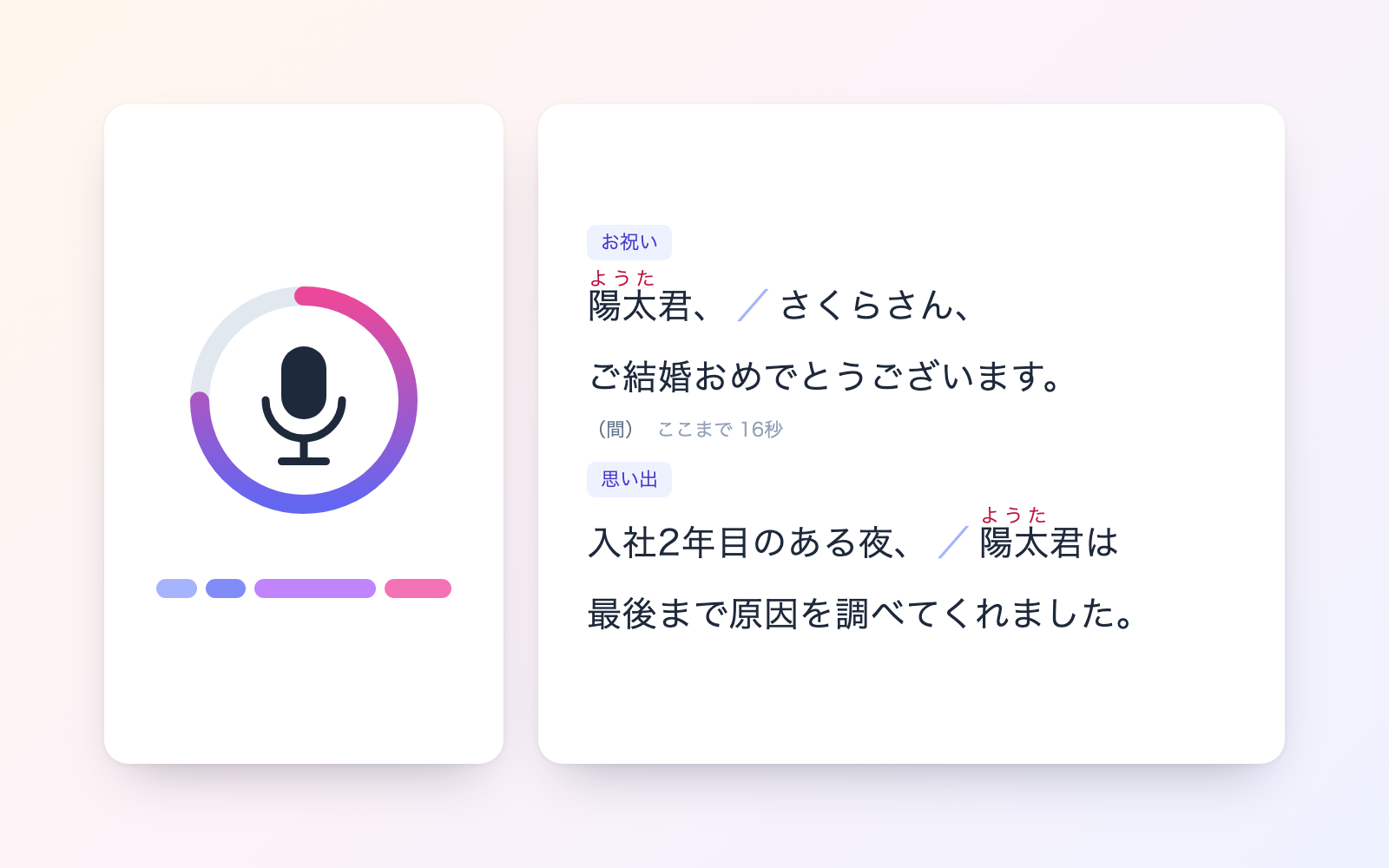
 Ceremony Speech & Greeting KitFree
Say the occasion and length, get a read-aloud script and a clean copy
shuto-shinoda2026/10/29
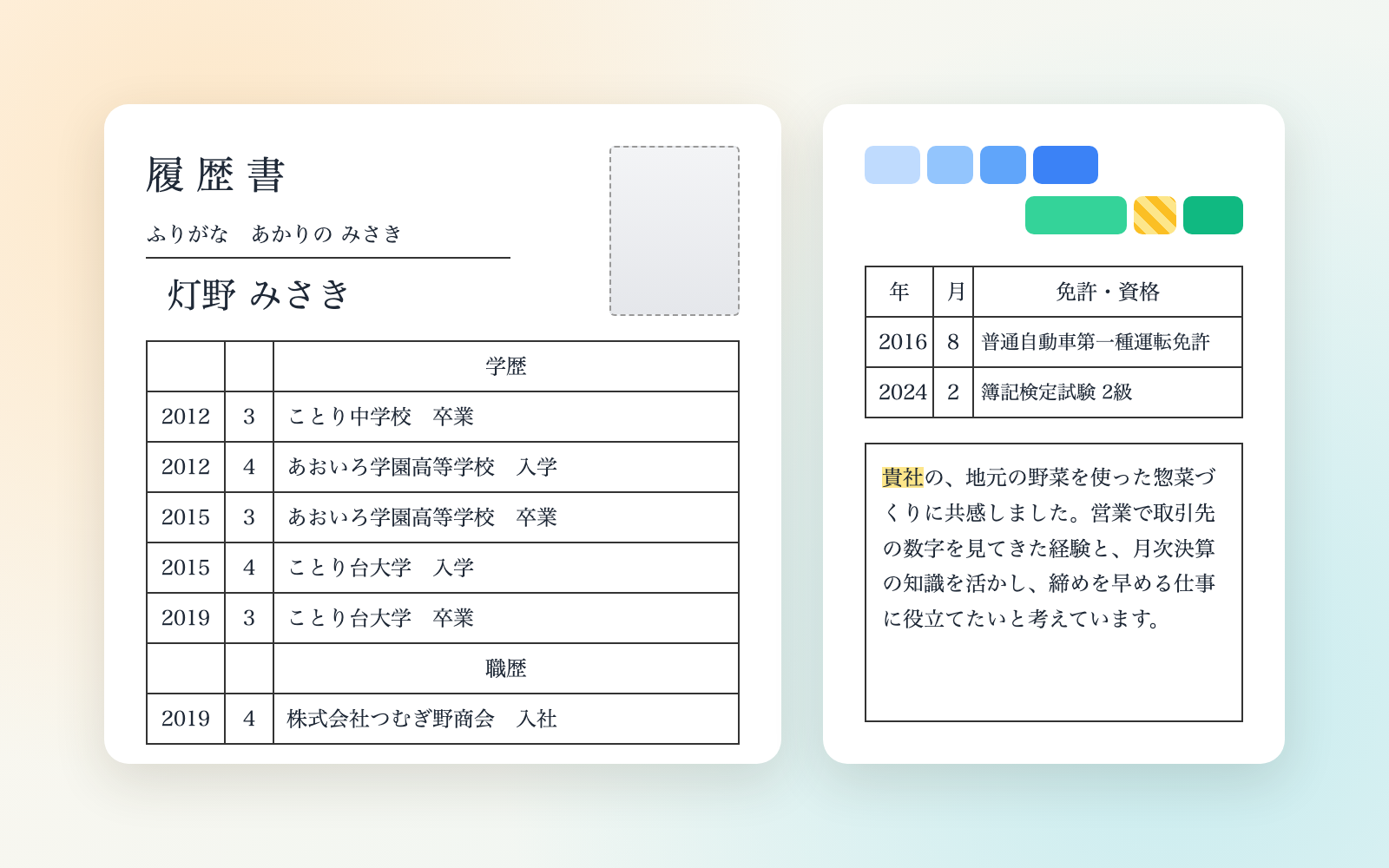
 Resume & Work History KitFree
Tell it your history, get a resume tailored to each employer
shuto-shinoda2026/10/29