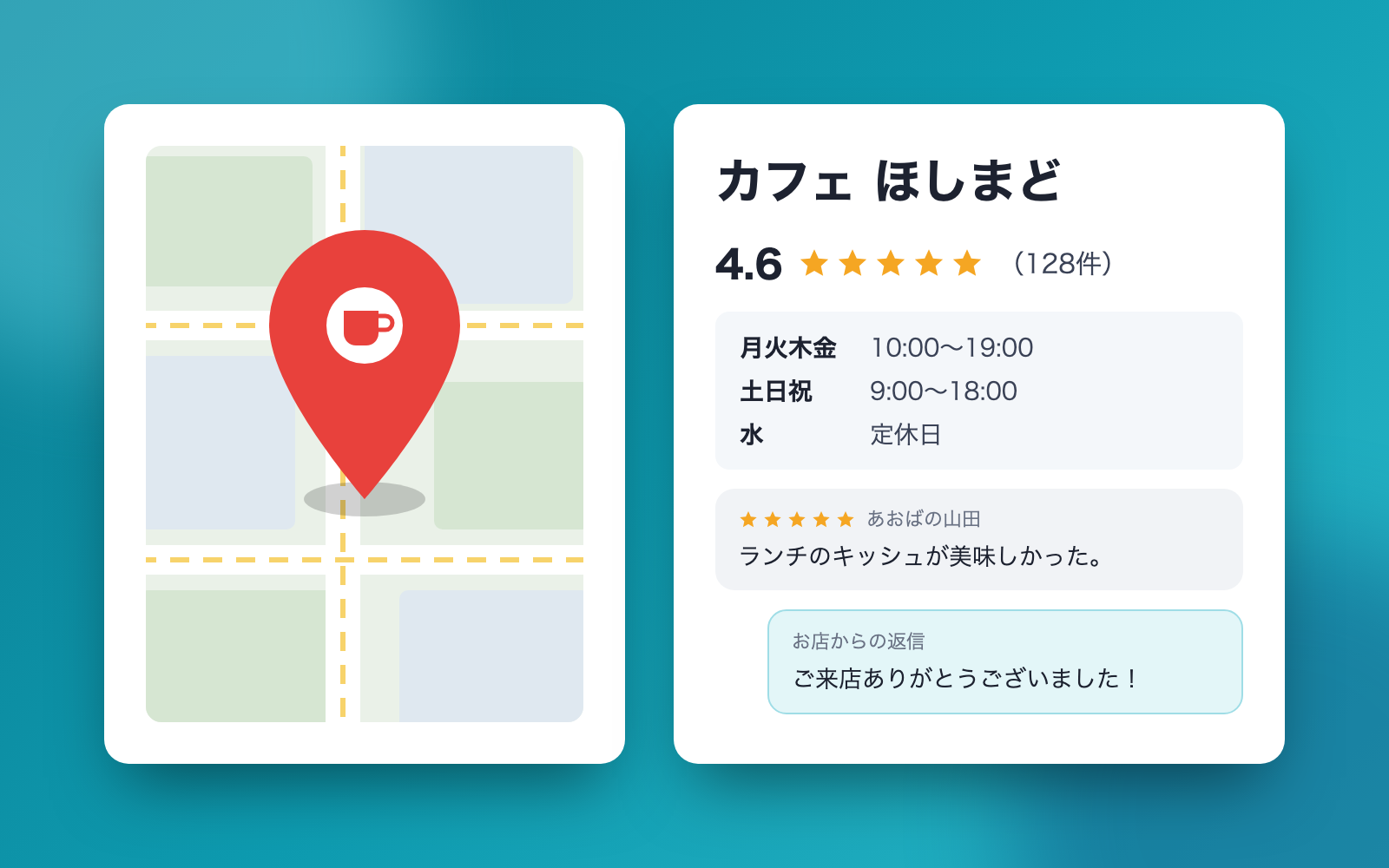
Store Listing Info Kit is a vibe coding kit for Claude Code and Codex. Checks store listing mismatches and review-reply wording. It includes 12 fixes for pitfalls the maker hit in real work. Free.
When this helps
Map listings, your site, and other pages show different hours or addresses, so customers show up on a closed day
What it does
Pulls store info shown on map search (name, address, phone, hours, days off) into one ledger, then finds mismatches against your own site, referral pages, and the map listing. It normalizes full/half-width characters and hyphens, two-shift hours, and circle/cross clinic-hour tables before comparing, and never reads reception hours next to a phone number or placeholder numbers as store hours. Reviews are sorted into good/neutral/poor, and reply and post drafts are checked before you publish for things to fix or double-check, such as incentive-for-review wording or personal info. Monthly numbers are also rolled up and compared to the previous month.
The fixes baked into this kit
- Address in the legal-notice page and the ledger looked off by one digitTreated the 4th number as a room number and compared only the building's address
- A listing's “株式会社” (Inc.) in the name was flagged as an unapproved additionDifferences that are only in the legal entity type are now a thing to double-check, not an automatic mismatch
- Reception hours next to a phone number were compared as store hoursHours written right next to a phone number or a phone heading are no longer read as store hours
- A placeholder phone number in a form field was compared as the store's numberPlaceholder and sample numbers (like 090-1234-5678) are no longer read as a real phone number
- Descriptive text after the address on a referral page got pulled into the building nameBuilding names now stop at building-like words (building, floor, room number)
- The Monday closing in “Mondays, 2nd/4th Sundays” was missedSplits on commas so weekly days off and “Nth Sunday” are read separately
- A cafe page's hours gave Monday two different time rangesThe hours written with a weekday name now take priority over the hours without one
- A day name after “Closed:” and a yen-sign entity were missed or misreadAllows a colon after the heading, and reads common HTML entities correctly
- A clinic's page came out garbledNow checks the page's character encoding before reading it
- A calendar line “23rd (Wed, holiday) closed” was read as “closed every Wednesday”Lines with a specific date are no longer read as a recurring weekday rule
- A reception-hours table without circle/cross marks could not be readCircle/cross tables are read day by day; tables without those marks are reported as unreadable instead of guessed
- An account name's “[Official]” was flagged as an unfilled placeholderOnly fixed placeholder words (like [store name], [your name]) are now treated as unfilled
What's inside
- Pulls store info into one ledger and checks it against the sign name
- A tool that finds mismatches between your site, referral pages, and the map listing
- A way to normalize and compare full/half-width characters, weekday hours, and circle/cross clinic-hour tables
- A tool that sorts reviews into good/neutral/poor and flags personal info or AI-prompt-like text
- A check on reply/post drafts before you publish, for things to fix or double-check
- A tool that rolls up monthly numbers and compares them to the previous month
- Copy-paste-ready pages with a Copy button for each item
- A fictional cafe sample you can try right away
File list (40)
- .gitignore
- AGENTS.md
- CLAUDE.md
- KIT.md
- NOTES.md
- data/README.md
- output/README.md
- rules/CHECK.md
- rules/FLOW.md
- rules/LAW.md
- rules/PROMPTS.md
- rules/SPEC.md
- rules/TONE.md
- samples/sample-map-listing.txt
- samples/sample-posts.json
- samples/sample-replies.json
- samples/sample-reviews.csv
- samples/sample-shop.json
- samples/sample-site/access.html
- samples/sample-site/news.html
- samples/sample-stats/stats-2026-08.csv
- samples/sample-stats/stats-2026-09.csv
- tools/compare.mjs
- tools/lib/check.mjs
- tools/lib/compare.mjs
- tools/lib/csv.mjs
- tools/lib/extract.mjs
- tools/lib/hours.mjs
- tools/lib/paste.mjs
- tools/lib/paths.mjs
- tools/lib/result.mjs
- tools/lib/reviews.mjs
- tools/lib/rules.mjs
- tools/lib/run.mjs
- tools/lib/shop.mjs
- tools/lib/stats.mjs
- tools/lib/text.mjs
- tools/lib/xlsx-read.mjs
- tools/lib/xlsx-write.mjs
- tools/lib/zip.mjs
The first three decisions
- Which store (the name on the sign/business card and the trade)
- The correct store info (address, phone, hours, days off)
- What to do today (find mismatches / reply to reviews / posts / monthly numbers)
What you need
- No extra costNode.js 18 or newerTo run the tools. Nothing else to install
- No extra costExcel or NumbersTo view the mismatch list, review checks, and monthly numbers. Numbers (free) works too
How to use
Just paste this into your AI.
I want to use the nice to have kit "Store Listing Info Kit". Follow https://nicetohave.app/en/g/JQPSUP7S-•••••••••• and set it up.
Works the same in Claude Code or Codex.
Read what this tells your AI to do, before you paste it
If you would rather take the files yourself
Paste the line above and your AI fetches it. If your AI cannot fetch it, or you would rather download it yourself, start here.
- Unpack the zip you downloaded
- Open the resulting folder in Claude Code or Codex (in VS Code, "Open Folder")
- Type "start building with this kit". The instructions are inside (Claude Code reads
CLAUDE.md, Codex readsAGENTS.md)
FAQ
- Does it post to the map service directly or pull reviews from it?
- No. The kit never logs in to the map service and doesn't connect to the internet. You give it exported files or paste in reviews and numbers, and you publish replies, posts and store info yourself from the management screen.
- Can it compare pages that show business hours as an image?
- It can't read text inside images (photos of signs or menus, or hours tables saved as images). In that case you tell it the hours, and you compare them with the ledger by eye together.
- How do I enter closures like "closed every 2nd Tuesday" or "no afternoon appointments"?
- These can't be expressed as per-weekday hours, so enter them as special hours by date (for the next few months). Year-end, summer and one-off closures are entered by date the same way.
- Can it remove a negative review that isn't true?
- The kit doesn't decide whether a review is false; it asks you. Removal is up to the map service, and you file the report yourself. It does not recommend arguing back in a reply to a review that isn't accurate.
- When our hours change, where should I start updating?
- Update the ledger first, then go ledger → map listing → your own website, so no mismatches are left behind. For the ledger, just say what changed and only that part is updated; the previous version is kept as a backup.
Reviews
This is your kit. You can also see its reviews on your page.
No reviews yet. Be the first to say something.
Supporters
Once support opens, the people who backed this kit will be listed here.
- Publisher
 shuto-shinoda
- Published
- 2026/10/14
- Price
- Free
- Category
- Delegate work
- Personal data
- Handled
- Security review
- Needed (depends what you handle)
- What's inside
More kits
shuto-shinoda2026/10/16
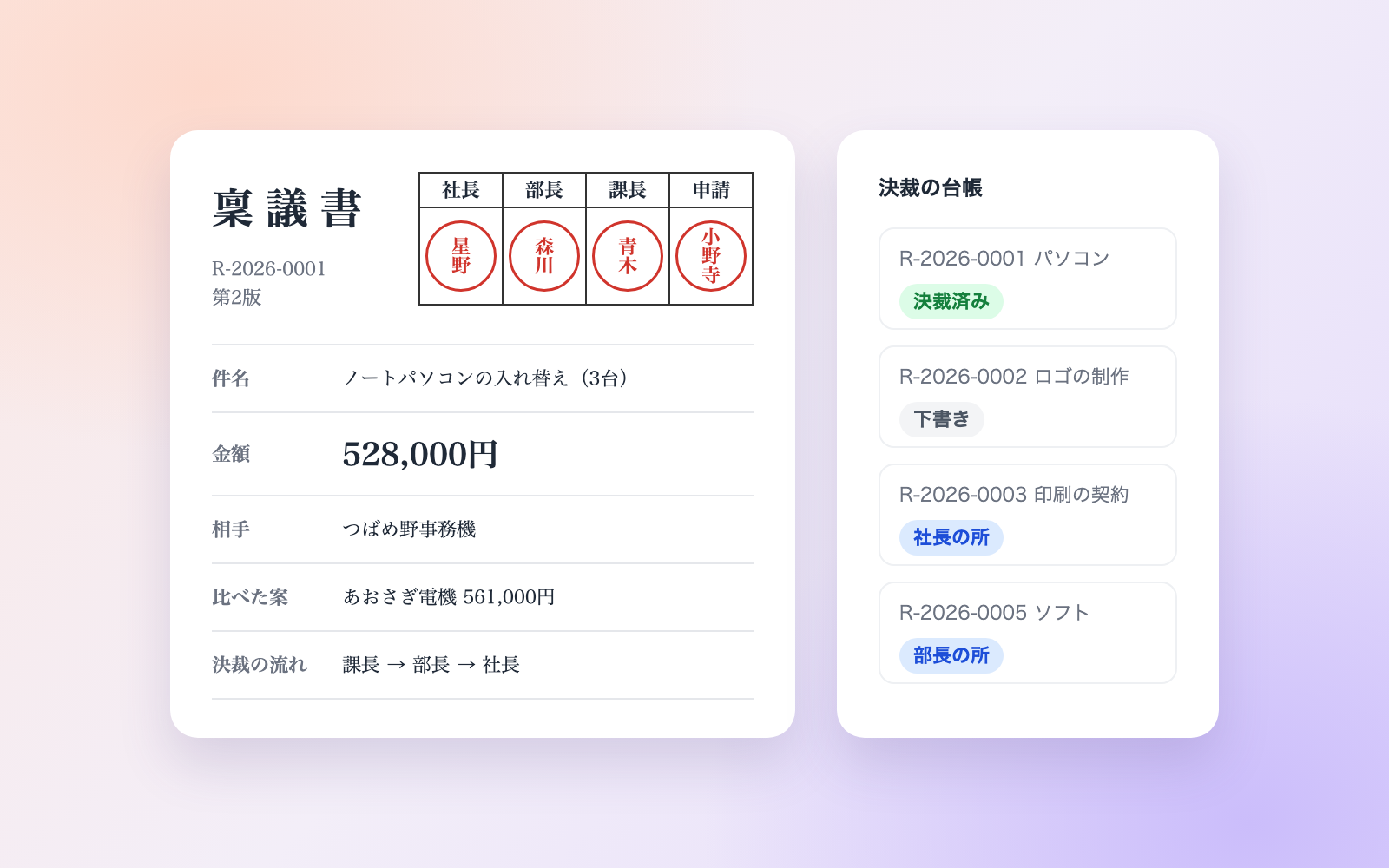
 Internal Approval & Ringi KitFree
Builds approval tables and ringi drafts, checks them, and keeps an approval ledger
shuto-shinoda2026/10/16
Internal Approval & Ringi KitFree
Builds approval tables and ringi drafts, checks them, and keeps an approval ledger
shuto-shinoda2026/10/16
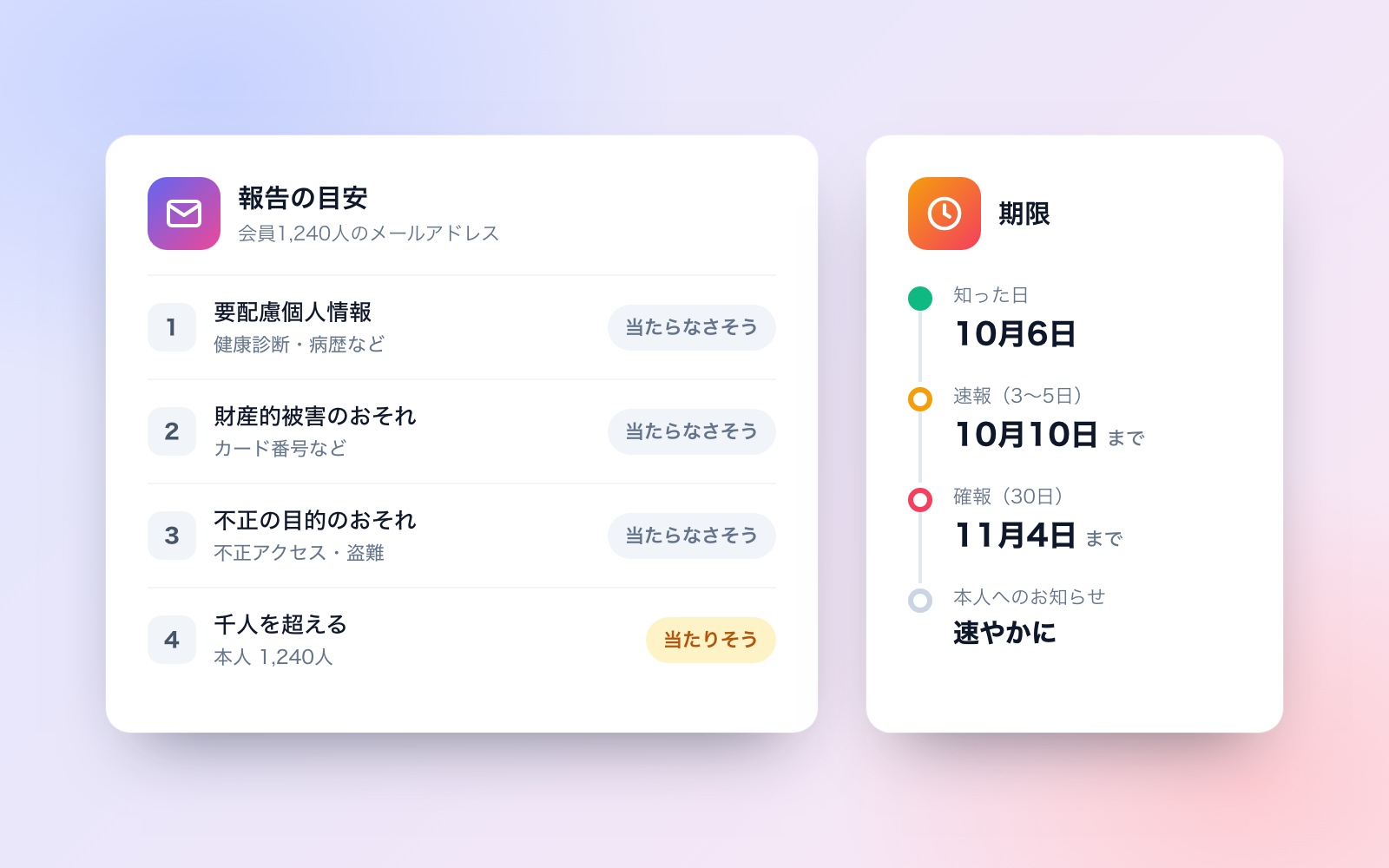
 Personal Data Breach Report KitFree
Drafts report guidance, deadlines and notices for a data breach
shuto-shinoda2026/10/16
Personal Data Breach Report KitFree
Drafts report guidance, deadlines and notices for a data breach
shuto-shinoda2026/10/16