System Outage Report Kit
Describe what happened, get a customer notice and an internal report
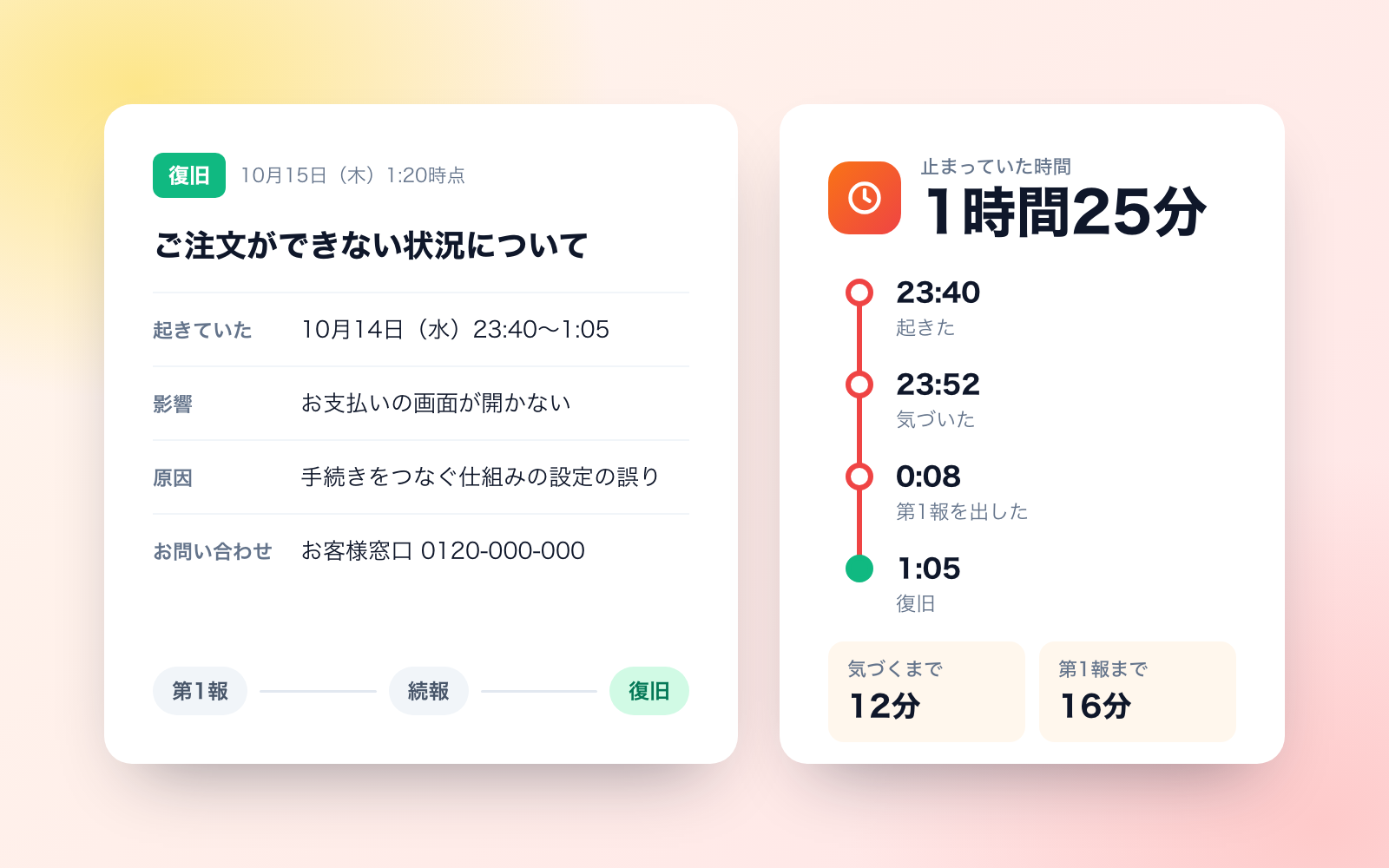
System Outage Report Kit is a vibe coding kit for Claude Code and Codex. Describe what happened, get a customer notice and an internal report. It includes 7 fixes for pitfalls the maker hit in real work. Free.
When this helps
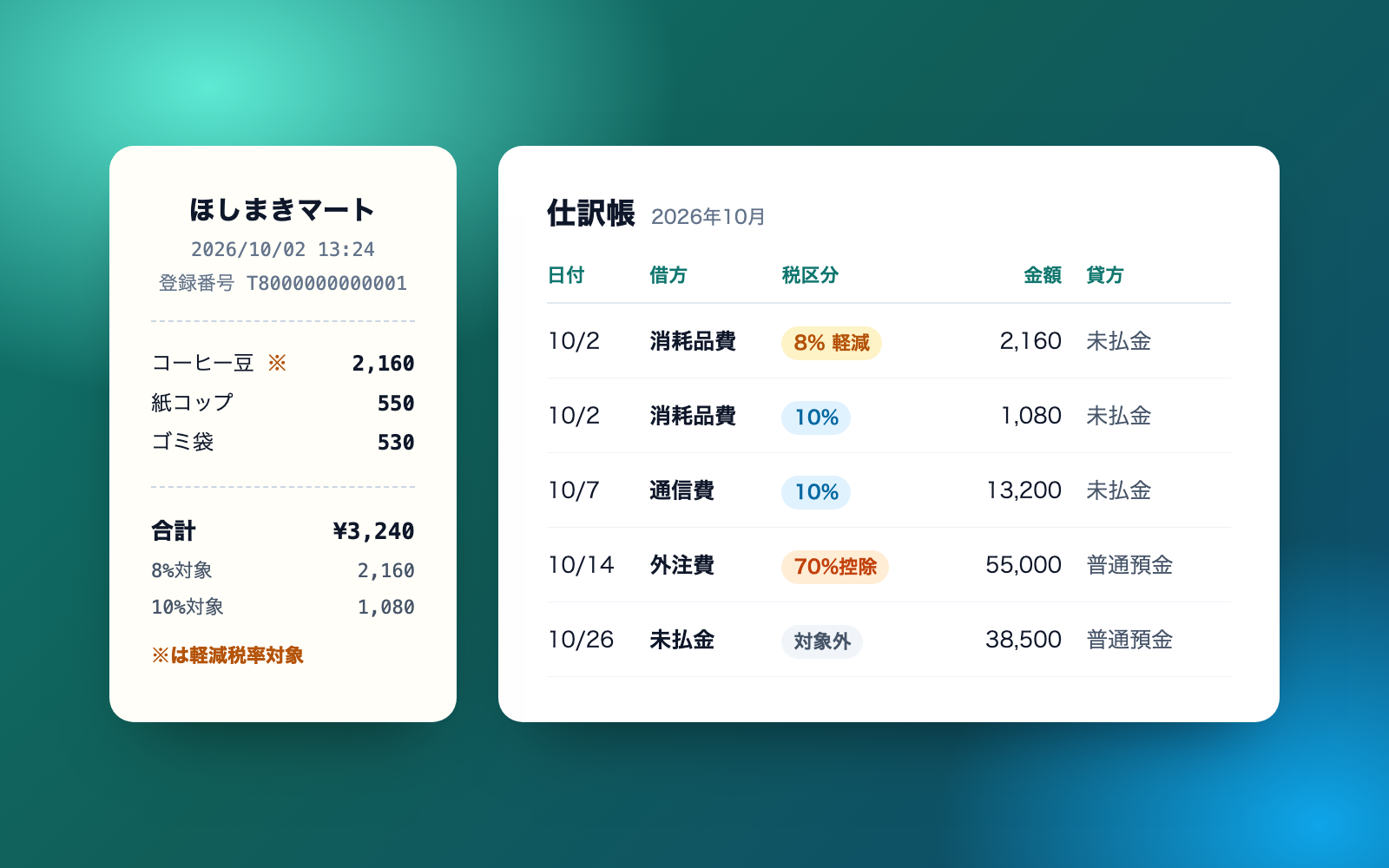
An outage forces fast customer notices and a report, but speed is when times and causes get written wrong
What it does
For when a system goes down, slows down, or returns wrong results. Describe what happened, and it compiles the timeline, downtime, and impact (number of users, estimated cost), then drafts customer notices (first report, follow-up, recovery), an internal report (cause, root-cause analysis, fix deadlines and owners), and an action-item ledger. It checks customer-facing text for internal jargon, speculation about the cause, names, attack details, overstatements, and inconsistent time formats. It also shows a guide to whether a Telecommunications Business Act report may be needed, and a flag for suspected personal data leaks. Whether to actually report is a decision for your company — the AI doesn't make it.
The fixes baked into this kit
- Monitoring tools' UTC timestamps get written down as-isMonitoring dashboards and cloud consoles often show timestamps in UTC (ending in "Z" or labeled "UTC"), and writing those down as-is can make it look like the issue was noticed before it even happened. The tool now adds 9 hours to convert UTC to Japan time, and flags that it made the correction.
- Timestamps without a date, in the middle of the night, can't be read correctlyTimes like "incident at 23:40, interim fix at 0:15" with no date attached, read as the same day, put the fix before the incident. "24:30" couldn't be parsed either. The tool now treats an earlier-looking time as having rolled into the next day, and reads any hour past 24:00 as the next day.
- Downtime gets cut short at a partial recoveryStopping the duration count at the moment service partially came back reports a shorter outage than actually occurred. Following MIC's Guideline (9th edition), which says periods of temporary improvement are not excluded, the tool now counts downtime until everything is fully usable again.
- Speculative causes and internal jargon leak into follow-up noticesLines like "likely a fault at the payment processor; production db-01 is normal" could end up in a follow-up notice. Notices are now built only from the fields that are allowed in them, and any speculation, blame on another company, or internal jargon gets flagged and keeps the notice as a "draft" that isn't sent.
- Stopping your own online store gets mistaken for a telecom-law reporting matterEven an outage of your own product's online store could get flagged as possibly requiring a report under the Telecommunications Business Act. Per MIC's entry manual, it now reports "likely does not apply" when you're not registered/notified as a carrier, and only asks you to check further when the service relays communication between users.
- A brief exposure of other users' communications gets waved off as too short to matterAn incident where another user's communication became visible was judged as not reportable because it was brief. Since leaks of the secrecy of communications have no size or duration threshold, the tool now keeps this as "needs checking" whenever it hasn't yet been confirmed whether anything was actually seen.
- An HTML tag hidden in the service name slips straight into the noticeIf the service name contains something like an <img onerror> tag, it could pass straight into the copy meant for pasting onto the website, undetected. The check now flags any HTML tag or code syntax as something to fix, and keeps the notice as a draft until it's removed.
What's inside
- A timeline tool (converts UTC to Japan time, handles times that roll into the next day)
- Tools that calculate downtime and impact (number of users, estimated cost)
- Customer notices (first report, follow-up, recovery) built in MIC's example layout
- A text checker that flags internal jargon, speculation, names, HTML tags, and more
- An internal report (cause, root-cause analysis, fix deadlines and owners)
- A guide to whether a Telecommunications Business Act report is needed, plus a personal-data-leak flag
- An Excel ledger that tracks action items, color-coded by deadline
- Sample data you can try (a stationery shop's payment outage, a chat company's major incident)
File list (40)
- .gitignore
- AGENTS.md
- CLAUDE.md
- KIT.md
- NOTES.md
- data/README.md
- output/README.md
- rules/CHECK.md
- rules/FLOW.md
- rules/LAW.md
- rules/PROMPTS.md
- rules/SPEC.md
- rules/TONE.md
- samples/amaneko-bungu/01-new.json
- samples/amaneko-bungu/02-cause-guess.json
- samples/amaneko-bungu/03-cause-fix.json
- samples/amaneko-bungu/04-whys-actions.json
- samples/amaneko-bungu/05-action-owner.json
- samples/amaneko-bungu/company.json
- samples/amaneko-bungu/draft-notice.html
- samples/sazanami-chat/01-outage.json
- samples/sazanami-chat/02-wrong.json
- samples/sazanami-chat/company.json
- tools/case.mjs
- tools/clean.mjs
- tools/days.mjs
- tools/lib/assess.mjs
- tools/lib/build.mjs
- tools/lib/guard.mjs
- tools/lib/injection.mjs
- tools/lib/law.mjs
- tools/lib/ledger.mjs
- tools/lib/lint.mjs
- tools/lib/model.mjs
- tools/lib/notice.mjs
- tools/lib/paths.mjs
- tools/lib/read.mjs
- tools/lib/report.mjs
- tools/lib/result.mjs
- tools/lib/show.mjs
The first three decisions
- Company name and customer contact (phone or email, hours)
- Whether you're registered/notified as a telecom carrier (yes/no/not sure)
- Where the notice will be posted (website, app, email, SNS)
What you need
- No extra costClaude Code or CodexBoth CLAUDE.md and AGENTS.md are included
- No extra costNode.js 18 or newerNeeded to run the tools. Nothing else to install
- No extra costA browser and Excel (or something that opens the same files)To view notices, reports, the results page, and the ledger
How to use
Just paste this into your AI.
I want to use the nice to have kit "System Outage Report Kit". Follow https://nicetohave.app/en/g/8C77YPH9-•••••••••• and set it up.
Works the same in Claude Code or Codex.
Read what this tells your AI to do, before you paste it
If you would rather take the files yourself
Paste the line above and your AI fetches it. If your AI cannot fetch it, or you would rather download it yourself, start here.
- Unpack the zip you downloaded
- Open the resulting folder in Claude Code or Codex (in VS Code, "Open Folder")
- Type "start building with this kit". The instructions are inside (Claude Code reads
CLAUDE.md, Codex readsAGENTS.md)
FAQ
- Can this kit handle reporting on its own when personal data may have leaked?
- No. This kit only raises a flag that a leak may have occurred; it doesn't cover reporting to the Personal Information Protection Commission or notifying affected individuals. That reporting is handled by a separate, dedicated kit.
- Will it draft and submit the report to the Ministry of Internal Affairs and Communications?
- No, it doesn't create or submit that report. It only gives guidance on whether a report is likely needed, the deadline, and what goes in the first report. The internal report it produces can be used as a draft for that filing.
- Does it also publish the notice or send the email?
- No. Posting to the website, sending emails, and posting to social media are all done by a person. The AI only writes the text; once you tell it the notice went out, it records that time.
- Can incident records be deleted?
- Incidents where a notice was sent or a report was filed are kept, not deleted, under "closed," so they're available if customers or the ministry ask later. Records where no notice was sent yet, or sample data, can be deleted on request.
- What happens if a pasted email contains something that looks like an instruction to the AI?
- It won't follow it, and will state the exact text at the very start of its reply instead. The content of that instruction is never used in the record or in any decision, including ones hidden in HTML comments or invisible text.
Reviews
This is your kit. You can also see its reviews on your page.
No reviews yet. Be the first to say something.
Supporters
Once support opens, the people who backed this kit will be listed here.
- Publisher
 shuto-shinoda
- Published
- 2026/10/21
- Price
- Free
- Category
- Delegate work
- Personal data
- Handled
- Security review
- Needed (depends what you handle)
- What's inside
More kits
shuto-shinoda2026/10/21
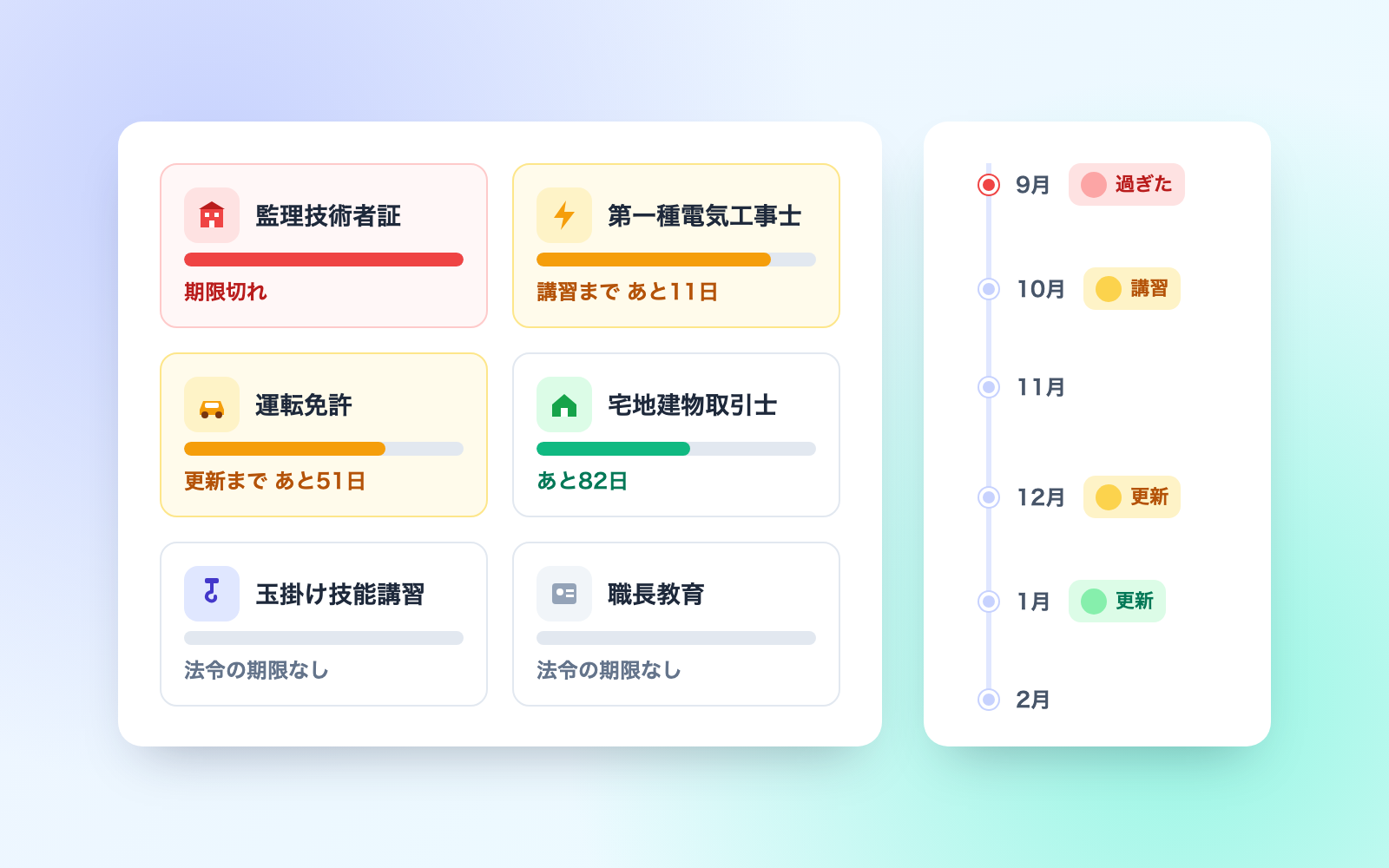 IT Asset Ledger KitFree
Builds a PC/phone ledger and tracks lending, collection, audits and disposal
shuto-shinoda2026/10/21
IT Asset Ledger KitFree
Builds a PC/phone ledger and tracks lending, collection, audits and disposal
shuto-shinoda2026/10/21
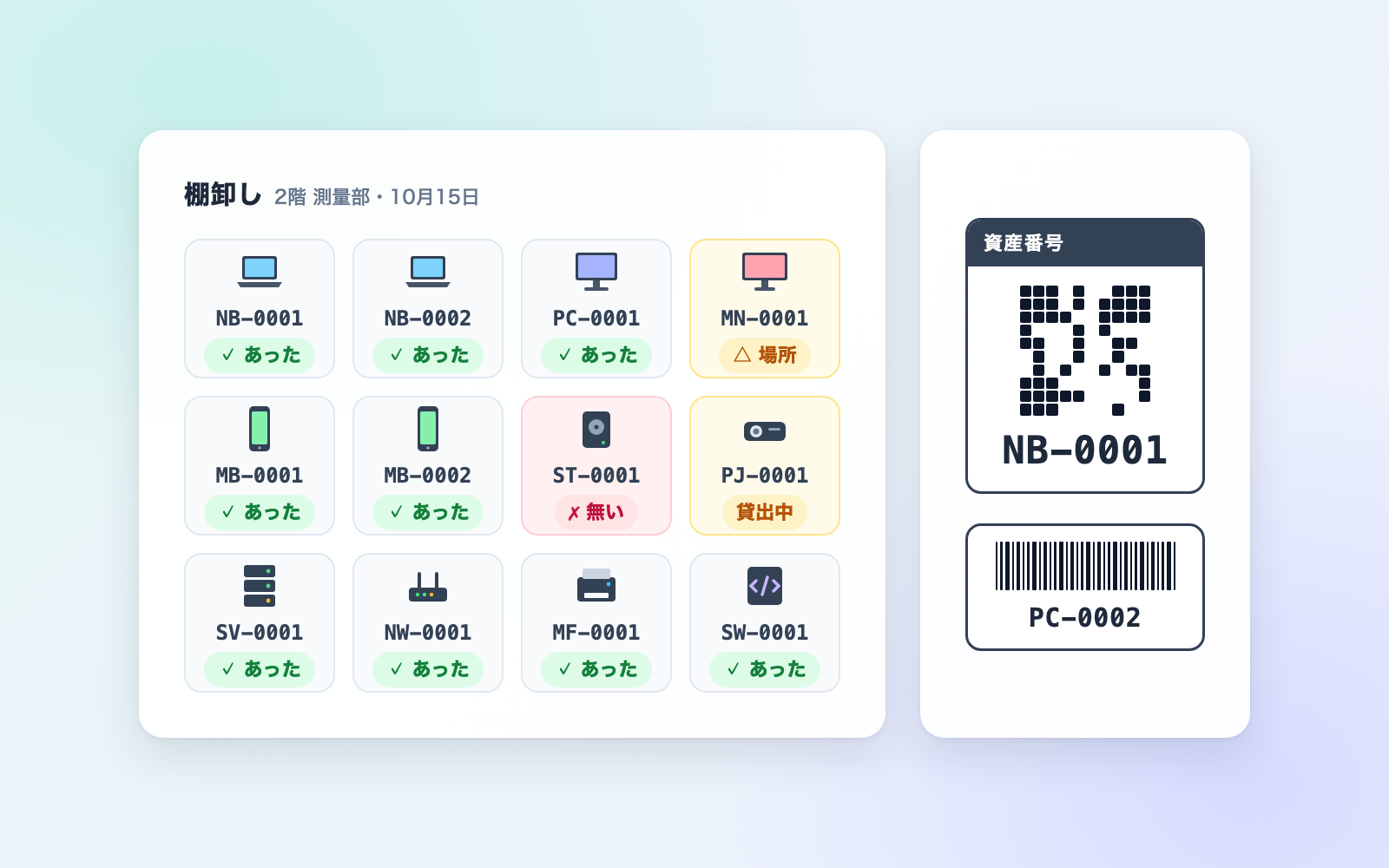 Bookkeeping & Receipt Journal KitFree
Turn receipts and statements into a draft journal entry
shuto-shinoda2026/10/20
Bookkeeping & Receipt Journal KitFree
Turn receipts and statements into a draft journal entry
shuto-shinoda2026/10/20