Outsourcing Contract & Order Kit
Turns agreed terms into a contract and order, and watches payment due dates
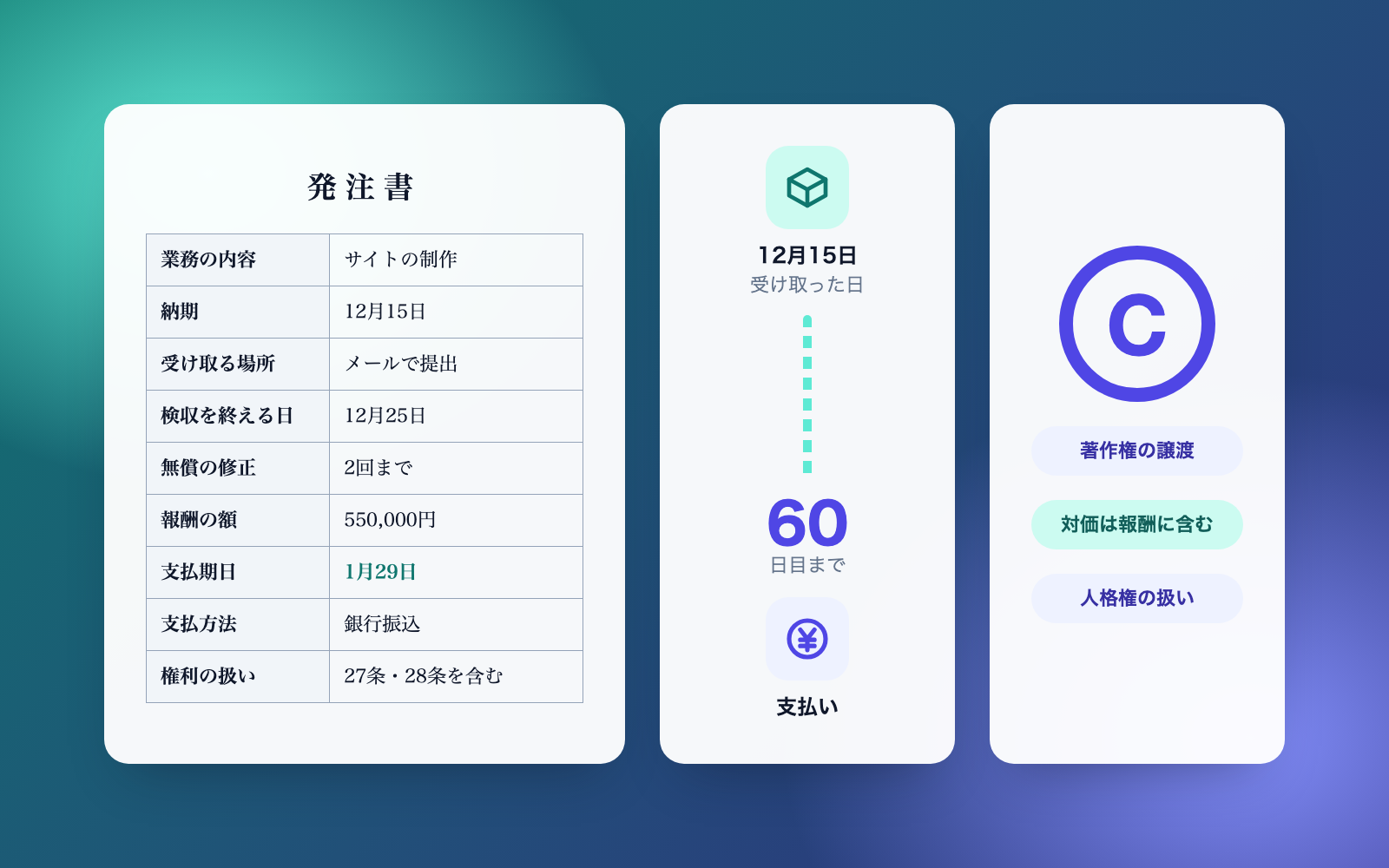
Outsourcing Contract & Order Kit is a vibe coding kit for Claude Code and Codex. Turns agreed terms into a contract and order, and watches payment due dates. It includes 7 fixes for pitfalls the maker hit in real work. Free.
When this helps
Outsourcing design or social media work, contracts get postponed, and payment-date wording alone can break the law
What it does
When you outsource (or take on) web production, ongoing site maintenance, social media management, video editing or design, this builds a master outsourcing agreement, a purchase order and an email-ready terms notice from the terms you describe. It checks for missing required disclosures under Japan's Freelance Act, whether the payment date exceeds 60 days, prohibited acts, the 30-day cancellation notice, whether the Subcontract Act applies, and signs of disguised employment -- keeping documents as a "draft" until fixed. It logs sent, received and paid events and tracks payment due dates. It can also review purchase orders you already use (read-only). Deciding whether the law applies is up to you.
The fixes baked into this kit
- Payment terms still said "within X days"The JFTC pamphlet's examples show that wording like "within 90 days" or "by such a date" doesn't count as a fixed payment date, so it now flags anything that isn't a specific date or a "closing day / payment day" pattern.
- Day 60 was counted one day latePer the official guidance, the day goods are received counts as day one. The tool had been counting from the following day, making day 60 land a day late. Fixed, with a self-test checking that day 60 passes and day 61 fails.
- A "close on the 20th, pay end of next month" term exceeded 2 monthsMonthly-cutoff payment terms are treated as due within 2 months of receipt. Any cutoff where goods received the day after the cutoff would exceed that (e.g. closing on the 20th) is now tested against the latest possible receipt date and flagged.
- Orders that pushed the transfer fee onto the recipient went unflaggedPer Q99 of the official text, deducting the bank transfer fee from the recipient's payment counts as an underpayment even with agreement, so orders with the recipient bearing that fee are now flagged.
- Subcontract Act applicability was judged on capital alonePer Q43 of the official text, outsourcing your own company website only counts if you also produce the same thing in-house. The check had been triggering on capital size alone; it now also looks at how the work is used.
- Running its own contract through its own review misfiredRunning a contract it had drafted through its own check, it misread "exclusive jurisdiction clause" as an exclusivity restriction and wrongly flagged it as a sign of disguised employment. Fixed.
- Couldn't read amounts or on-site conditions from job listingsListing phrasing like "fixed fee: ¥5,000-10,000" or "on-site 5 days a week" wasn't being parsed, so amounts now read as the higher end of a range, and only phrasing that makes on-site work mandatory counts toward the disguised-employment flag (not "on-site welcome").
What's inside
- Master outsourcing agreement (individual deals, copyright, cancellation notice, etc. -- Word and print-ready)
- Purchase order and an email-ready terms notice, covering every item the law requires to disclose
- Checks run every time you draft: the 60-day payment rule, missing disclosures, Subcontract Act and disguised-employment flags
- A deal ledger (Excel) tracking payment dates, flags and history
- Logging of sent / received / paid events, with payment-due tracking
- Review of purchase orders and contracts you already use (Word, text, HTML -- read-only)
- A fictional sample (a coffee shop) to try the whole flow
File list (40)
- AGENTS.md
- CLAUDE.md
- KIT.md
- NOTES.md
- data/README.md
- output/README.md
- rules/CHECK.md
- rules/FLOW.md
- rules/LAW.md
- rules/PROMPTS.md
- rules/SPEC.md
- rules/TONE.md
- samples/kirinoha-coffee/company.json
- samples/kirinoha-coffee/deal-01-web.json
- samples/kirinoha-coffee/deal-02-sns.json
- samples/kirinoha-coffee/deal-03-video.json
- samples/kirinoha-coffee/fix-02.json
- samples/kirinoha-coffee/fix-03.json
- samples/kirinoha-coffee/handwritten-order.md
- samples/kirinoha-coffee/order-01b.json
- samples/kitahara-sora/company.json
- samples/kitahara-sora/deal-01.json
- tools/check.mjs
- tools/clean.mjs
- tools/days.mjs
- tools/draft.mjs
- tools/ledger.mjs
- tools/lib/build.mjs
- tools/lib/docs.mjs
- tools/lib/docx.mjs
- tools/lib/guard.mjs
- tools/lib/injection.mjs
- tools/lib/judge.mjs
- tools/lib/law.mjs
- tools/lib/ledger.mjs
- tools/lib/paths.mjs
- tools/lib/read.mjs
- tools/lib/result.mjs
- tools/lib/show.mjs
- tools/lib/store.mjs
The first three decisions
- The partner's name, and whether they are an individual or a company
- What you're outsourcing (web production, social media, video editing, etc.)
- Amount and delivery date
What you need
- No extra costNode.js 18 or newerNeeded to run the tools. Nothing else to install.
- No extra costWord and Excel (or compatible software)Used to view the contract, order, ledger and results page.
- No extra costClaude Code or CodexEither works. Both CLAUDE.md and AGENTS.md are included.
How to use
Just paste this into your AI.
I want to use the nice to have kit "Outsourcing Contract & Order Kit". Follow https://nicetohave.app/en/g/VR5RMFKU-•••••••••• and set it up.
Works the same in Claude Code or Codex.
Read what this tells your AI to do, before you paste it
If you would rather take the files yourself
Paste the line above and your AI fetches it. If your AI cannot fetch it, or you would rather download it yourself, start here.
- Unpack the zip you downloaded
- Open the resulting folder in Claude Code or Codex (in VS Code, "Open Folder")
- Type "start building with this kit". The instructions are inside (Claude Code reads
CLAUDE.md, Codex readsAGENTS.md)
FAQ
- Can it review a contract the other party drafted?
- No. This kit only handles documents you issue yourself. For reviewing a contract the other side wrote, use the contract review kit.
- Can it create invoices or receipts?
- No. Use the invoice/receipt kit for that. This kit produces the master agreement, purchase order and terms notice.
- How is the 60-day payment deadline counted?
- The day you receive the goods counts as day one, so day 60 lands on that count. The tool outputs the date directly -- you don't need to recount it.
- Can the recipient be made to cover the bank transfer fee?
- Even with agreement, that can count as an underpayment, so it's flagged for review. Having the ordering party cover the fee is recommended.
- Can it produce an employment notice for hiring staff?
- No. For an employment contract or written notice of working conditions, use the working conditions notice kit.
Reviews
This is your kit. You can also see its reviews on your page.
No reviews yet. Be the first to say something.
Supporters
Once support opens, the people who backed this kit will be listed here.
- Publisher
 shuto-shinoda
- Published
- 2026/10/20
- Price
- Free
- Category
- Delegate work
- Personal data
- Handled
- Security review
- Needed (depends what you handle)
- What's inside
More kits
shuto-shinoda2026/10/20
 Move-Out Settlement KitFree
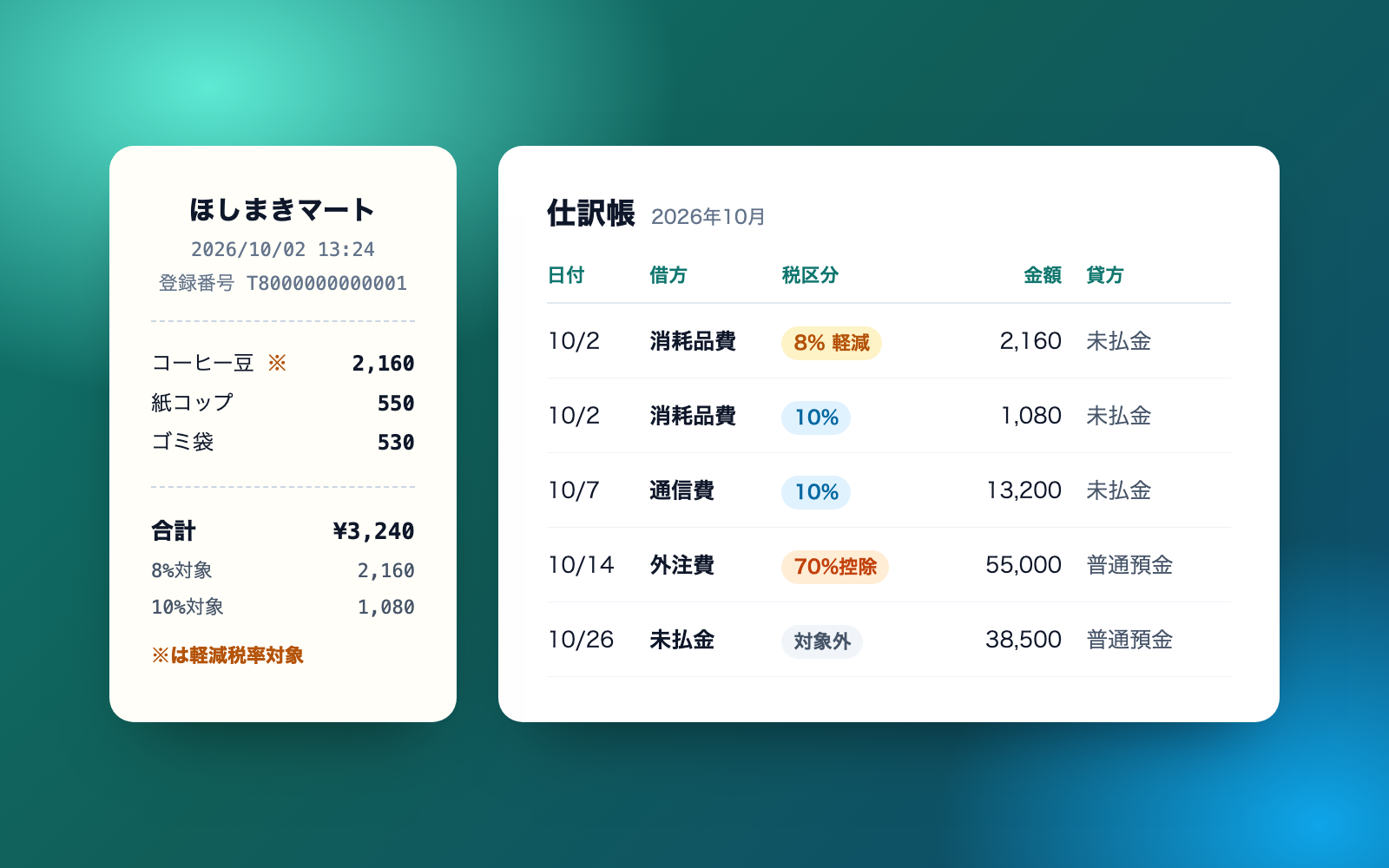
Turn a move-out walkthrough and repair quotes into a deposit settlement
shuto-shinoda2026/10/16
Move-Out Settlement KitFree
Turn a move-out walkthrough and repair quotes into a deposit settlement
shuto-shinoda2026/10/16
 Internal Approval & Ringi KitFree
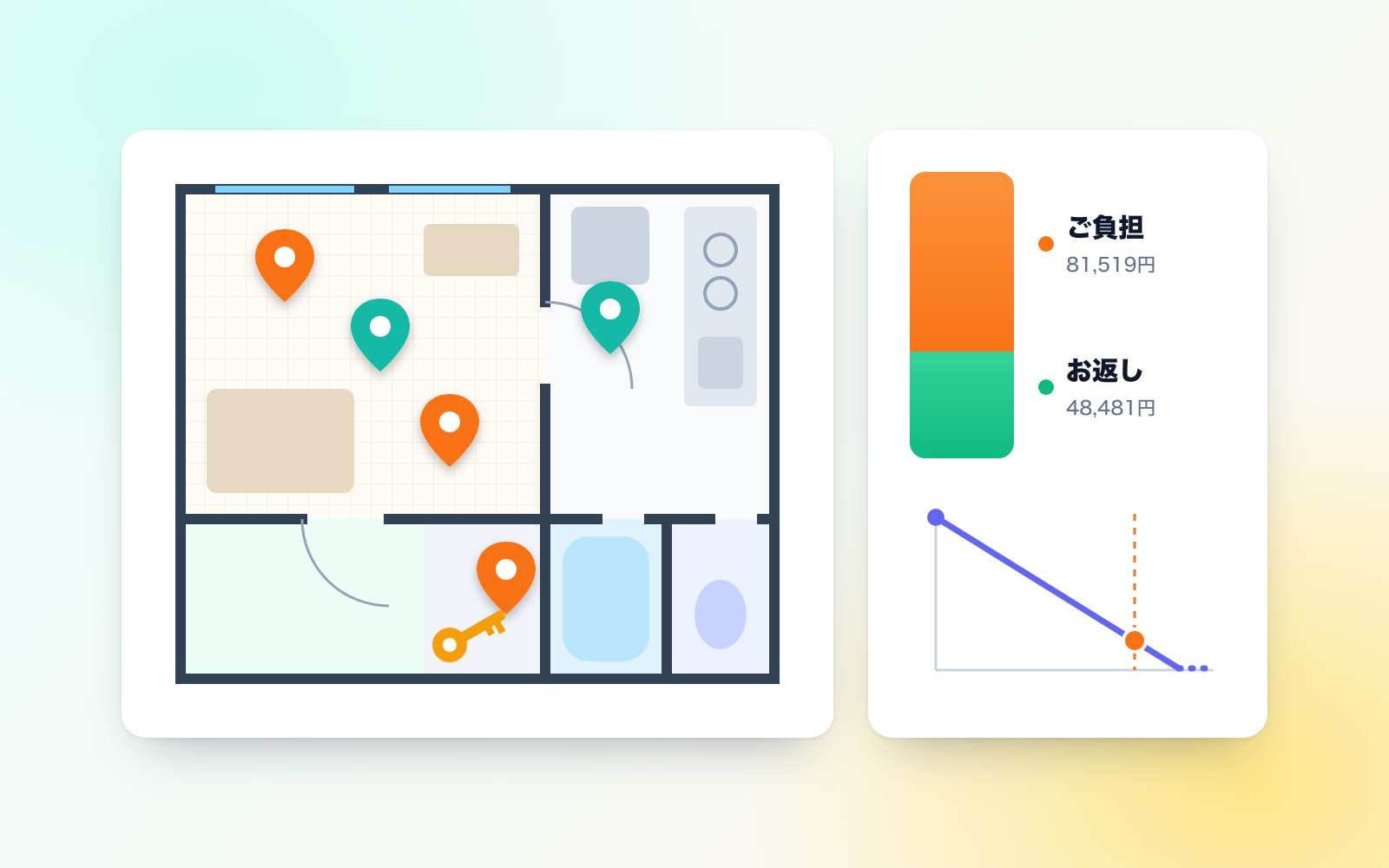
Builds approval tables and ringi drafts, checks them, and keeps an approval ledger
shuto-shinoda2026/10/16
Internal Approval & Ringi KitFree
Builds approval tables and ringi drafts, checks them, and keeps an approval ledger
shuto-shinoda2026/10/16