Service Landing Page Kit is a kit for Claude Code and Codex. Build a service landing page after measuring real ones. It includes 9 fixes for pitfalls the maker hit in real work. Free.
When this helps
When you build a page for your own service, it looks obviously AI-made
What it does
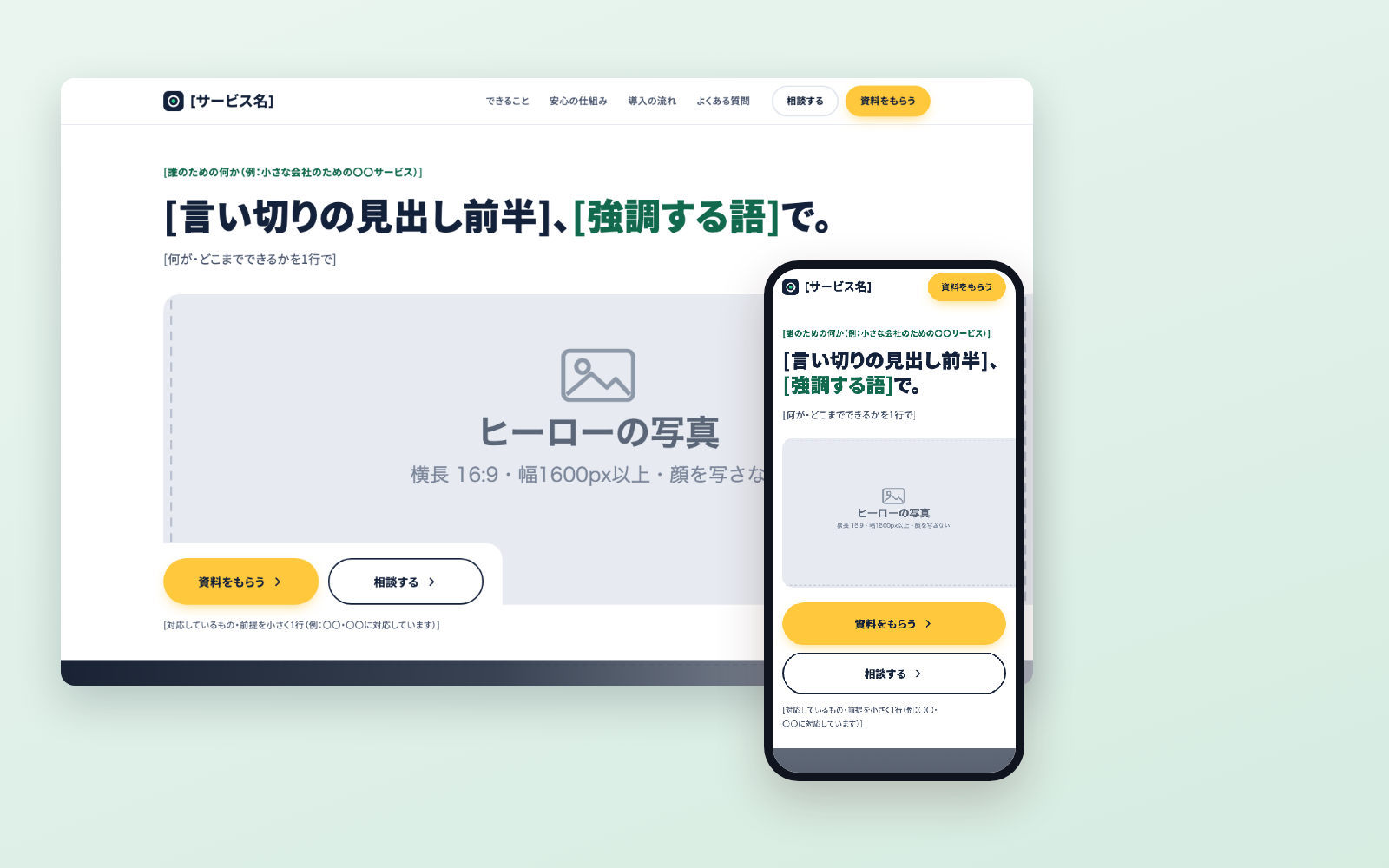
Builds a one-page landing page (LP) for your service. Before writing, it captures and measures at least five real service pages (how the hero is laid out, text per section, image share, use of colour), decides which patterns to adopt, then rewrites the template. It checks the page against a list of what makes pages look AI-made, captures it on PC and phone, and compares it side by side with the reference sites before publishing. It never invents customer counts or testimonials; anything unknown stays as a placeholder and is listed at the end.
The fixes baked into this kit
- Gradient and dot-pattern backgrounds read as AI-madeA hero with a navy gradient, dot pattern, glow and floating chips was called '100% obviously AI-made'. Switched to a white background with copy → large photo → CTA, the layout common on real SaaS pages.
- Monotonous even with little textThe page had less text than the references but was called too wordy. The cause was alternating white/grey backgrounds and rows of identical cards. Added three dark bands, varied the background per section and gave images more area.
- Skipping the analysis means starting overBoth versions built without looking at real sites had to be redone. Now it captures five or more first and counts heading length, image share and colour bands before choosing patterns.
- Full-page screenshots repeat midwayChrome repeats the same area once a capture goes past about 16,000px. Tall pages are now captured in 8,000px pieces.
- Sticky header appears in the middle of full capturesThe sticky header showed up partway down the image. It is unpinned only while capturing.
- Hidden images counted as brokenImages hidden on phones never load because of loading=lazy, so they were counted as broken. Only images actually on screen are counted now.
- Generated photos show facesEven when told not to, a clear side profile came back. Now it first makes an empty room, then uses it as a reference to add a person seen from behind.
- Image generation refused when busyThe high-quality model returned 503 (busy) repeatedly. It now retries three times, 30 seconds apart, and suggests switching models.
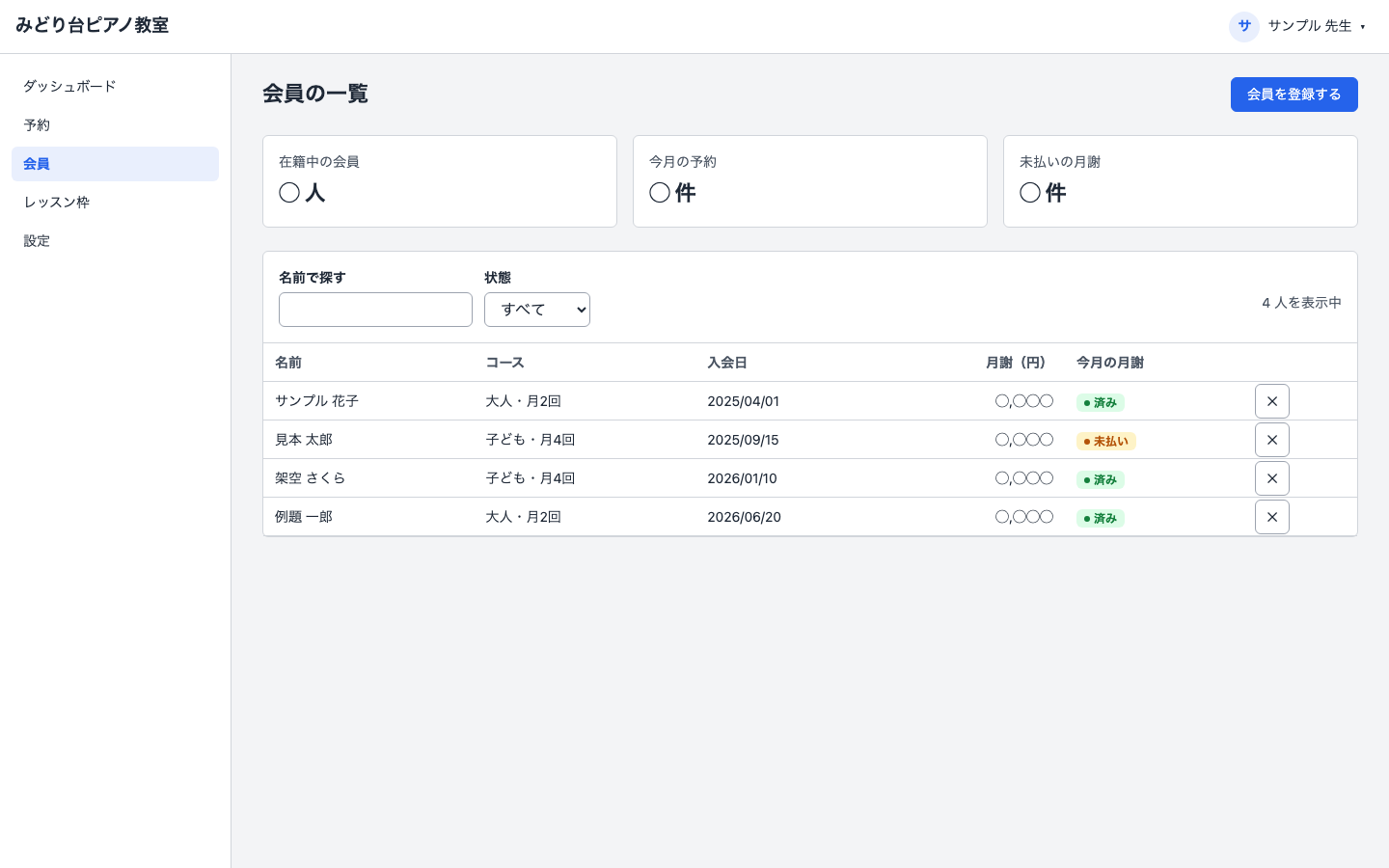
- Test data and real names in product screenshotsReview-site screens showed 'test' and 'demo' clients, names that looked real, booking IDs and 'not working yet' notices. Rules for usable screens were set, and only the part you want read is cropped.
What's inside
- An LP template you can rewrite (hero, features, safety, onboarding, FAQ, company)
- Step-by-step flow (capture and measure five sites before writing)
- What makes a page look AI-made, and how to fix it
- A tool that captures and measures reference sites on PC and phone
- A page check (horizontal scroll, broken images, placeholders left)
- A tool that lines your page up against the references
- How to ask for photos without faces, and a tool to make them
File list (30)
- .env.example
- .gitignore
- AGENTS.md
- CLAUDE.md
- KIT.md
- css/style.css
- img/ph-band-1.svg
- img/ph-band-2.svg
- img/ph-band-3.svg
- img/ph-final.svg
- img/ph-hero.svg
- img/ph-photo-a.svg
- img/ph-photo-b.svg
- img/ph-roles.svg
- img/ph-screen-1.svg
- img/ph-screen-2.svg
- img/ph-screen-3.svg
- img/ph-screen-sp.svg
- lp.html
- rules/CHECK.md
- rules/FLOW.md
- rules/PROMPTS.md
- rules/TONE.md
- tools/build.mjs
- tools/check.mjs
- tools/compare.mjs
- tools/genimg.mjs
- tools/lib/chrome.mjs
- tools/lib/measure.mjs
- tools/shoot.mjs
The first three decisions
- What the service is (whose work, what chore, how it gets easier)
- What you may and may not say (pricing, track record, company names)
- Colours (your company or service colours)
What you need
- No extra costClaude Code or CodexThe AI rewrites the page. Both CLAUDE.md and AGENTS.md are included.
- No extra costGoogle Chrome and Node.js 22+To capture reference sites and check your page. Nothing else to install.
- Extra costA Gemini API keyOnly if you want AI to make photos. Not needed if you use your own.
How to use
Just paste this into your AI.
I want to use the nice to have kit "Service Landing Page Kit". Follow https://nicetohave.app/en/g/7HMKRMW4-•••••••••• and set it up.
Works the same in Claude Code or Codex.
Read what this tells your AI to do, before you paste it
If you would rather take the files yourself
Paste the line above and your AI fetches it. If your AI cannot fetch it, or you would rather download it yourself, start here.
- Unpack the zip you downloaded
- Open the resulting folder in Claude Code or Codex (in VS Code, "Open Folder")
- Type "start building with this kit". The instructions are inside (Claude Code reads
CLAUDE.md, Codex readsAGENTS.md)
FAQ
- What does Service Landing Page Kit do?
- Builds a one-page landing page (LP) for your service. Before writing, it captures and measures at least five real service pages (how the hero is laid out, text per section, image share, use of colour), decides which patterns to adopt, then rewrites the template. It checks the page against a list of what makes pages look AI-made, captures it on PC and phone, and compares it side by side with the reference sites before publishing. It never invents customer counts or testimonials; anything unknown stays as a placeholder and is listed at the end.
- Which AI tools does it work with?
- Claude Code and Codex. Copy the one line on the kit page and paste it into your AI; it pulls in the kit and starts (copying needs a GitHub or Google sign-in).
- Does it cost anything?
- The kit is free. A Gemini API key may cost extra. The AI tool itself is billed under your own plan.
- How is this different from just asking an AI?
- It already contains the fixes for pitfalls the maker hit in real work: "Gradient and dot-pattern backgrounds read as AI-made", "Monotonous even with little text", "Skipping the analysis means starting over", "Full-page screenshots repeat midway", "Sticky header appears in the middle of full captures", "Hidden images counted as broken", "Generated photos show faces", "Image generation refused when busy", "Test data and real names in product screenshots".
- What do I decide first?
- Three things: What the service is (whose work, what chore, how it gets easier); What you may and may not say (pricing, track record, company names); Colours (your company or service colours). The AI asks them one at a time.
- Does it handle personal data?
- No.
Reviews
This is your kit. You can also see its reviews on your page.
No reviews yet. Be the first to say something.
Supporters
Once support opens, the people who backed this kit will be listed here.
- Publisher
 ohirutabeyo
- Published
- 2026/10/07
- Price
- Free
- Category
- Documents
- Personal data
- Not handled
- Security review
- 不要(問い合わせフォームは入っていません。届け先は使う人が自分のものを入れます)
- What's inside
More kits
ohirutabeyo2026/08/27
 Admin UI Tidy KitFree
Tidies up an existing admin screen so it reads clearly and works by keyboard
Admin UI Tidy KitFree
Tidies up an existing admin screen so it reads clearly and works by keyboard
 teluki08152026/10/06
 Contract Review KitFree
Hand it a contract, get flagged issues and a redline request
Contract Review KitFree
Hand it a contract, get flagged issues and a redline request
 shuto-shinoda2026/10/05