Year-End Tax Adjustment Kit
Hand it the forms, it checks and calculates year-end tax adjustment
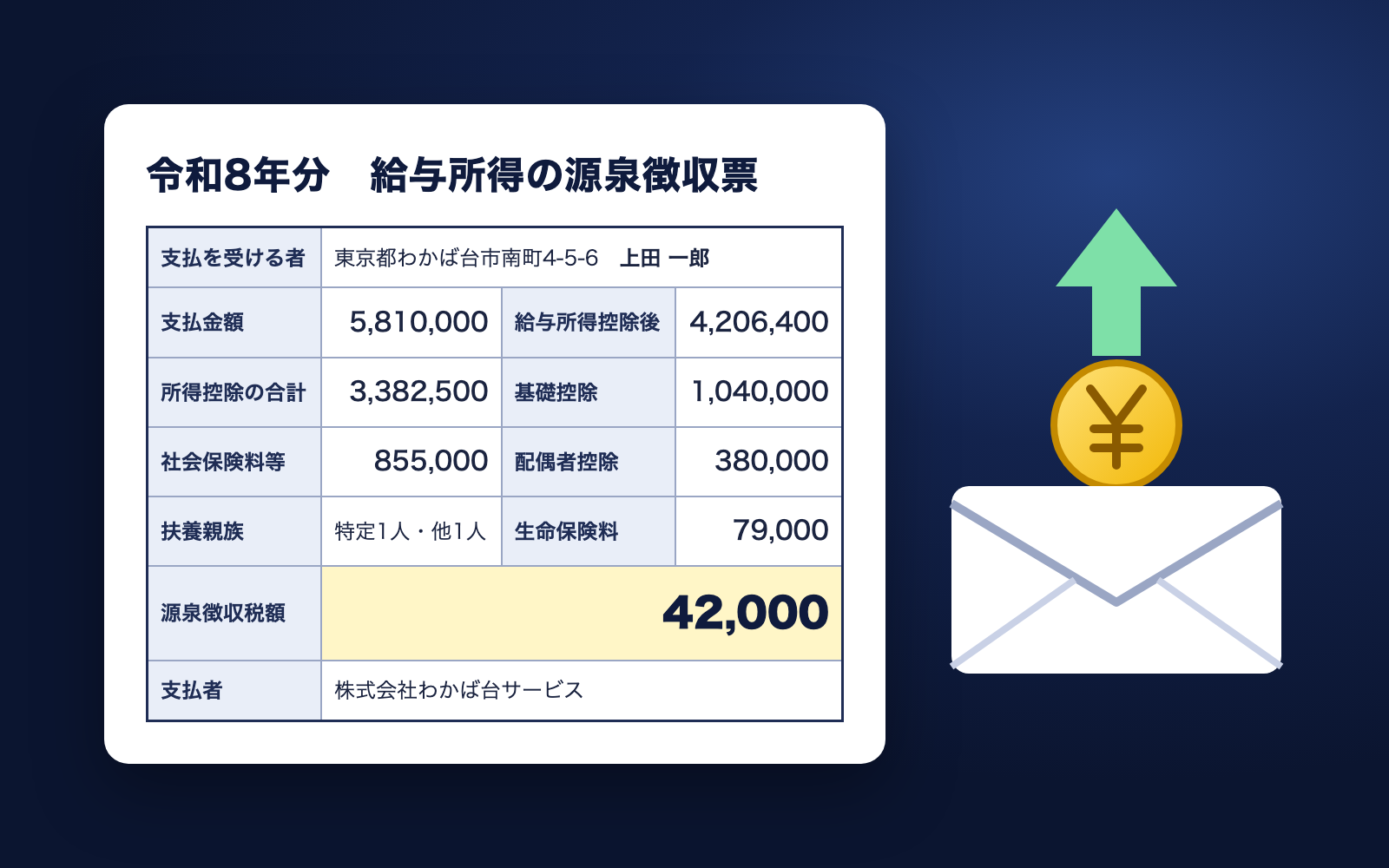
Year-End Tax Adjustment Kit is a kit for Claude Code and Codex. Hand it the forms, it checks and calculates year-end tax adjustment. It includes 9 fixes for pitfalls the maker hit in real work. Free.
When this helps
You want to run year-end adjustment, but this year's tax law changes shift the numbers for almost everyone
What it does
Hand it the submitted forms and it checks for missing forms, misclassified dependents, and any accidentally included individual number (My Number) entries, then calculates annual tax and over/underpayment following the National Tax Agency's 2026 tables. The post-deduction income table (over 1,100 rows) and the handbook's worked examples have been checked line by line against the calculation. It produces the notice and withholding statement handed to each employee, an internal withholding ledger, and a company-wide list (Excel). If a dependent's expected income changes, you can correct the input and redo it up to January 31 the following year (the notice shows only the difference from the amount already refunded). Because it handles employees' and their families' personal data, it should only be used where payroll and accounting staff can access it.
The fixes baked into this kit
- The post-deduction income table had rows that no formula could produceCross-checking the National Tax Agency handbook's table (over 1,100 rows) against the calculation turned up 3 rows no formula produces. Those rows were kept as-is and used directly
- The old/new life insurance premium cap was almost mixed upThe handbook's worked example shows the cap becomes 60,000 yen when there is a dependent under 23. The cap now changes based on dependents' ages, and it matches the worked example's tax amount exactly
- A "large refund" notice showed up for almost everyoneWithholding through November still uses the pre-reform tax tables, so almost everyone appears to get a refund. Now it only notifies when the refund exceeds the tax already withheld this year
- Gross pay included a tax-free commuting allowanceReal payslips include a tax-free commuting allowance in gross pay, so an input field for it was added and subtracted from the total
- December's settlement amount would double-count the withheld taxDecember payslips sometimes include a "year-end adjustment" settlement figure; adding it to withheld tax double-counts it, so it now triggers a warning when present
- Contractors were showing up as subject to year-end adjustmentContract workers appeared on the same payroll screen, so they are now excluded from year-end adjustment and no longer flagged for missing forms
- Adjustments for departures before December 1 didn't matchYear-end adjustments done before December 1 (e.g. death) follow the pre-reform rules, which this kit cannot calculate. It now blocks and tells you to check with the tax office
- A redo notice repeated an amount already refundedA redo (2nd round) notice using "annual tax − tax withheld" as-is would include the amount already refunded in the first round. It now settles only the difference from the previous round
- A redo could still be finalized after January 31Redos are only allowed through January 31, but finalizing still went through. It now blocks past the deadline and tells the employee to file their own tax return
What's inside
- The workflow (first time, per person, finalize, redo)
- A notice to all employees listing which forms to submit
- Form checks (missing forms, misclassified dependents, etc. are flagged)
- Year-end tax calculation (following the National Tax Agency's 2026 tables)
- Notices and withholding statements for employees, plus an internal withholding ledger
- A company-wide status list (Excel)
- A redo flow for corrections up to January 31 the following year
- A self-test checking results match the handbook's worked examples
File list (40)
- .gitignore
- AGENTS.md
- CLAUDE.md
- KIT.md
- NOTES.md
- data/README.md
- output/README.md
- rules/CHECK.md
- rules/FLOW.md
- rules/LAW.md
- rules/PROMPTS.md
- rules/SPEC.md
- rules/TONE.md
- samples/wakabadai-service/company.json
- samples/wakabadai-service/fix-6.json
- samples/wakabadai-service/people/01-ueda-ichiro.json
- samples/wakabadai-service/people/02-sato-miyuki.json
- samples/wakabadai-service/people/03-nakano-ken.json
- samples/wakabadai-service/people/04-kitamura-makoto.json
- samples/wakabadai-service/people/05-takahashi-aoi.json
- samples/wakabadai-service/people/06-morita-sho.json
- samples/wakabadai-service/redo-1.json
- tools/calc.mjs
- tools/guide.mjs
- tools/issue.mjs
- tools/lib/law.mjs
- tools/lib/nencho.mjs
- tools/lib/paths.mjs
- tools/lib/pdf.mjs
- tools/lib/read.mjs
- tools/lib/render.mjs
- tools/lib/result.mjs
- tools/lib/run.mjs
- tools/lib/show.mjs
- tools/lib/tax.mjs
- tools/lib/xlsx-write.mjs
- tools/lib/zip.mjs
- tools/list.mjs
- tools/selftest.mjs
- tools/setup.mjs
The first three decisions
- Company name and address (goes on the withholding statement as the payer)
- Deadline for employees to submit forms (default: Nov 20)
- Where data is stored (default: the kit's data folder)
What you need
- No extra costNode.js 18 or newerNeeded to run the tools
- No extra costGoogle Chrome or Microsoft EdgeUsed to generate the PDF notices and withholding statements. Without it, you can open the page in a browser and "Save as PDF"
- No extra costExcel or NumbersUsed to view the company-wide list (xlsx)
- No extra costThis year's salary, bonus and withheld tax figuresAsked for each employee from payslips or the wage ledger
How to use
Just paste this into your AI.
I want to use the nice to have kit "Year-End Tax Adjustment Kit". Follow https://nicetohave.app/en/g/A8BRYKS2-•••••••••• and set it up.
Works the same in Claude Code or Codex.
Read what this tells your AI to do, before you paste it
If you would rather take the files yourself
Paste the line above and your AI fetches it. If your AI cannot fetch it, or you would rather download it yourself, start here.
- Unpack the zip you downloaded
- Open the resulting folder in Claude Code or Codex (in VS Code, "Open Folder")
- Type "start building with this kit". The instructions are inside (Claude Code reads
CLAUDE.md, Codex readsAGENTS.md)
FAQ
- What does Year-End Tax Adjustment Kit do?
- Hand it the submitted forms and it checks for missing forms, misclassified dependents, and any accidentally included individual number (My Number) entries, then calculates annual tax and over/underpayment following the National Tax Agency's 2026 tables. The post-deduction income table (over 1,100 rows) and the handbook's worked examples have been checked line by line against the calculation. It produces the notice and withholding statement handed to each employee, an internal withholding ledger, and a company-wide list (Excel). If a dependent's expected income changes, you can correct the input and redo it up to January 31 the following year (the notice shows only the difference from the amount already refunded). Because it handles employees' and their families' personal data, it should only be used where payroll and accounting staff can access it.
- Which AI tools does it work with?
- Claude Code and Codex. Copy the one line on the kit page and paste it into your AI; it pulls in the kit and starts (copying needs a GitHub or Google sign-in).
- Does it cost anything?
- The kit is free. Nothing else in the kit costs extra. The AI tool itself is billed under your own plan.
- How is this different from just asking an AI?
- It already contains the fixes for pitfalls the maker hit in real work: "The post-deduction income table had rows that no formula could produce", "The old/new life insurance premium cap was almost mixed up", "A "large refund" notice showed up for almost everyone", "Gross pay included a tax-free commuting allowance", "December's settlement amount would double-count the withheld tax", "Contractors were showing up as subject to year-end adjustment", "Adjustments for departures before December 1 didn't match", "A redo notice repeated an amount already refunded", "A redo could still be finalized after January 31".
- What do I decide first?
- Three things: Company name and address (goes on the withholding statement as the payer); Deadline for employees to submit forms (default: Nov 20); Where data is stored (default: the kit's data folder). The AI asks them one at a time.
- Does it handle personal data?
- Yes. Needed (depends what you handle)
Reviews
This is your kit. You can also see its reviews on your page.
No reviews yet. Be the first to say something.
Supporters
Once support opens, the people who backed this kit will be listed here.
- Publisher
 shuto-shinoda
- Published
- 2026/10/07
- Price
- Free
- Category
- Delegate work
- Personal data
- Handled
- Security review
- Needed (depends what you handle)
- What's inside
More kits
shuto-shinoda2026/10/07
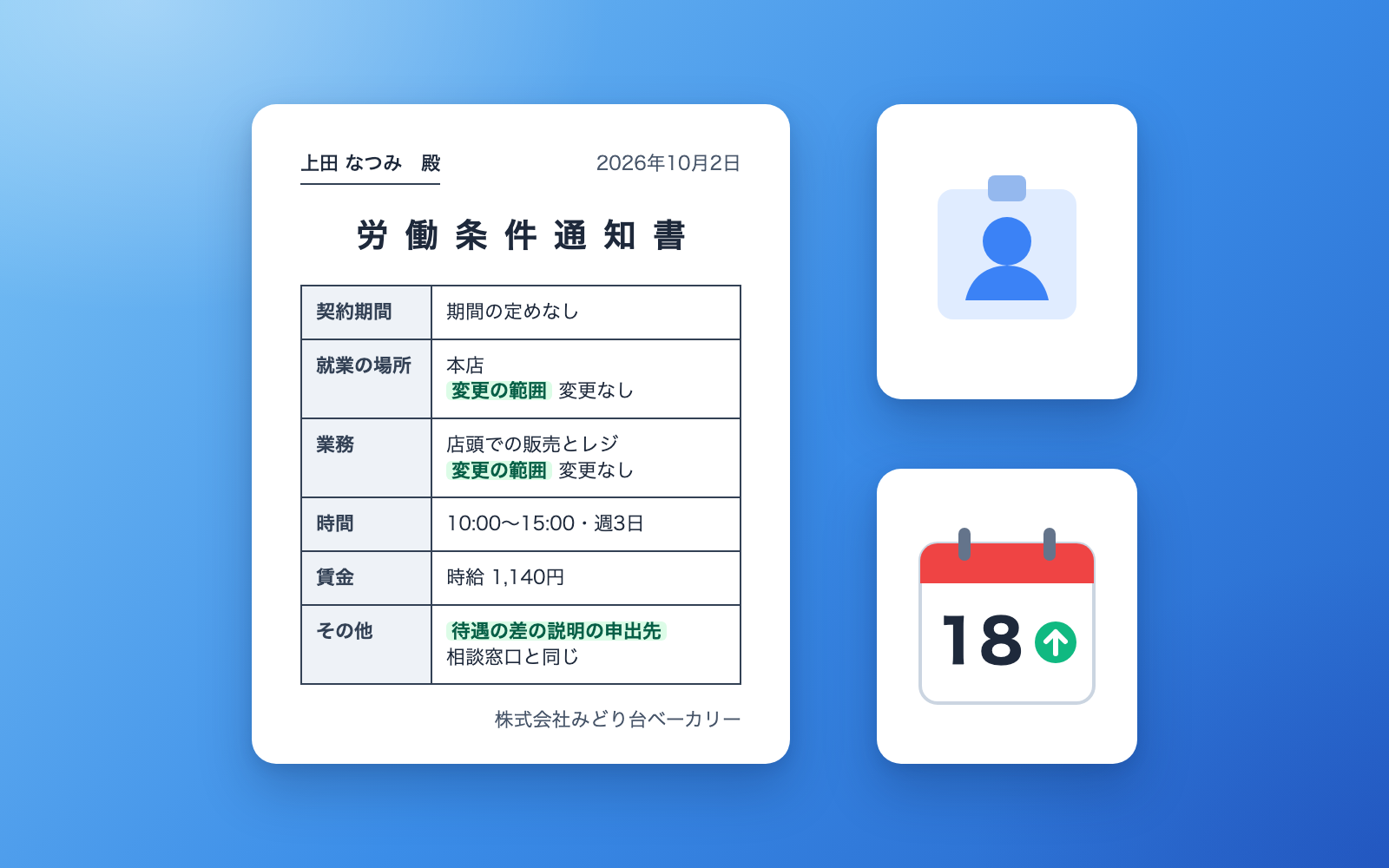 Invoice & Receipt KitFree
Talk it through to get invoices and receipts, tracked until paid
shuto-shinoda2026/10/07
Invoice & Receipt KitFree
Talk it through to get invoices and receipts, tracked until paid
shuto-shinoda2026/10/07
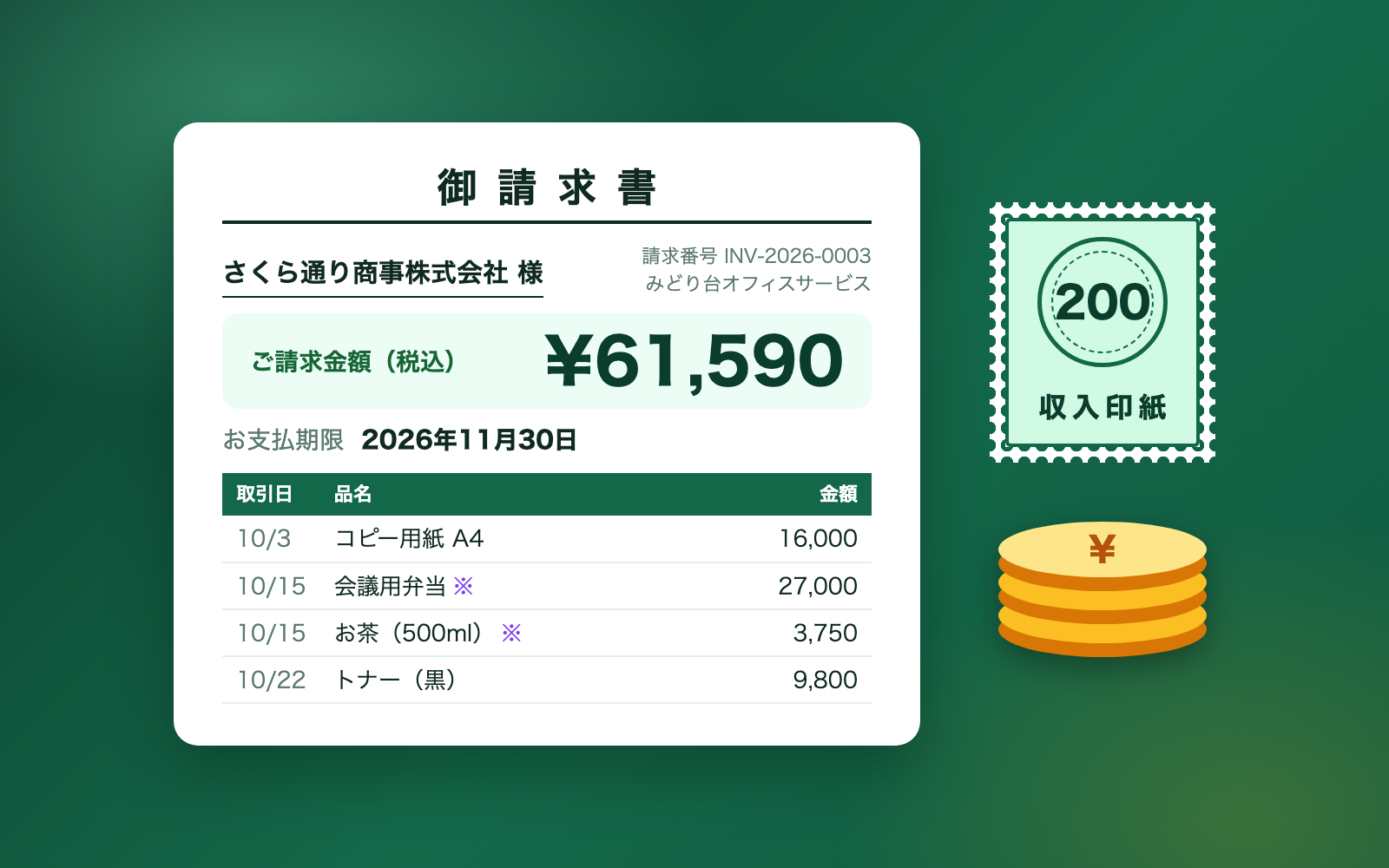 Asset Rights & Credit Check KitFree
Point it at a site folder to learn each asset's source and required credit
shuto-shinoda2026/10/07
Asset Rights & Credit Check KitFree
Point it at a site folder to learn each asset's source and required credit
shuto-shinoda2026/10/07