KPT Retrospective Kit is a vibe coding kit for Claude Code and Codex. Turn retro notes into a KPT summary and action-item ledger. It includes 5 fixes for pitfalls the maker hit in real work. Free.
When this helps
You want to run a KPT retro, but Trys end as talk and naming-and-blaming notes get passed along as is
What it does
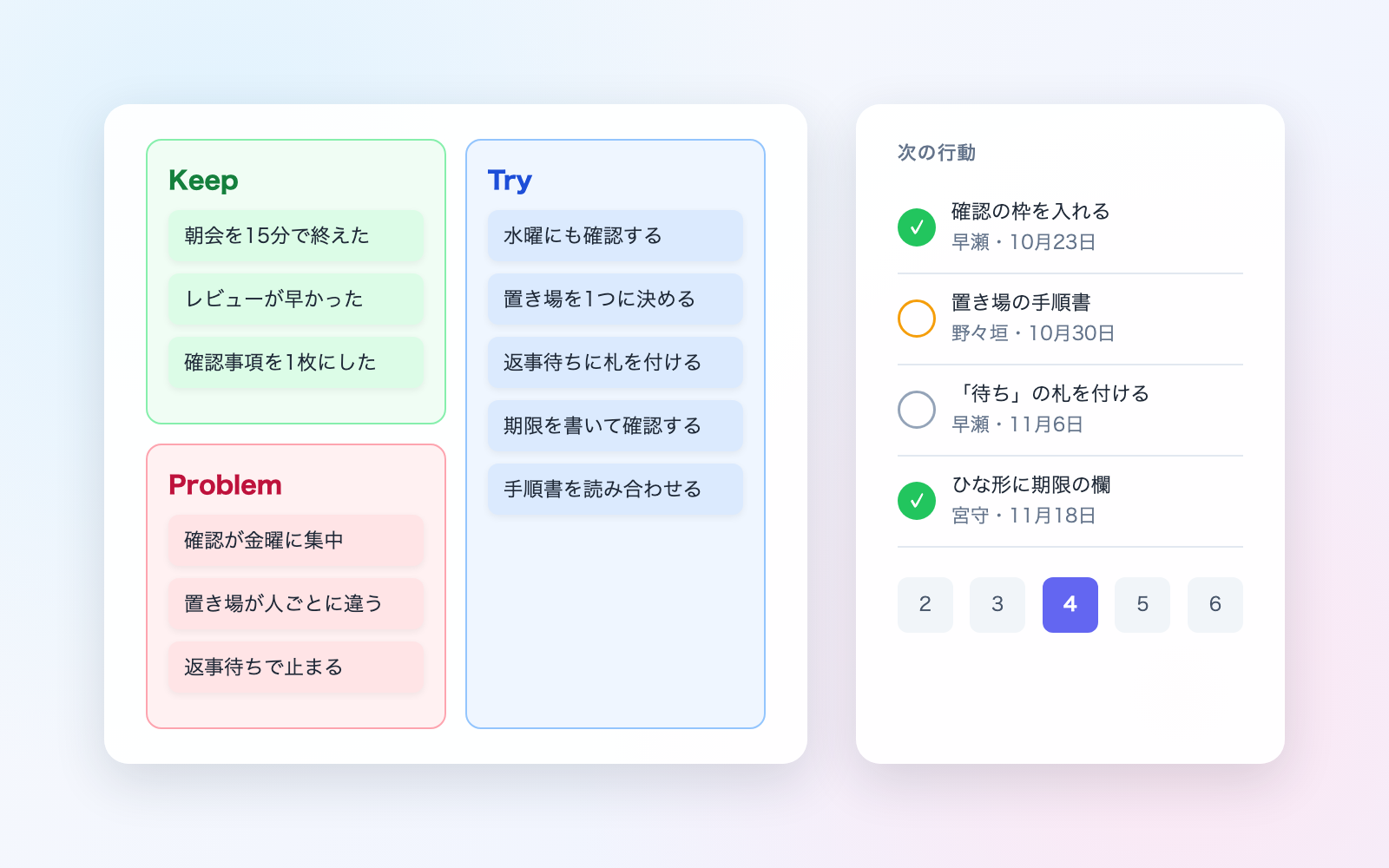
Paste in retro notes, sticky-note transcriptions, or chat logs and get a summary sorted into Keep, Problem, and Try, plus a ledger of next actions (what, who, by when). At the next round it checks what happened to previously decided actions, flags Problems that keep recurring, and produces a facilitation-style agenda for the next retro. Notes that name and blame someone, performance or compensation talk, and health information are kept out of the team summary and held in the facilitator's private copy instead. Trys with no owner or deadline, or vague ones like "be more mindful," are flagged for review. The company-wide summary is built with names, Problems, and owners removed. The tool never connects to the network and sends nothing out on its own.
The fixes baked into this kit
- A Try alone ends the loop with nothing to check next timeTesting published Try examples with no owner or deadline meant nobody could confirm later whether it was done. Now a round with a Try but no next action gets flagged, and a missing deadline defaults to the next retro date.
- Vague Trys like "be more mindful" never turn into actionTrys phrased exactly like the unactionable examples guides warn about couldn't be checked later. Now only Trys missing a when/how-much are flagged, while concrete ones like "check the list for 10 minutes every morning" are left alone.
- Thank-you notes and performance talk were misread as blame"Thanks for the fast review" was read as a Problem naming someone, and "the customer's rating went up" as a compensation issue. Now thank-you/praise lines are excluded, and only phrases like "docked in review" count as compensation.
- Deleting a round left its wording behind elsewhereEven after deleting a round, its wording stayed in the schedule, the results page, and action-log notes. Deleting now searches everywhere for that round's wording and keeps only the date and type in the log.
- Health-related screening both over- and under-caught text, and name redaction left partial namesPhrases like "infection control page" were wrongly treated as health info, while "out with back pain" wasn't caught. Partial names also leaked in the external summary. Short kanji alone no longer triggers removal when followed by work terms, and roster names are now redacted by surname and given name separately.
What's inside
- A tool that builds the printable KPT summary to hand to the team
- A ledger (Excel) of next actions, with done/dropped/carried-over recorded as append-only entries
- A check that confirms previous action items and flags unconfirmed ones as still "not yet"
- A screen that holds notes naming and blaming someone, performance/compensation talk, and health info in the facilitator's private copy
- An agenda for the next retro (ground rules, time allocation, sample questions)
- A company-wide summary with names, Problems, and owners removed
- A check for AI-directed instructions hidden in pasted text, hidden comments, or hidden sheets
- A sample run through 3 rounds of retros for a fictional team
File list (40)
- .gitignore
- AGENTS.md
- CLAUDE.md
- KIT.md
- NOTES.md
- data/README.md
- output/README.md
- rules/CHECK.md
- rules/FLOW.md
- rules/LAW.md
- rules/PROMPTS.md
- rules/SPEC.md
- rules/TONE.md
- samples/shiratsuyu/fix-01.json
- samples/shiratsuyu/r01-memo.txt
- samples/shiratsuyu/r02-chat.txt
- samples/shiratsuyu/r02-extra.json
- samples/shiratsuyu/r03-board.csv
- samples/shiratsuyu/team.json
- tools/add.mjs
- tools/clean.mjs
- tools/days.mjs
- tools/find.mjs
- tools/fix.mjs
- tools/lib/build.mjs
- tools/lib/guard.mjs
- tools/lib/injection.mjs
- tools/lib/input.mjs
- tools/lib/law.mjs
- tools/lib/parse.mjs
- tools/lib/paths.mjs
- tools/lib/prev.mjs
- tools/lib/read.mjs
- tools/lib/render.mjs
- tools/lib/result.mjs
- tools/lib/round.mjs
- tools/lib/send.mjs
- tools/lib/show.mjs
- tools/lib/store.mjs
- tools/lib/xlsx-read.mjs
The first three decisions
- Your team's name (the only thing it always asks)
- Retro interval (defaults to every 2 weeks)
- Member names (defaults to not entering any)
What you need
- No extra costClaude Code or CodexBoth CLAUDE.md and AGENTS.md are included
- No extra costNode.js 18 or laterUsed to run the tools. Nothing else needs installing
- No extra costExcel and a browserUsed to view the ledger, summaries, and results page
How to use
Just paste this into your AI.
I want to use the nice to have kit "KPT Retrospective Kit". Follow https://nicetohave.app/en/g/VPERSBCK-•••••••••• and set it up.
Works the same in Claude Code or Codex.
Read what this tells your AI to do, before you paste it
If you would rather take the files yourself
Paste the line above and your AI fetches it. If your AI cannot fetch it, or you would rather download it yourself, start here.
- Unpack the zip you downloaded
- Open the resulting folder in Claude Code or Codex (in VS Code, "Open Folder")
- Type "start building with this kit". The instructions are inside (Claude Code reads
CLAUDE.md, Codex readsAGENTS.md)
FAQ
- Does a Problem sticky note that names and blames someone get deleted?
- No. It's excluded from the team summary and kept only in the facilitator's private copy. If it's rewritten to describe the situation instead of the person, it can be added to the summary.
- What happens if nobody reports whether a previous action item was done?
- It stays marked "not yet" and is flagged that way. The AI never assumes an action item is done on its own.
- Can this also produce meeting minutes, incident reports, or near-miss reports?
- No. This kit only covers the KPT summary and action-item follow-up. Use dedicated kits for meeting minutes, incident write-ups, outage reports, or near-miss reports.
- Can it read a photo of sticky notes or a whiteboard directly?
- No. Have your AI transcribe the photo or PDF into text first, then paste that in. It also can't connect directly to an online whiteboard or other business tool to read or write.
- Will the AI give a definite ruling on whether a named Problem counts as harassment or is illegal?
- No. It points to a single thing to check and directs you to resources such as Japan's labor consultation helpline, without stating a definite ruling.
Reviews
This is your kit. You can also see its reviews on your page.
No reviews yet. Be the first to say something.
Supporters
Once support opens, the people who backed this kit will be listed here.
- Publisher
 shuto-shinoda
- Published
- 2026/10/29
- Price
- Free
- Category
- Delegate work
- Personal data
- Handled
- Security review
- Needed (depends what you handle)
- What's inside
More kits
shuto-shinoda2026/10/29
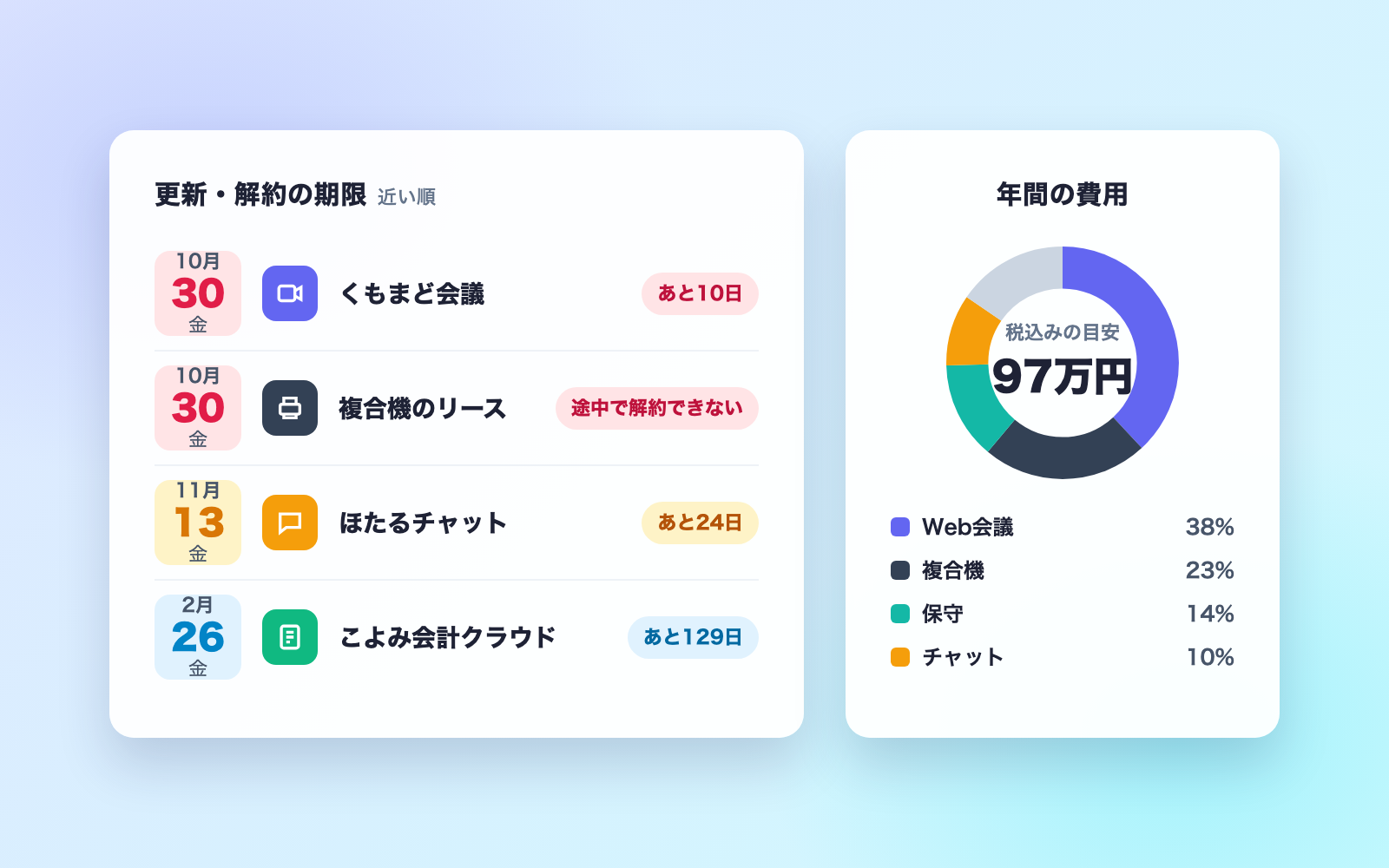
 Subscription & Contract Ledger KitFree
Turns contracts into a ledger and lists cancellation deadlines soonest first
shuto-shinoda2026/10/29
Subscription & Contract Ledger KitFree
Turns contracts into a ledger and lists cancellation deadlines soonest first
shuto-shinoda2026/10/29
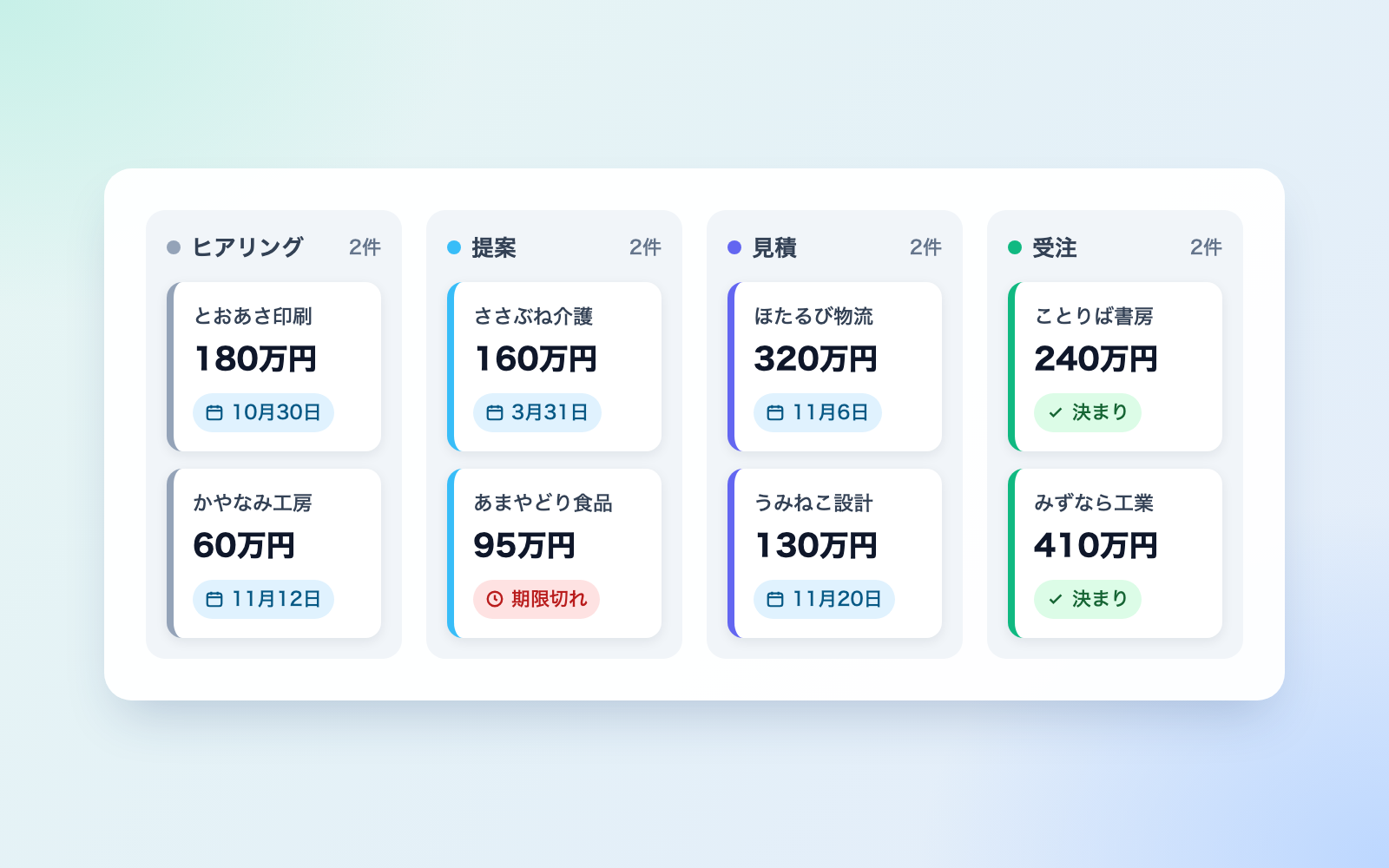
 Sales Meeting Report KitFree
Paste in meeting notes, get a report, thank-you email, and deal ledger
shuto-shinoda2026/10/29
Sales Meeting Report KitFree
Paste in meeting notes, get a report, thank-you email, and deal ledger
shuto-shinoda2026/10/29