Admin UI Tidy Kit
Tidies up an existing admin screen so it reads clearly and works by keyboard
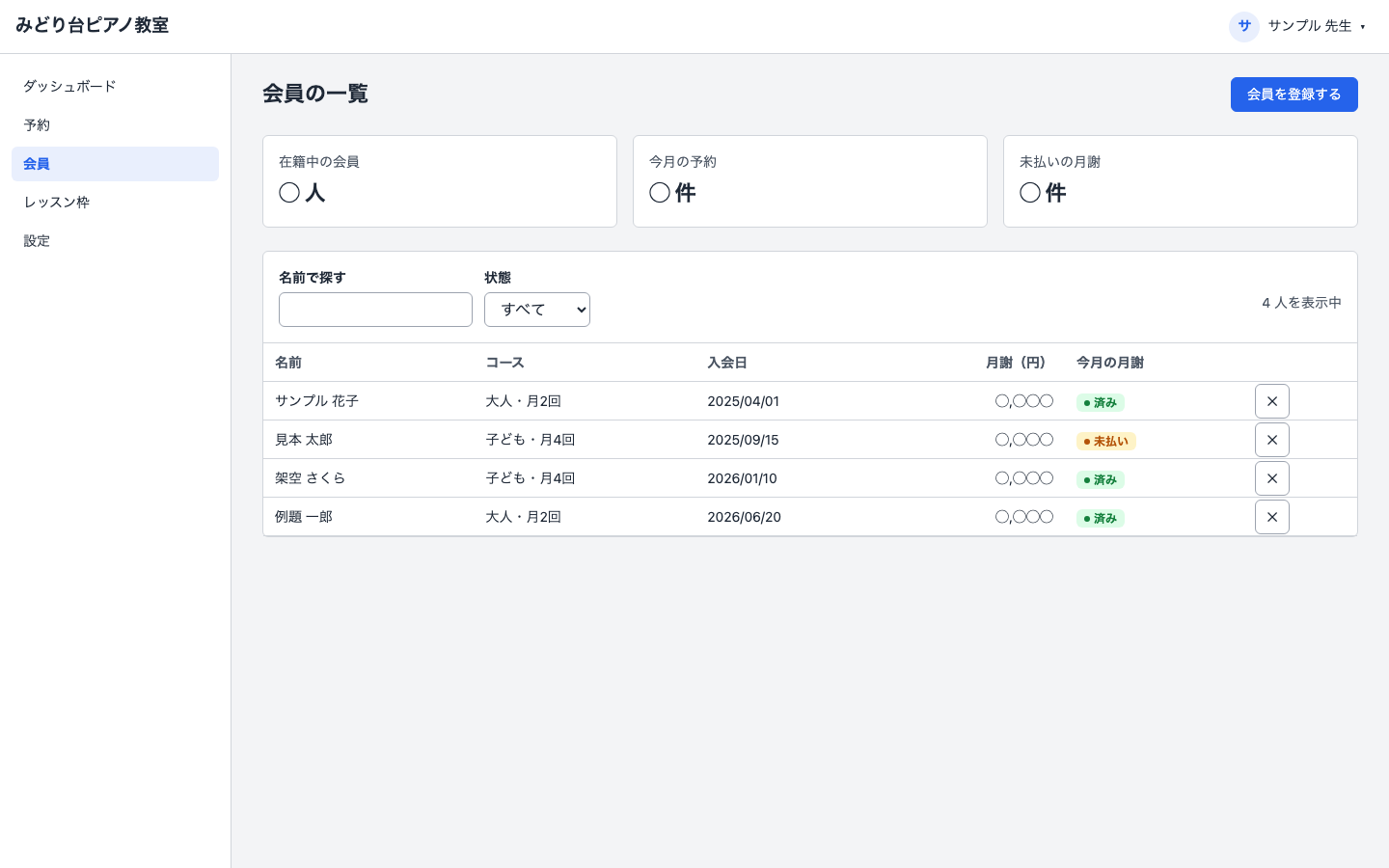
Admin UI Tidy Kit is a kit for Claude Code and Codex. Tidies up an existing admin screen so it reads clearly and works by keyboard. It includes 3 fixes for pitfalls the maker hit in real work. Free.
When this helps
You want your admin screen to be easier to use, but colors and spacing differ from page to page and you don't know where to start
What it does
Tidies the look and usability of an admin screen you already have (the internal screens for bookings, members, orders, and the like). It does not change behaviour such as saving, deleting, or calculations. You first decide just three things: what the screen manages, the primary colour, and how dense the lists should be. A checklist (around 50 items) plus a tool that counts machine-detectable issues surface the problems. After unifying colour, spacing, and typography into a shared base, it fixes the layout shell, then tables, forms, and feedback, in order, checking after each step that the screen can be operated with Tab alone, no mouse. Before-and-after screens are placed side by side, with the issue count shown as a number.
The fixes baked into this kit
- The mobile hamburger button (☰) stays visible even at desktop widthReusing a shared button style on the hamburger button let its display rule override the desktop hide rule. Made the hide rule for the hamburger button more specific so it wins.
- Opening the sidebar also darkens the sidebar itself, not just the backdrop behind itSidebar and backdrop were given the same stacking order, so whichever was written later ended up on top, darkening the sidebar too. Instead of raising the stacking number, the backdrop was moved to render before the sidebar.
- Stacking order written correctly with a variable still gets flagged by the audit toolThe audit tool only checked raw numbers and didn't account for var(--z-*) references. It now treats variable-based stacking order as valid, since too many false positives make people start ignoring the audit results.
What's inside
- The flow (decide → capture → audit → base → fix parts → compare)
- A checklist of about 50 usability items, adapted for admin screens from an MIT-licensed UX guideline
- A tool that counts usability issues automatically
- A tool that generates the shared colour/spacing/typography base
- A reference screen that follows every rule
- Ready-to-use phrases for talking with the user
- A pre-handoff checklist to run through in full
- Issues actually hit while building this, written as symptom → cause → fix
File list (16)
- AGENTS.md
- CLAUDE.md
- KIT.md
- NOTES.md
- NOTICE.md
- kit.config.json
- out/audit.md
- out/tokens.css
- rules/CHECK.md
- rules/FLOW.md
- rules/PROMPTS.md
- rules/SPEC.md
- rules/TONE.md
- samples/admin-sample.html
- tools/audit.mjs
- tools/tokens.mjs
The first three decisions
- What the screen manages
- The primary colour
- How dense the lists should be
What you need
- No extra costThe folder of the admin screen you want to fixHTML, React, Vue — any stack works
- No extra costNode.jsUsed to run the tools. No extra packages needed
- No extra costClaude Code or Codex
How to use
Just paste this into your AI.
I want to use the nice to have kit "Admin UI Tidy Kit". Follow https://nicetohave.app/en/g/3TB9BTH3-•••••••••• and set it up.
Works the same in Claude Code or Codex.
Read what this tells your AI to do, before you paste it
If you would rather take the files yourself
Paste the line above and your AI fetches it. If your AI cannot fetch it, or you would rather download it yourself, start here.
- Unpack the zip you downloaded
- Open the resulting folder in Claude Code or Codex (in VS Code, "Open Folder")
- Type "start building with this kit". The instructions are inside (Claude Code reads
CLAUDE.md, Codex readsAGENTS.md)
FAQ
- What does Admin UI Tidy Kit do?
- Tidies the look and usability of an admin screen you already have (the internal screens for bookings, members, orders, and the like). It does not change behaviour such as saving, deleting, or calculations. You first decide just three things: what the screen manages, the primary colour, and how dense the lists should be. A checklist (around 50 items) plus a tool that counts machine-detectable issues surface the problems. After unifying colour, spacing, and typography into a shared base, it fixes the layout shell, then tables, forms, and feedback, in order, checking after each step that the screen can be operated with Tab alone, no mouse. Before-and-after screens are placed side by side, with the issue count shown as a number.
- Which AI tools does it work with?
- Claude Code and Codex. Copy the one line on the kit page and paste it into your AI; it pulls in the kit and starts (copying needs a GitHub or Google sign-in).
- Does it cost anything?
- The kit is free. Nothing else in the kit costs extra. The AI tool itself is billed under your own plan.
- How is this different from just asking an AI?
- It already contains the fixes for pitfalls the maker hit in real work: "The mobile hamburger button (☰) stays visible even at desktop width", "Opening the sidebar also darkens the sidebar itself, not just the backdrop behind it", "Stacking order written correctly with a variable still gets flagged by the audit tool".
- What do I decide first?
- Three things: What the screen manages; The primary colour; How dense the lists should be. The AI asks them one at a time.
- Does it handle personal data?
- No.
Reviews
This is your kit. You can also see its reviews on your page.
No reviews yet. Be the first to say something.
Supporters
Once support opens, the people who backed this kit will be listed here.
- Publisher
 teluki0815
- Published
- 2026/10/06
- Price
- Free
- Category
- Delegate work
- Personal data
- Not handled
- Security review
- Not needed (no personal data)
- What's inside
More kits
 shuto-shinoda2026/10/05
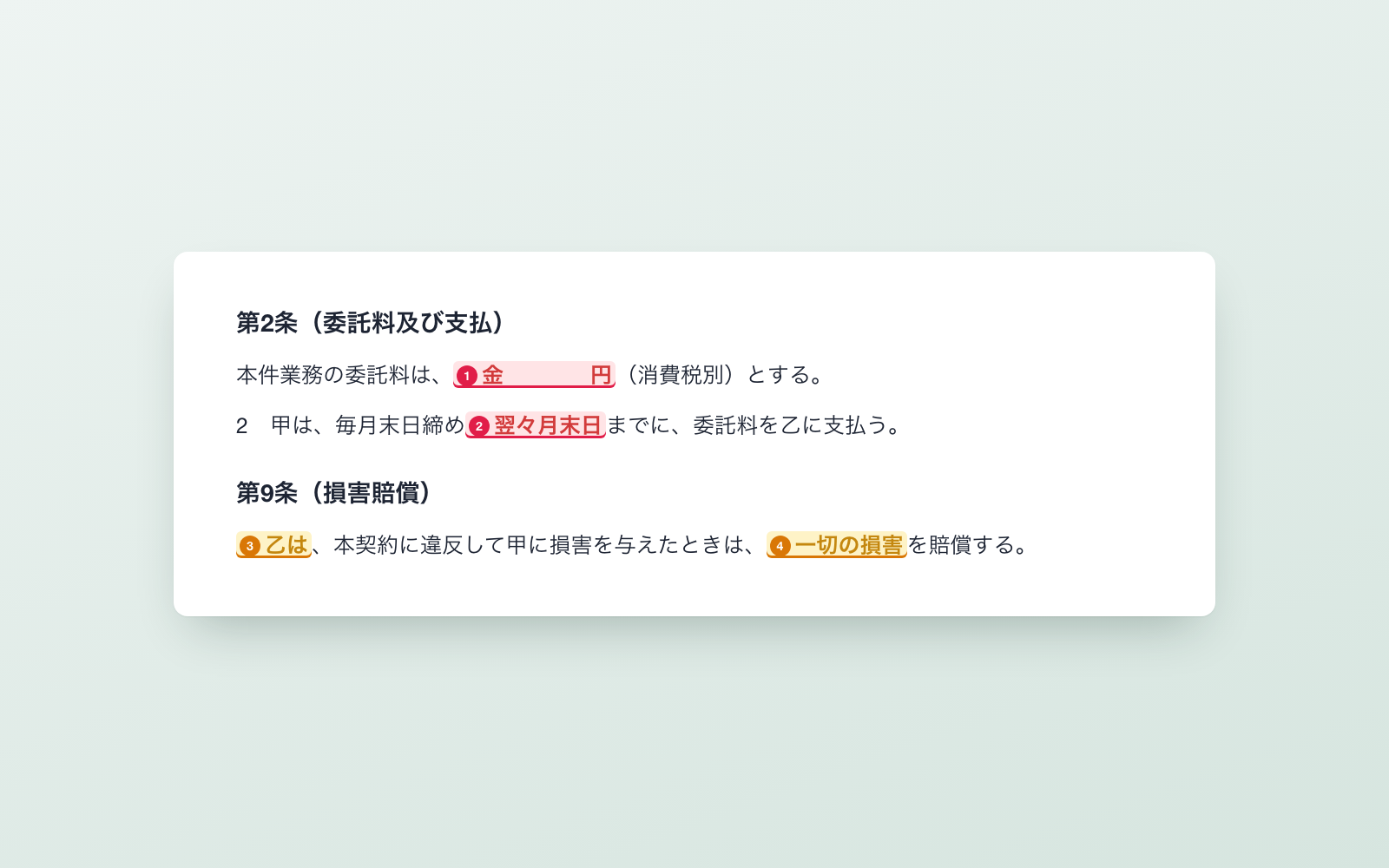 OSS License Check KitFree
Hand it your app folder, it finds every OSS license and writes the notice
shuto-shinoda2026/10/05
OSS License Check KitFree
Hand it your app folder, it finds every OSS license and writes the notice
shuto-shinoda2026/10/05
 X Auto-Post KitFree
Post saved drafts to X automatically, one per day at a set time
shuto-shinoda2026/09/29
X Auto-Post KitFree
Post saved drafts to X automatically, one per day at a set time
shuto-shinoda2026/09/29