Asset Rights & Credit Check Kit
Point it at a site folder to learn each asset's source and required credit

Asset Rights & Credit Check Kit is a kit for Claude Code and Codex. Point it at a site folder to learn each asset's source and required credit. It includes 8 fixes for pitfalls the maker hit in real work. Free.
When this helps
You want to verify where site assets came from, but no one knows once the person in charge leaves
What it does
Point this at a website folder to find every font, icon and image it uses, then get a "list of assets used" (Excel) and credit text for your site. It auto-checks licence and copyright per font family for Google Fonts and Font Awesome, and flags things needing attention: 21+ Irasutoya illustrations, images with unknown sources, desktop-only or commercial fonts on the site, and whether permission for photos of people was recorded. The AI never guesses a source — it asks you and logs the answer in a "source ledger," which remembers images by content (a fingerprint) so records still apply if a file is renamed or copied elsewhere. A results page opens when done, merging repeated findings into one line each. WordPress is supported too, with images grouped by core, theme and plugin.
The fixes baked into this kit
- Images rarely carry author infoAcross 4 real sites, 0 of 1,034 images had author information embedded. Rather than guessing from the image, the kit now has people record the source once in a source ledger.
- The same image shows up in multiple places144 pairs of identical images turned up (build output copies, logos shared across landing pages). Recognising images by a content fingerprint means one record now applies across every site.
- WordPress flags a flood of image warningsCore, theme and plugin images produced 744 warnings. Grouping them per theme/plugin cut that down to 16 notices.
- App icon size variants all show as unknownDifferent-sized Android/iOS icons and splash screens each showed up as a separate 'unknown' image. Grouping them and asking only about the source image once cut unknowns from 79 to 18.
- Partner logos flagged one by one27 partner logos loaded from other servers each triggered a separate warning. The kit now groups them by server and asks you to record that permission to display them was obtained.
- Invoice font's licence came back unknownA font used for invoice PDFs showed as 'licence unknown' because the file itself carried no licence text. The kit now recognises the licence from the font family name instead.
- Irasutoya's free-use limit didn't match realityCounting Irasutoya illustrations sitewide flagged over 21 as a hard error, but the terms allow per-article limits on sites that keep adding pages. Now it's flagged as a caution for you to confirm either way.
- A guessed source got recorded as a confirmed oneA source inferred from a filename was being written into the ledger as if it were confirmed. Guessed sources are now only noted as 'possibly X,' never recorded as fact.
What's inside
- A tool that scans a site folder for fonts, icons and images
- Automatic licence and copyright lookup for Google Fonts, Font Awesome and installed fonts
- Flags for things needing attention: Irasutoya limits, unknown-source images, commercial fonts
- A "source ledger" that records each image's origin once, recognising it by content even if renamed
- Export of credit text and an Excel "list of assets used"
- WordPress support (groups images from core, themes and plugins)
- A sample site you can try offline, with no network connection
- Fixes learned from 6 real sites, documented inside CLAUDE.md
File list (40)
- .gitignore
- AGENTS.md
- CLAUDE.md
- KIT.md
- NOTES.md
- data/README.md
- output/README.md
- rules/CHECK.md
- rules/FLOW.md
- rules/LAW.md
- rules/PROMPTS.md
- rules/SPEC.md
- rules/TONE.md
- samples/gfonts-cache/googlefonts/notosansjp.json
- samples/gfonts-cache/googlefonts/roboto.json
- samples/sample-fonts/desk-mincho.json
- samples/sample-fonts/sample-sans.json
- samples/sample-site-sources.json
- samples/sample-site/README.md
- samples/sample-site/css/style.css
- samples/sample-site/img/AdobeStock_123456789.png
- samples/sample-site/img/ai-visual.png
- samples/sample-site/img/hero.png
- samples/sample-site/img/illust/illust_01.png
- samples/sample-site/img/illust/illust_02.png
- samples/sample-site/img/illust/illust_03.png
- samples/sample-site/img/illust/illust_04.png
- samples/sample-site/img/illust/illust_05.png
- samples/sample-site/img/illust/illust_06.png
- samples/sample-site/img/illust/illust_07.png
- samples/sample-site/img/illust/illust_08.png
- samples/sample-site/img/illust/illust_09.png
- samples/sample-site/img/illust/illust_10.png
- samples/sample-site/img/illust/illust_11.png
- samples/sample-site/img/illust/illust_12.png
- samples/sample-site/img/illust/illust_13.png
- samples/sample-site/img/illust/illust_14.png
- samples/sample-site/img/illust/illust_15.png
- samples/sample-site/img/illust/illust_16.png
- samples/sample-site/img/illust/illust_17.png
The first three decisions
- Which site (the folder path; for WordPress, the folder containing wp-content)
- Where the images mostly came from (in-house, stock site, client, AI-generated, unknown)
- Where to put the credit text (a credits page, footer, etc. — can decide later)
What you need
- No extra costNode.js 18 or newerNeeded to run the tools. Nothing else to install.
- No extra costInternet (optional)Only used to fetch Google Fonts licences, sending just the font family name. Works offline with --offline.
How to use
Just paste this into your AI.
I want to use the nice to have kit "Asset Rights & Credit Check Kit". Follow https://nicetohave.app/en/g/6UHR8LCR-•••••••••• and set it up.
Works the same in Claude Code or Codex.
Read what this tells your AI to do, before you paste it
If you would rather take the files yourself
Paste the line above and your AI fetches it. If your AI cannot fetch it, or you would rather download it yourself, start here.
- Unpack the zip you downloaded
- Open the resulting folder in Claude Code or Codex (in VS Code, "Open Folder")
- Type "start building with this kit". The instructions are inside (Claude Code reads
CLAUDE.md, Codex readsAGENTS.md)
FAQ
- What does Asset Rights & Credit Check Kit do?
- Point this at a website folder to find every font, icon and image it uses, then get a "list of assets used" (Excel) and credit text for your site. It auto-checks licence and copyright per font family for Google Fonts and Font Awesome, and flags things needing attention: 21+ Irasutoya illustrations, images with unknown sources, desktop-only or commercial fonts on the site, and whether permission for photos of people was recorded. The AI never guesses a source — it asks you and logs the answer in a "source ledger," which remembers images by content (a fingerprint) so records still apply if a file is renamed or copied elsewhere. A results page opens when done, merging repeated findings into one line each. WordPress is supported too, with images grouped by core, theme and plugin.
- Which AI tools does it work with?
- Claude Code and Codex. Copy the one line on the kit page and paste it into your AI; it pulls in the kit and starts (copying needs a GitHub or Google sign-in).
- Does it cost anything?
- The kit is free. Nothing else in the kit costs extra. The AI tool itself is billed under your own plan.
- How is this different from just asking an AI?
- It already contains the fixes for pitfalls the maker hit in real work: "Images rarely carry author info", "The same image shows up in multiple places", "WordPress flags a flood of image warnings", "App icon size variants all show as unknown", "Partner logos flagged one by one", "Invoice font's licence came back unknown", "Irasutoya's free-use limit didn't match reality", "A guessed source got recorded as a confirmed one".
- What do I decide first?
- Three things: Which site (the folder path; for WordPress, the folder containing wp-content); Where the images mostly came from (in-house, stock site, client, AI-generated, unknown); Where to put the credit text (a credits page, footer, etc. — can decide later). The AI asks them one at a time.
- Does it handle personal data?
- Yes. Needed (depends what you handle)
Reviews
This is your kit. You can also see its reviews on your page.
No reviews yet. Be the first to say something.
Supporters
Once support opens, the people who backed this kit will be listed here.
- Publisher
 shuto-shinoda
- Published
- 2026/10/07
- Price
- Free
- Category
- Delegate work
- Personal data
- Handled
- Security review
- Needed (depends what you handle)
- What's inside
More kits
shuto-shinoda2026/10/07
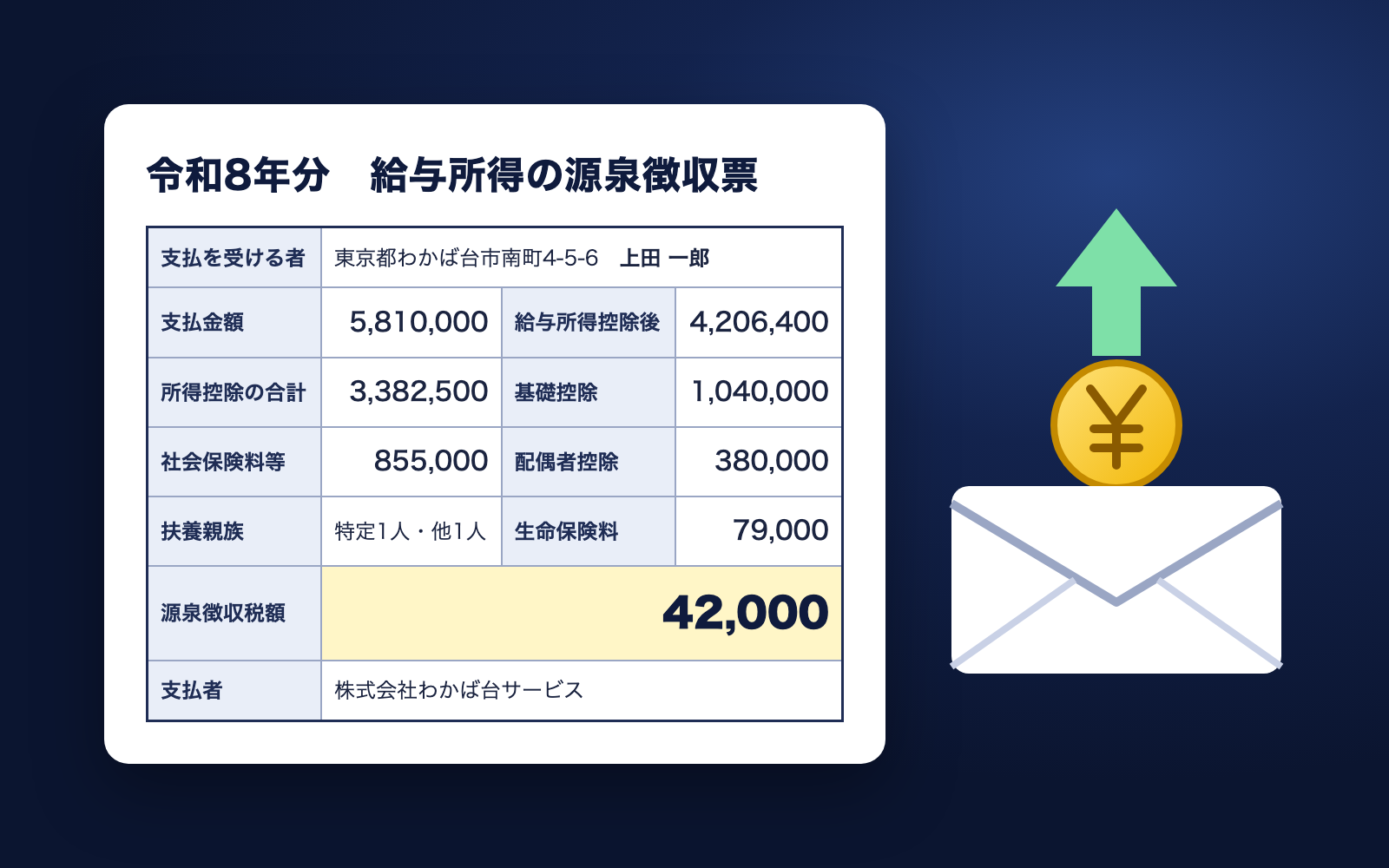 Employment Notice KitFree
Just talk, and get an employment notice checked against minimum wage
shuto-shinoda2026/10/07
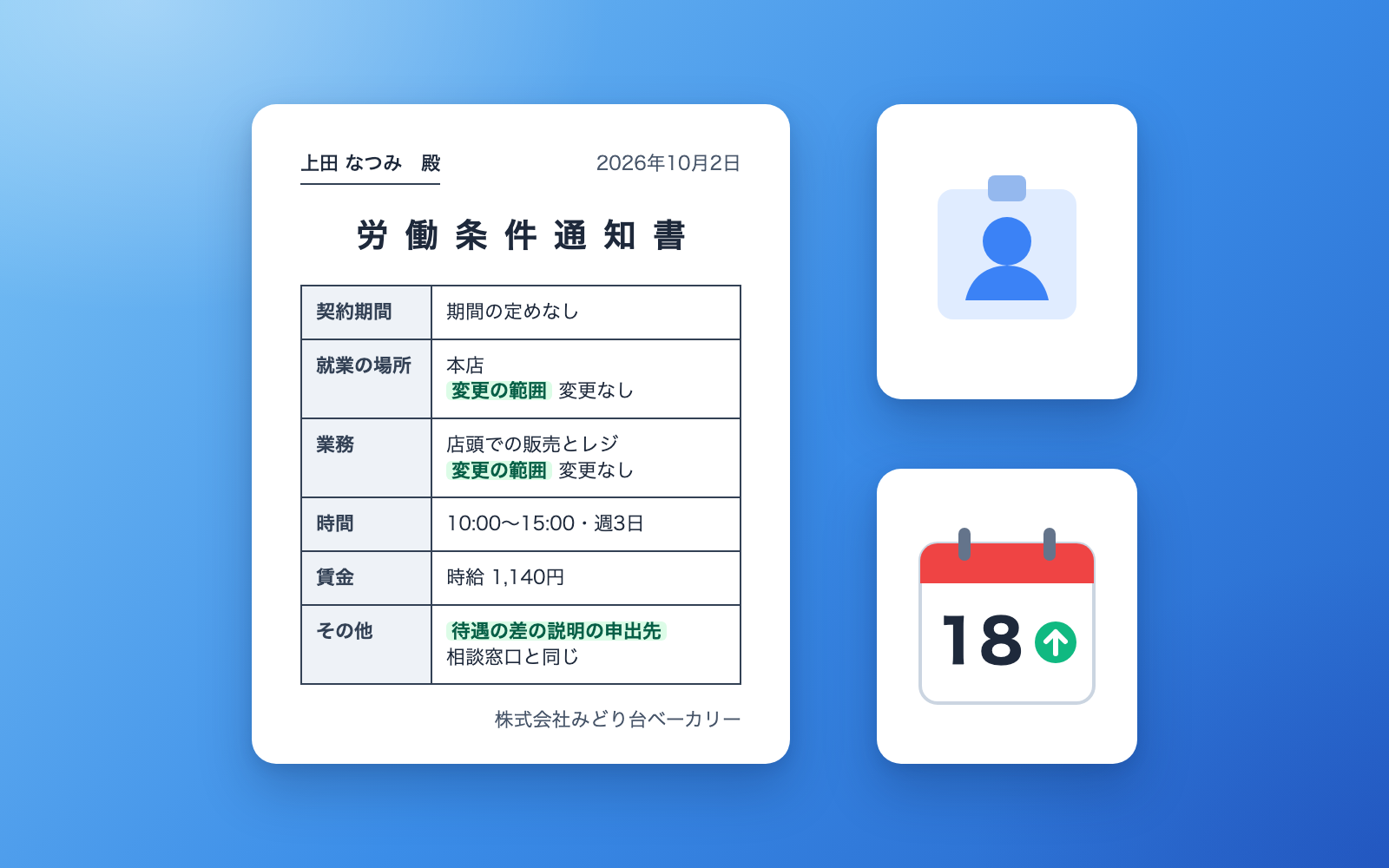
Employment Notice KitFree
Just talk, and get an employment notice checked against minimum wage
shuto-shinoda2026/10/07
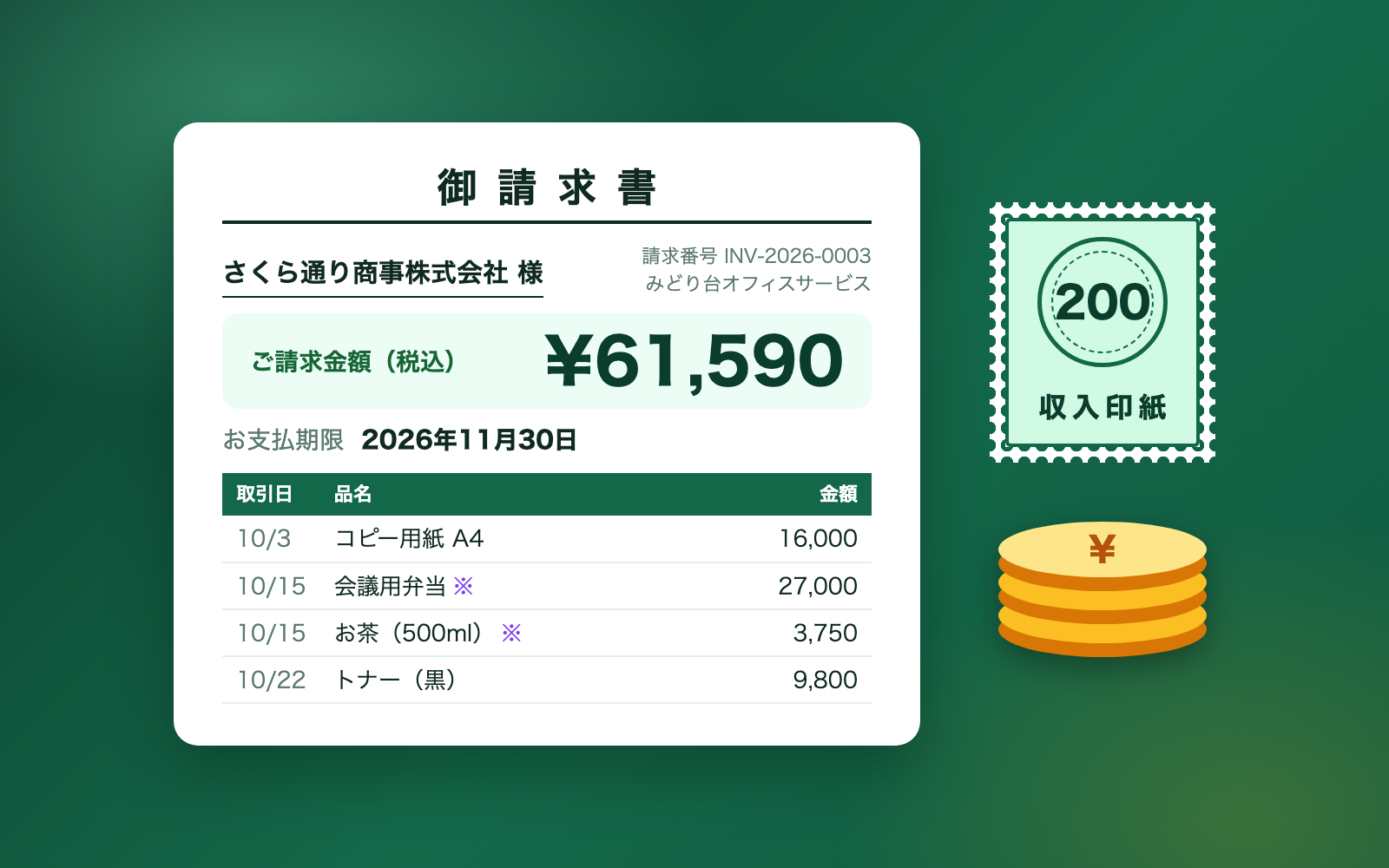
 Invoice & Receipt KitFree
Talk it through to get invoices and receipts, tracked until paid
shuto-shinoda2026/10/07
Invoice & Receipt KitFree
Talk it through to get invoices and receipts, tracked until paid
shuto-shinoda2026/10/07