Industrial Waste Manifest Kit
Tracks paper manifest copy returns, broker permits and report deadlines
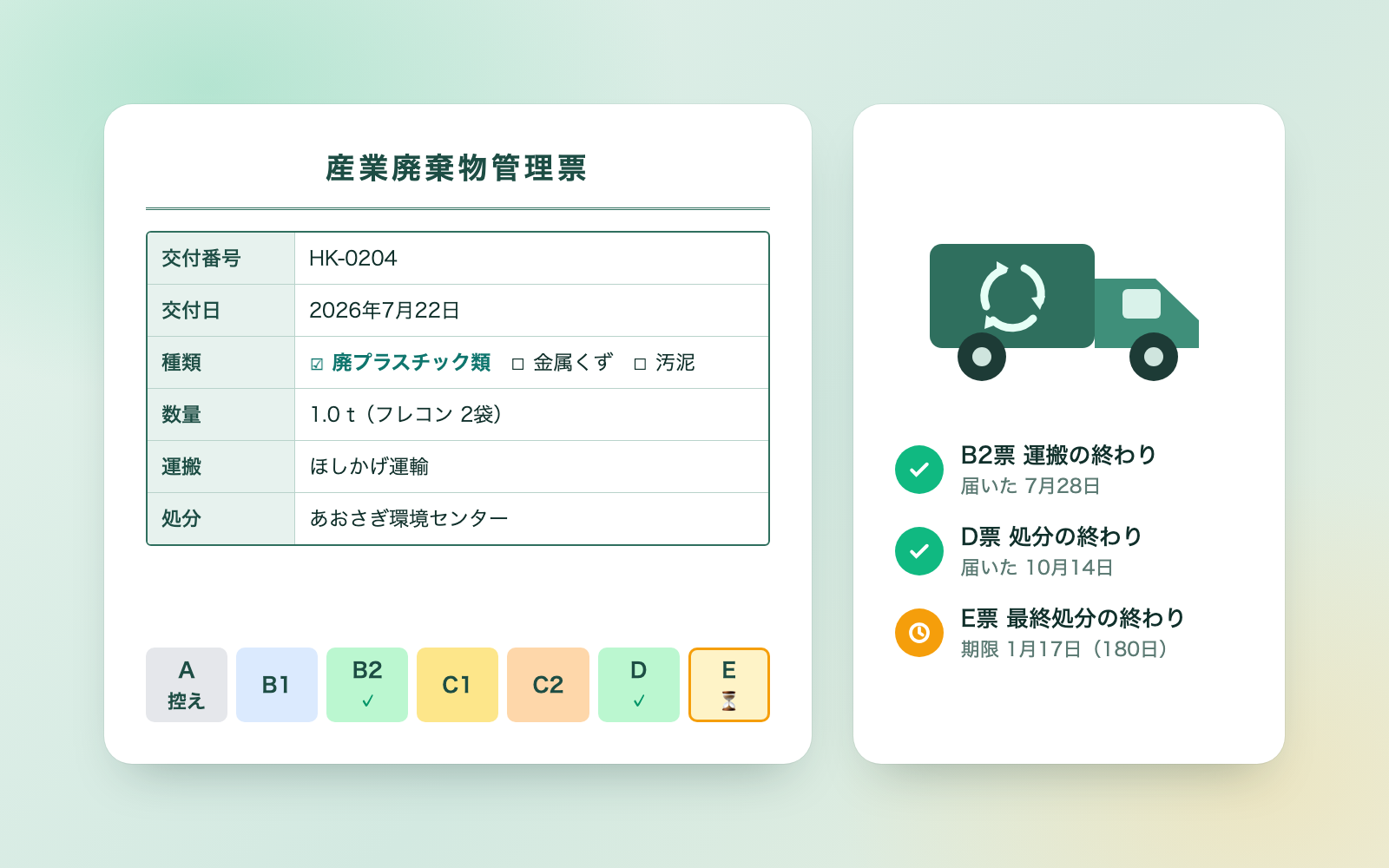
Industrial Waste Manifest Kit is a vibe coding kit for Claude Code and Codex. Tracks paper manifest copy returns, broker permits and report deadlines. It includes 7 fixes for pitfalls the maker hit in real work. Free.
When this helps
You want to track manifest returns and report deadlines, but spreadsheets and paper stacks keep causing miscounts
What it does
For factories, construction sites and shops that issue paper industrial waste manifests. Report an issue number, quantity and broker, and it goes into a ledger that tracks copy returns: B2 and D slips within 90 days (60 for specially controlled waste), E slips within 180 days. It also checks broker permit expiry and covered items, and drafts the annual manifest issuance report due June 30 plus a confirmation request addressed to a single broker. Along the way it flags odd entries, such as a completion date earlier than the issue date. It never decides waste categories or permit adequacy, only shows guidance.
The fixes baked into this kit
- Misreads a bracket after an item as part of the whole item nameWhen a permit listed an item followed by "(includes mercury-using products)", the whole phrase was read as one item, marking every manifest as "item not covered". Items are now split on commas first, then the trailing bracket is stripped before each is checked.
- Wrongly reports "no permit copy" depending on the disposal siteDisposal sites such as a municipality, paid sale, the company's own facility, or a wide-area reclamation centre don't need a permit, but the kit used to flag them as missing one. These sites now skip the permit check, and D/E slip waiting adjusts to the disposal site.
- Over-applies general-waste guidance that depends on industry typeItems like paper or wood scrap can count as general waste depending on industry, but showing that guidance at an intermediate processor's own site would ease their obligations. Industry-dependent guidance is now shown only where relevant, and never at an intermediate processor's own site.
- Counting "90 days from issue" can be off by a dayThe law doesn't specify whether the issue date counts as day one, so the deadline could land a day off depending on how you count. The kit now defaults to counting the issue date as day one (the earlier side), and it's a setting you can change.
- Silently converting volume-based manifests to tonnesConverting manifests written in cubic metres or litres to tonnes using a reference factor can disagree with actual weight. Conversion now only happens once you choose "ministry reference values" as the setting; until then it's shown as "not convertible" in the report draft.
- Internal notes could leak into a broker's confirmation requestInternal notes (like "confidential" or "comparing quotes") or other brokers' names typed into an item field could end up in the text sent to a broker. The finished text is now re-checked, and the kit refuses to produce it if such wording is found.
- Deleting a row before confirmation, or overwriting backupsA ledger row could be deleted before you confirmed it, and writing twice in the same second could overwrite the previous backup. Deletion now only happens with an explicit confirmation flag, and backups are suffixed so none are overwritten.
What's inside
- The workflow (first time, routine, monthly, annual report)
- A tool that looks up deadlines and returns by issue number, broker or site
- Checks for copy-return and permit deadlines
- A draft annual manifest issuance report (Excel and a web page)
- Confirmation request text for a broker (that broker's cases only)
- Deadline and conversion guidance based on the law, ministry notices and local guides
- A fictional sample (2 factories, 3 brokers, 18 manifests)
- A guard that flags instruction-like text hidden in pasted content
File list (39)
- .gitignore
- AGENTS.md
- CLAUDE.md
- KIT.md
- NOTES.md
- data/README.md
- output/README.md
- rules/CHECK.md
- rules/FLOW.md
- rules/LAW.md
- rules/PROMPTS.md
- rules/SPEC.md
- rules/TONE.md
- samples/harukaze-seiko/add.json
- samples/harukaze-seiko/ledger-input.json
- tools/add.mjs
- tools/clean.mjs
- tools/days.mjs
- tools/find.mjs
- tools/lib/book.mjs
- tools/lib/dates.mjs
- tools/lib/engine.mjs
- tools/lib/guard.mjs
- tools/lib/injection.mjs
- tools/lib/law.mjs
- tools/lib/paths.mjs
- tools/lib/report.mjs
- tools/lib/result.mjs
- tools/lib/xlsx-read.mjs
- tools/lib/xlsx-write.mjs
- tools/lib/zip.mjs
- tools/make.mjs
- tools/paste.mjs
- tools/ready.mjs
- tools/selftest.mjs
- tools/show.mjs
- tools/template.mjs
- tools/try.mjs
- work/README.md
The first three decisions
- Where manifests are issued (factory, shop or job site)
- Brokers, and the permit copies attached to your contracts
- Current records (issued A slips and returned B2/D/E slips)
What you need
- No extra costClaude Code or CodexBoth CLAUDE.md and AGENTS.md are included
- No extra costNode.js 18 or newerNeeded to run the tools; nothing else to install
- No extra costExcel or NumbersTo view the manifest ledger, management sheet and report drafts
- No extra costManifest copies and broker permit copiesThe copies attached to your contracts. Only what's written on them goes into the ledger
How to use
Just paste this into your AI.
I want to use the nice to have kit "Industrial Waste Manifest Kit". Follow https://nicetohave.app/en/g/PSBRMCWD-•••••••••• and set it up.
Works the same in Claude Code or Codex.
Read what this tells your AI to do, before you paste it
If you would rather take the files yourself
Paste the line above and your AI fetches it. If your AI cannot fetch it, or you would rather download it yourself, start here.
- Unpack the zip you downloaded
- Open the resulting folder in Claude Code or Codex (in VS Code, "Open Folder")
- Type "start building with this kit". The instructions are inside (Claude Code reads
CLAUDE.md, Codex readsAGENTS.md)
FAQ
- Does it also track electronic manifests?
- No. Copy-return tracking and the issuance report for electronic manifests are handled by the electronic manifest system (the information processing centre). If you use both, the kit only covers the paper ones.
- Does the kit decide waste categories or whether a broker's permit is adequate?
- No. It only shows guidance, deciding is up to the broker, the local government and the permit copy. When in doubt, it tells you to check with your local government contact.
- Can the annual report draft be submitted to the local government as-is?
- No, it's a draft. Form formats, how permit numbers are written, industry codes and how mixed waste is described can vary by local government, so copy it into your local government's own form before submitting.
- Does it handle secondary manifests issued by intermediate processors?
- No. Linking to a primary manifest through a secondary manifest is outside this kit's scope.
- Can it rewrite the original manifest copies or permit copies?
- No. It only reads them. Changes go into the ledger through the tools, and the original documents are never written to.
Reviews
This is your kit. You can also see its reviews on your page.
No reviews yet. Be the first to say something.
Supporters
Once support opens, the people who backed this kit will be listed here.
- Publisher
 shuto-shinoda
- Published
- 2026/10/29
- Price
- Free
- Category
- Delegate work
- Personal data
- Not handled
- Security review
- Not needed (no personal data)
- What's inside
More kits
shuto-shinoda2026/10/29
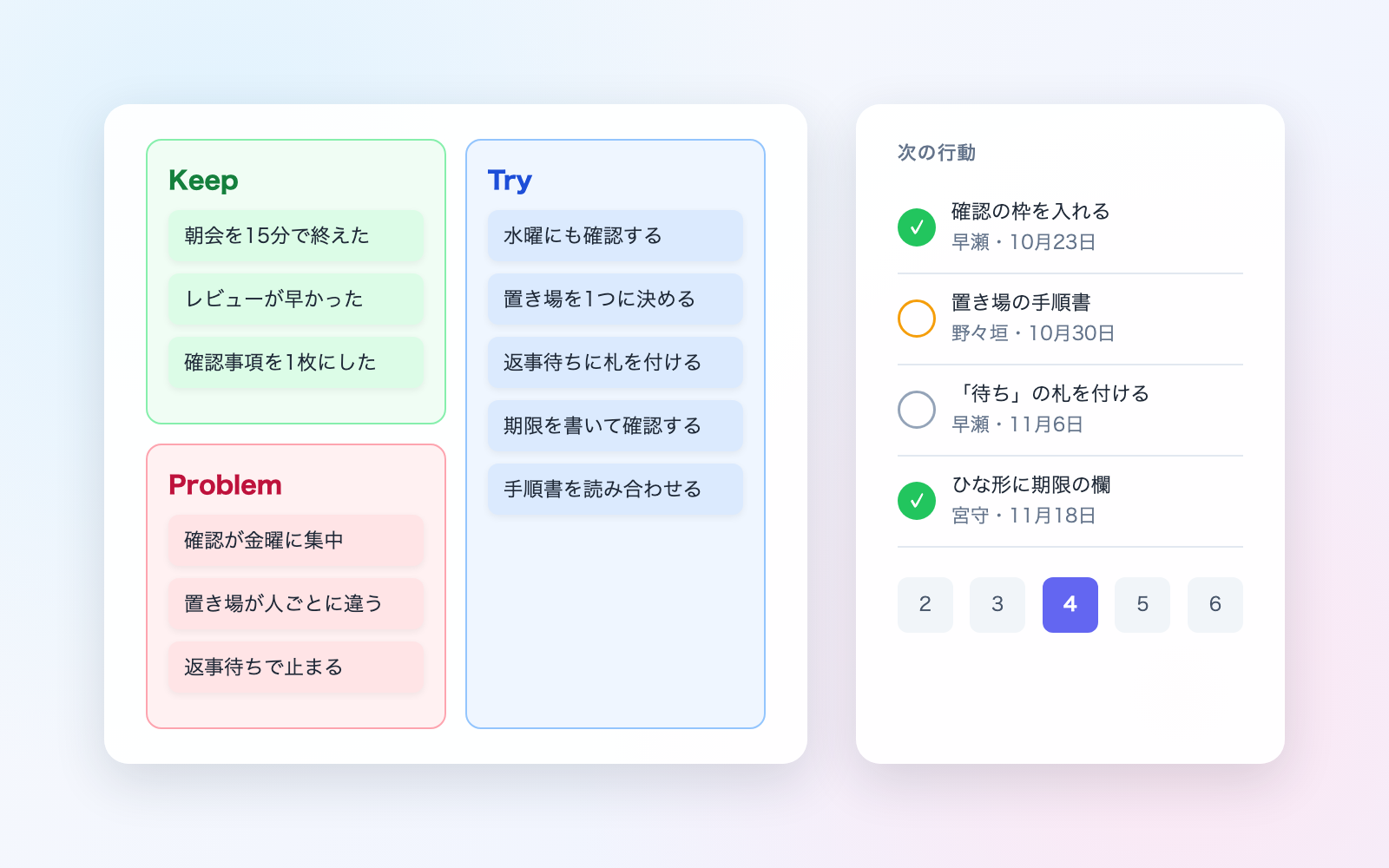 Misconduct & Incident Report KitFree
Talk through what happened, get separate misconduct and incident report drafts
shuto-shinoda2026/10/29
Misconduct & Incident Report KitFree
Talk through what happened, get separate misconduct and incident report drafts
shuto-shinoda2026/10/29
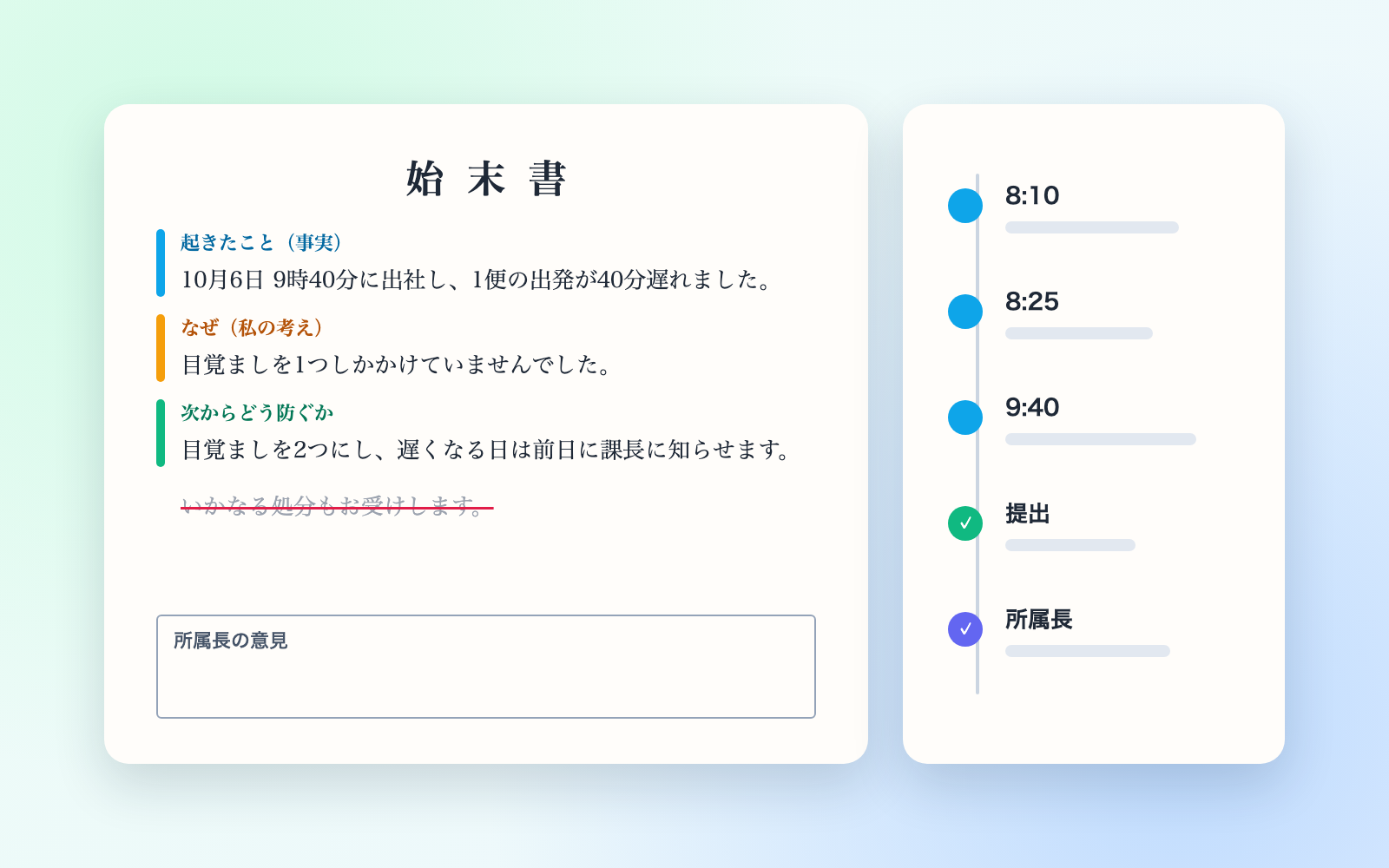 Subscription & Contract Ledger KitFree
Turns contracts into a ledger and lists cancellation deadlines soonest first
shuto-shinoda2026/10/29
Subscription & Contract Ledger KitFree
Turns contracts into a ledger and lists cancellation deadlines soonest first
shuto-shinoda2026/10/29