Paid Leave Ledger Kit
Calculates leave grants, balances, expiry and the 5-day rule, and builds the ledger
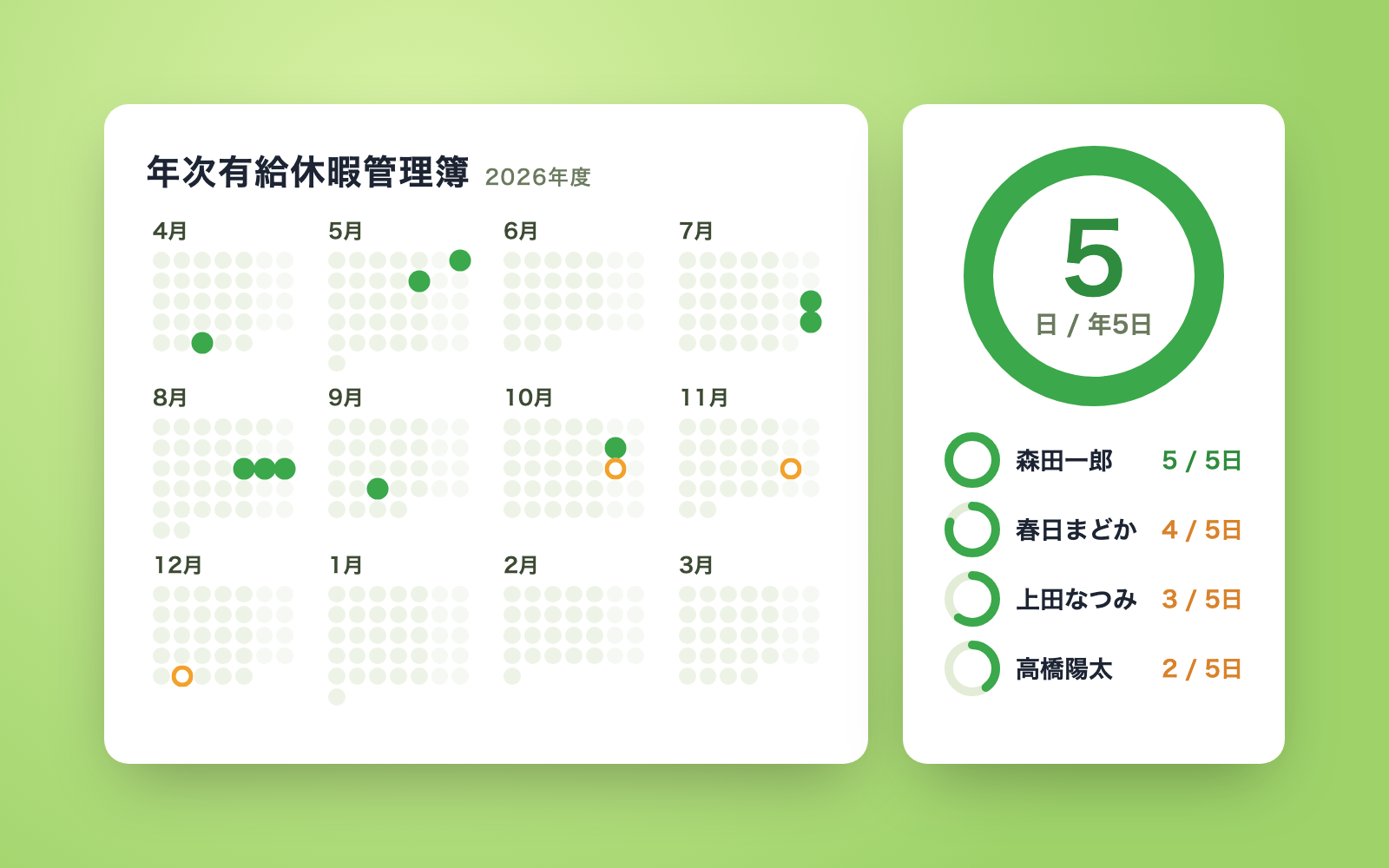
Paid Leave Ledger Kit is a vibe coding kit for Claude Code and Codex. Calculates leave grants, balances, expiry and the 5-day rule, and builds the ledger. It includes 8 fixes for pitfalls the maker hit in real work. Free.
When this helps
You want to manage paid leave properly, but tracking balances and the 5-day rule by hand is easy to get wrong
What it does
Enter names, join dates, weekly hours, and days taken, and it works out grant dates and days exactly per the statutory tables, then reports balances, the 2-year expiry, and 5-day-rule progress. It supports pro-rated grants for part-time staff, plus half-day and hourly leave. It produces a statutory leave ledger (Excel) with one sheet per employee and a summary, plus a one-page notice per employee with only that person's own data. Mistyped or duplicate dates, instruction-like text hidden in the ledger, and mentions of health or illness are flagged for review rather than written in as-is. Previous ledger versions are kept as backups, and edits go through dedicated add/fix/delete tools.
The fixes baked into this kit
- The 5-day rule misjudged all years since hire as "overdue"It was checking the 5-day rule even for old periods with no records. Fixed to skip periods that ended before the tracking start date and grants from before April 2019.
- Missing grants in "starting balance" were silently treated as zeroIf a grant was omitted from the starting balance, it was counted as zero days. Fixed to flag a missing-but-not-expired grant for review, and mark a grant below the statutory minimum as an error.
- Couldn't calculate the 5-day rule for staff aligned to a company dateWhen grant periods overlap, each period looked like it needed its own 5 days. Fixed using the special-case formula (months ÷ 12 × 5 days), matched against the labour ministry's example (7.5 days over 18 months).
- Miscounted the yearly cap on hourly leaveHourly leave was counted per grant instead of per year. Fixed to count per year regardless of which grant it came from, including hours used from carried-over leave.
- Misread Japanese-era and full-width-numeral dates"Reiwa 8, April 1" was read as 2018, and impossible dates like a full-width "3" or 2024-13-01 passed through unchecked. Fixed to parse era dates and full-width numerals, and to reject impossible dates as errors.
- On "please fix this," the AI rewrote the Excel file on the spotWhere no tool existed for a requested edit, the AI wrote a script and rebuilt the file, risking loss of other data. Fixed by adding fix, delete, rename and settings actions to the ledger tool, which edits only the targeted cells and keeps the previous version as a backup.
- Health/illness reasons for "not granted" leaked into the ledgerA reason written in the ledger, such as a medical leave, was copied straight into the output ledger. Fixed to only flag health- or illness-related text for review and write just "see ledger for reason" into the ledger itself.
- Using a surname alone or writing at the same time could lose entriesA surname alone was read as "no such person," two simultaneous writes could drop one entry, and writes in the same second overwrote each other's backup. Fixed to match on surname or "-san" form, lock during writes to prevent overlap, and suffix backup names with _2, _3.
What's inside
- A calculation engine that works out grants, balances, expiry and the 5-day rule exactly per the statutory tables
- Pro-rated grants for part-time staff, plus half-day and hourly leave support
- A statutory leave ledger (Excel) with one sheet per employee and a company-wide summary
- A one-page notice per employee containing only that person's own information
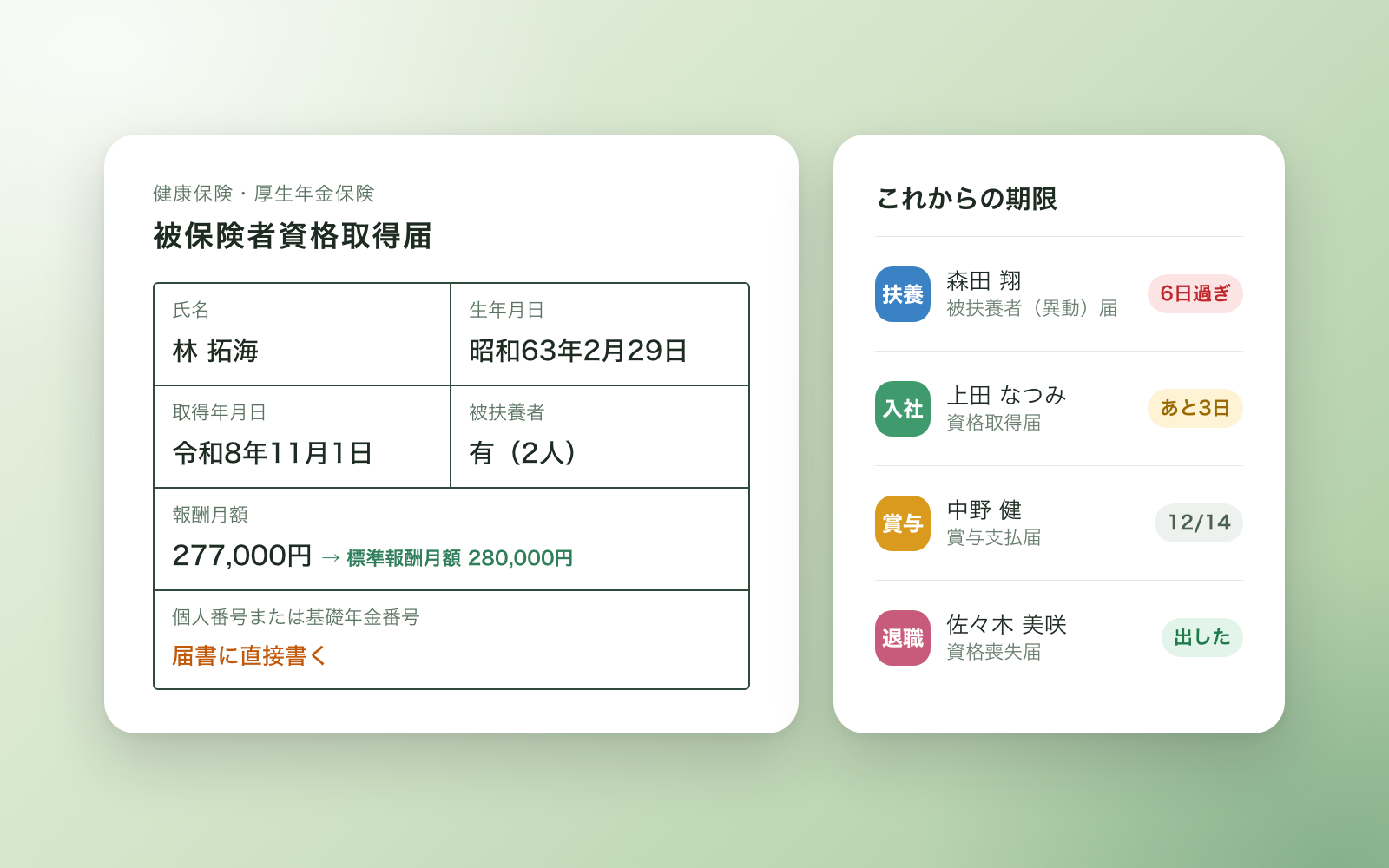
- Dedicated tools for adding, correcting, cancelling leave and recording resignations (without risk of overwriting other data)
- Checks that catch misread dates, duplicate entries and instruction-like text hidden in the ledger
- Sample data for a fictional 13-person bakery you can try it on
- A list of the government sources it's based on, with the date each was checked
File list (40)
- .gitignore
- AGENTS.md
- CLAUDE.md
- KIT.md
- NOTES.md
- data/README.md
- output/README.md
- rules/CHECK.md
- rules/FLOW.md
- rules/LAW.md
- rules/PROMPTS.md
- rules/SPEC.md
- rules/TONE.md
- samples/midoridai-bakery/add.json
- samples/midoridai-bakery/ledger-input.json
- tools/add.mjs
- tools/clean.mjs
- tools/days.mjs
- tools/lib/book.mjs
- tools/lib/dates.mjs
- tools/lib/engine.mjs
- tools/lib/guard.mjs
- tools/lib/injection.mjs
- tools/lib/law.mjs
- tools/lib/paths.mjs
- tools/lib/report.mjs
- tools/lib/result.mjs
- tools/lib/xlsx-read.mjs
- tools/lib/xlsx-write.mjs
- tools/lib/zip.mjs
- tools/make.mjs
- tools/paste.mjs
- tools/ready.mjs
- tools/selftest.mjs
- tools/share.mjs
- tools/show.mjs
- tools/template.mjs
- tools/try.mjs
- tools/who.mjs
- work/README.md
The first three decisions
- Headcount (full-time, part-time, temp staff)
- Whether leave is granted per hire date or aligned to one company date
- Whether a record of current balances already exists (payroll software, attendance log, etc.)
What you need
- No extra costNode.js 18 or newerNeeded to run the tools. Nothing else to install.
- No extra costExcel or NumbersTo open the leave ledger and the output ledger. Numbers is free if you don't have Excel.
How to use
Just paste this into your AI.
I want to use the nice to have kit "Paid Leave Ledger Kit". Follow https://nicetohave.app/en/g/7G4R7SFU-•••••••••• and set it up.
Works the same in Claude Code or Codex.
Read what this tells your AI to do, before you paste it
If you would rather take the files yourself
Paste the line above and your AI fetches it. If your AI cannot fetch it, or you would rather download it yourself, start here.
- Unpack the zip you downloaded
- Open the resulting folder in Claude Code or Codex (in VS Code, "Open Folder")
- Type "start building with this kit". The instructions are inside (Claude Code reads
CLAUDE.md, Codex readsAGENTS.md)
FAQ
- Can it calculate the 5-day rule for leave split into separate grants, like 5 days at hire and another 5 later?
- No. It only supports grants given all at once, whether front-loaded or aligned to one company date. Counting the 5-day rule for leave split across separate grant dates is outside this kit's scope.
- Can it automatically judge whether attendance fell below the 80% threshold for a given year?
- No. Calculating the attendance rate is outside this kit's scope. For a year that fell short, you enter the reason yourself in the "no grant" sheet.
- What happens if weekly scheduled hours are left blank for part-time staff?
- It judges full or pro-rated grants from weekly scheduled days × daily hours. If both are blank, it counts as pro-rated and flags that for review.
- Can another employee's name or days end up on someone's personal notice?
- No. Each employee's notice is its own file containing only that person's own balance, upcoming expiry, 5-day progress and next grant date.
- How long should the statutory leave ledger be kept?
- The law's original period is 5 years, but a transitional provision currently sets it at 3. This kit treats 3 years as the baseline while recommending you keep it for 5.
Reviews
This is your kit. You can also see its reviews on your page.
No reviews yet. Be the first to say something.
Supporters
Once support opens, the people who backed this kit will be listed here.
- Publisher
 shuto-shinoda
- Published
- 2026/10/28
- Price
- Free
- Category
- Delegate work
- Personal data
- Handled
- Security review
- Needed (depends what you handle)
- What's inside
More kits
shuto-shinoda2026/10/28
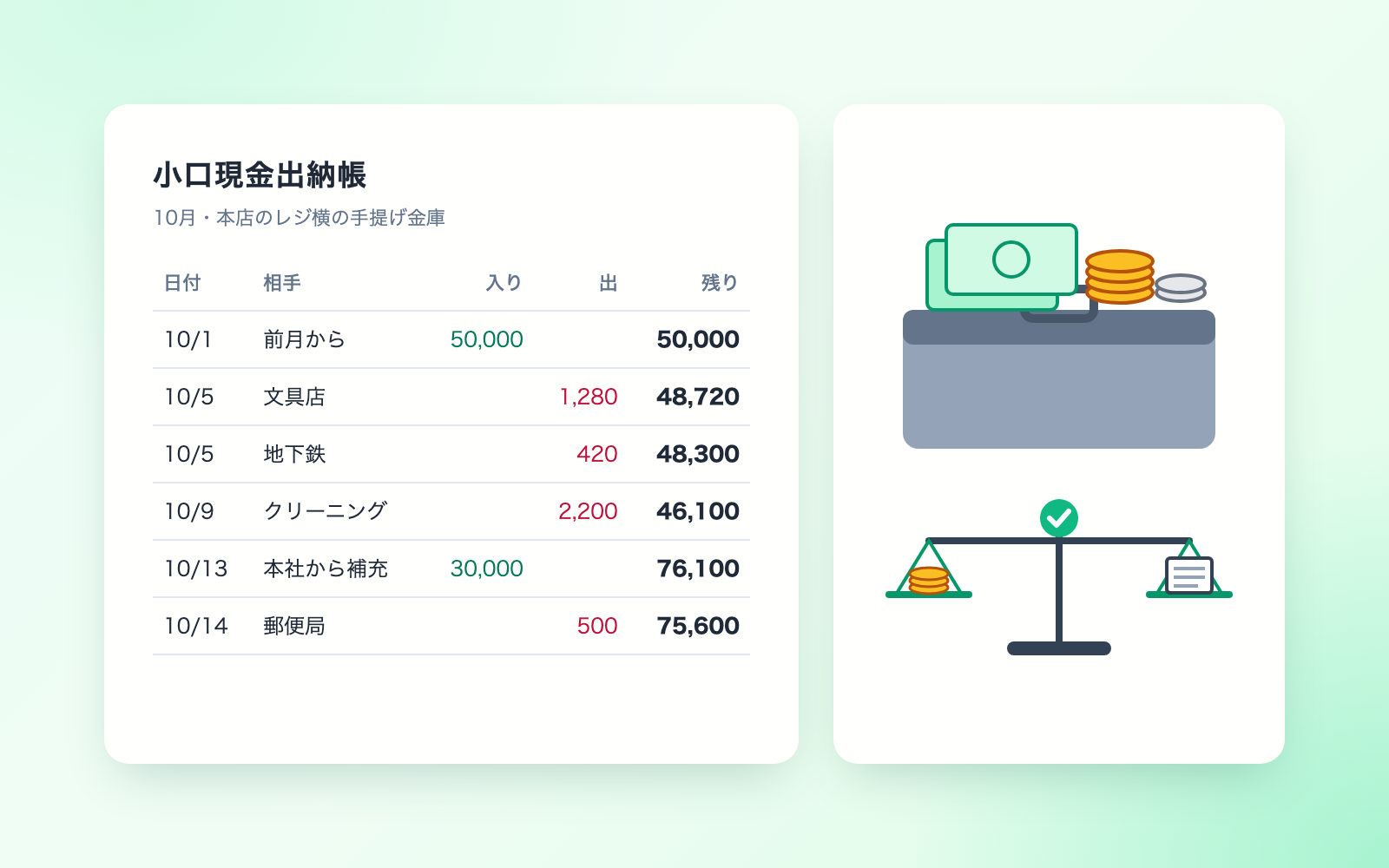 Received Invoice Check KitFree
Checks invoices for compliance, then saves and logs them
shuto-shinoda2026/10/28
Received Invoice Check KitFree
Checks invoices for compliance, then saves and logs them
shuto-shinoda2026/10/28
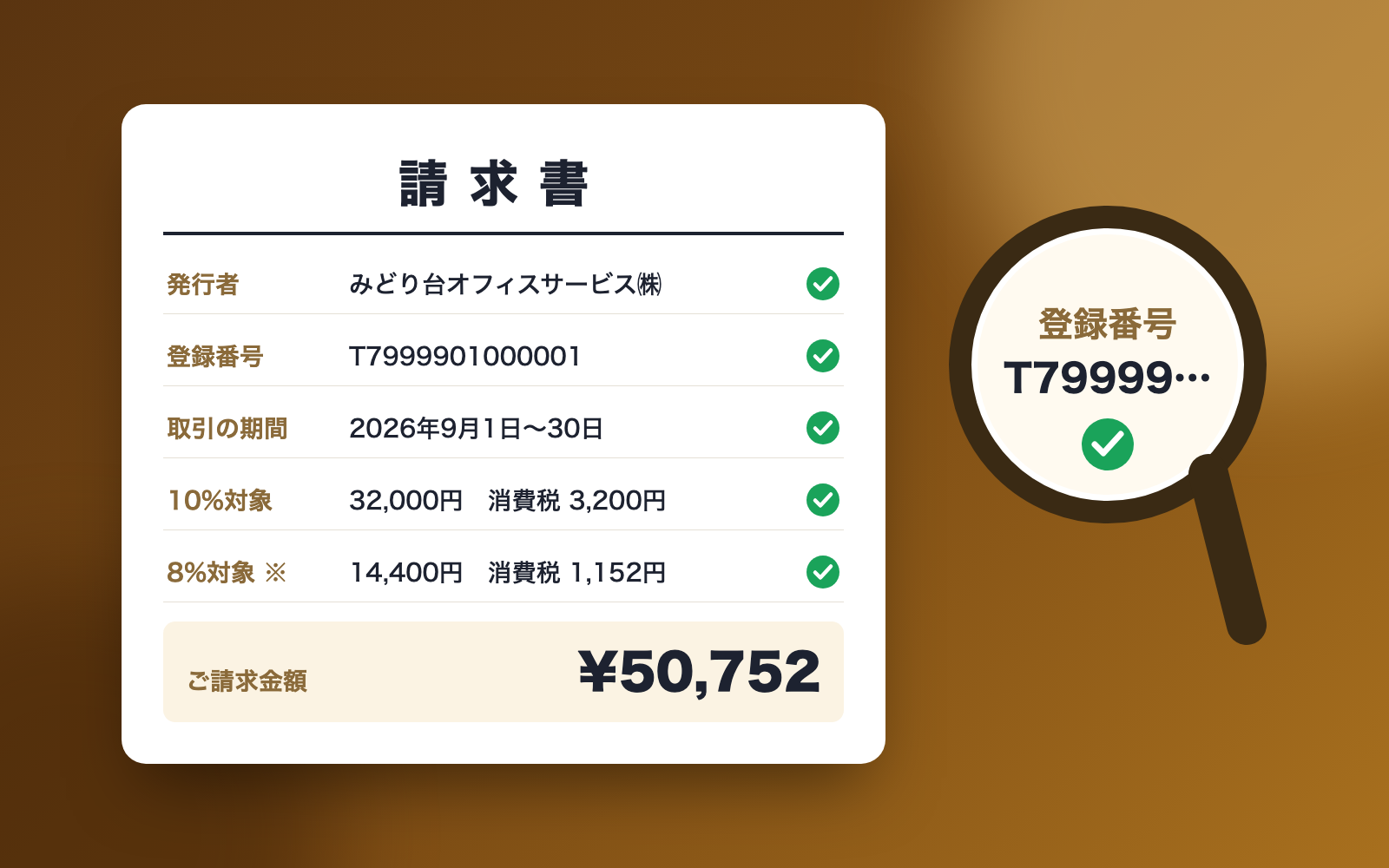 Social Insurance Filing KitFree
Turns each HR event into a filing list, deadlines and draft form values
shuto-shinoda2026/10/28
Social Insurance Filing KitFree
Turns each HR event into a filing list, deadlines and draft form values
shuto-shinoda2026/10/28