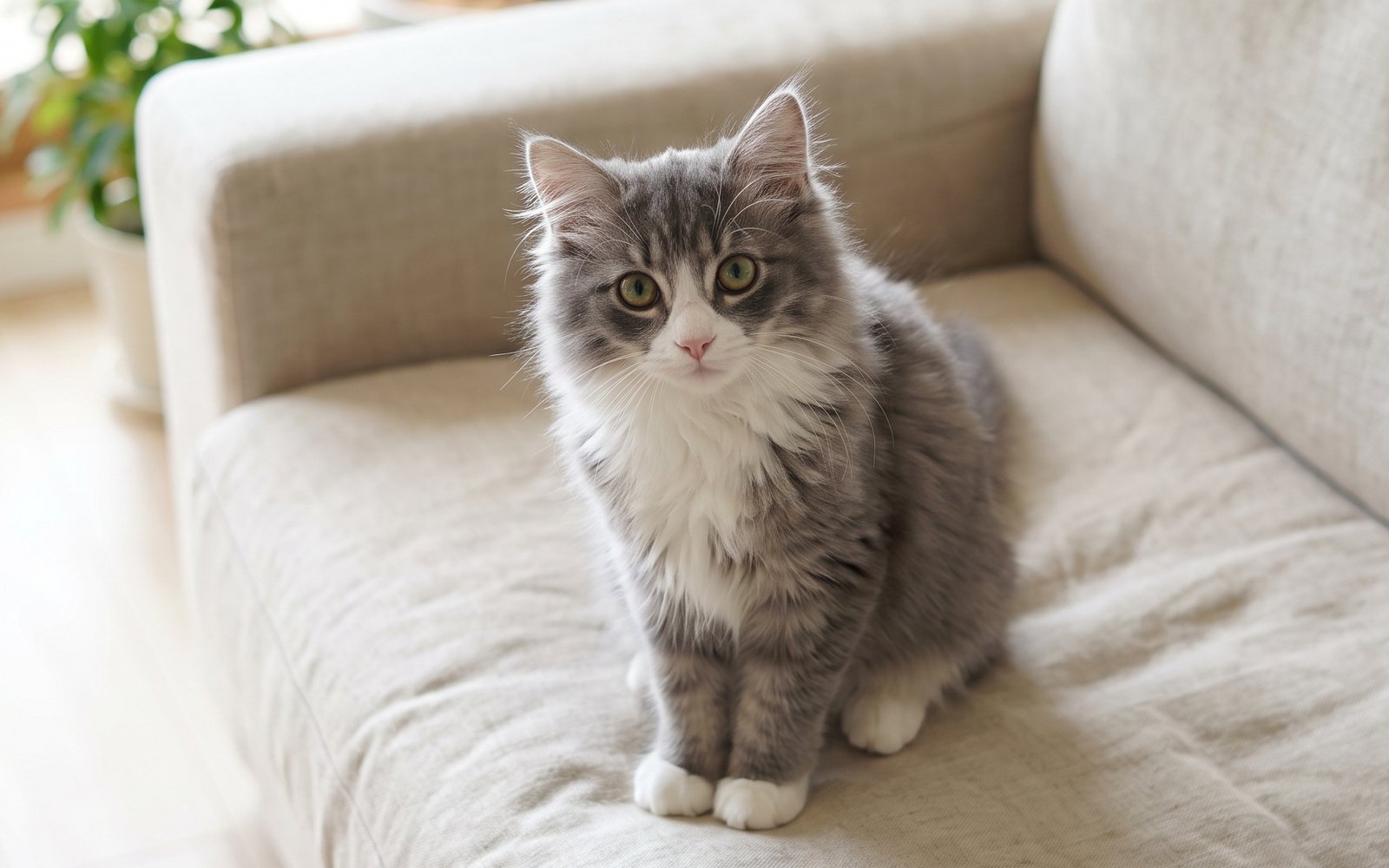
Pet Naming Kit is a kit for Claude Code and Codex. Turn photos and info into name candidates, then decide by saying them aloud. It includes 3 fixes for pitfalls the maker hit in real work. Free.
When this helps
You want AI to name your pet, but it just gives similar suggestions and assumes personality from a photo
What it does
From a pet's photo and/or description, this widens the pool of name candidates. It first separates what's directly visible in the photo from what the owner has stated (personality, age, stories), then generates candidates along four directions: sound, looks, meaning, and left-field ideas. It listens to your like/dislike reactions and feeds them into the next round, and mechanically checks candidates against existing family names and words you want to avoid. Once narrowed to 2-5 candidates, you say each one aloud in a call test, so everyday callability - not just meaning or looks - can be the final deciding factor.
The fixes baked into this kit
- Couldn't hand over a photo directlyIt only assumed you'd describe the look in text, so photo-only, text-only, and photo+text modes were added.
- It started assuming personality from the photoThere was no separate handling for photo-capable vs. text-only environments, so observed image facts were separated from owner-provided info and associations, with a rule against asserting personality, breed, or age from a photo.
- Meaning alone was about to decide the nameCallability was only judged from the text impression, so a mandatory call test was added once candidates are narrowed to 2-5, where the owner says each one aloud.
What's inside
- The naming flow (sort info → widen candidates → narrow down → decide with a call test)
- A method to separate what's visible in the photo from what the owner stated
- A way to widen candidates along four directions: sound, looks, meaning, left-field ideas
- A system that picks up common traits from your like/dislike reactions and feeds them into the next round
- A tool that mechanically checks candidates against existing family names and words to avoid
- A final call test where you say each name aloud yourself to check callability
- Ways to ask when you're stuck (can't articulate preferences, too many candidates, etc.)
File list (15)
- AGENTS.md
- CLAUDE.md
- KIT.md
- NOTES.md
- examples/candidates.json
- examples/profile.json
- kit-spec.json
- rules/CALL_TEST.md
- rules/CHECK.md
- rules/FLOW.md
- rules/PROMPTS.md
- rules/SPEC.md
- rules/TONE.md
- tools/check.mjs
- tools/name-audit.mjs
The first three decisions
- Your pet's info (attach a photo if you have one; photo alone is fine)
- Naming direction (cute, elegant, etc. If unsure, ask for 3 directions)
- Things to avoid / existing names (say "none" if there aren't any)
What you need
- No extra costAn AI environment that can read this folderClaude Code, Codex, etc.
- No extra costWhatever you know about your petA photo alone or just the species is enough to start; photo + description is recommended
- No extra costNode.jsOnly needed to run tools/name-audit.mjs and tools/check.mjs
How to use
Just paste this into your AI.
I want to use the nice to have kit "Pet Naming Kit". Follow https://nicetohave.app/en/g/8TGTWMAG-•••••••••• and set it up.
Works the same in Claude Code or Codex. If you have Safe Rail (the guard that stops dangerous operations automatically), it fetches the kit for you.
Read what this tells your AI to do, before you paste it
If you would rather take the files yourself
Paste the line above and your AI fetches it. To download it yourself, start here.
- Unpack the zip you downloaded
- Open the resulting folder in Claude Code or Codex (in VS Code, "Open Folder")
- Type "start building with this kit". The instructions are inside (Claude Code reads
CLAUDE.md, Codex readsAGENTS.md)
This route comes without Safe Rail, the guard that stops dangerous operations automatically. If you are building something that handles keys or personal data, use Claude Code with Safe Rail.
FAQ
- What does Pet Naming Kit do?
- From a pet's photo and/or description, this widens the pool of name candidates. It first separates what's directly visible in the photo from what the owner has stated (personality, age, stories), then generates candidates along four directions: sound, looks, meaning, and left-field ideas. It listens to your like/dislike reactions and feeds them into the next round, and mechanically checks candidates against existing family names and words you want to avoid. Once narrowed to 2-5 candidates, you say each one aloud in a call test, so everyday callability - not just meaning or looks - can be the final deciding factor.
- Which AI tools does it work with?
- Claude Code and Codex. Copy the one line on the kit page and paste it into your AI; it pulls in the kit and starts (copying needs a GitHub or Google sign-in).
- Does it cost anything?
- The kit is free. Nothing else in the kit costs extra. The AI tool itself is billed under your own plan.
- How is this different from just asking an AI?
- It already contains the fixes for pitfalls the maker hit in real work: "Couldn't hand over a photo directly", "It started assuming personality from the photo", "Meaning alone was about to decide the name".
- What do I decide first?
- Three things: Your pet's info (attach a photo if you have one; photo alone is fine); Naming direction (cute, elegant, etc. If unsure, ask for 3 directions); Things to avoid / existing names (say "none" if there aren't any). The AI asks them one at a time.
- Does it handle personal data?
- No.
Reviews
This is your kit. You can also see its reviews on your page.
No reviews yet. Be the first to say something.
Supporters
Once support opens, the people who backed this kit will be listed here.
- Publisher
 sariqh
- Published
- 2026/09/27
- Price
- Free
- Category
- Delegate work
- Personal data
- Not handled
- Security review
- Not needed (no personal data)
- What's inside
More kits
 ohirutabeyo2026/09/17
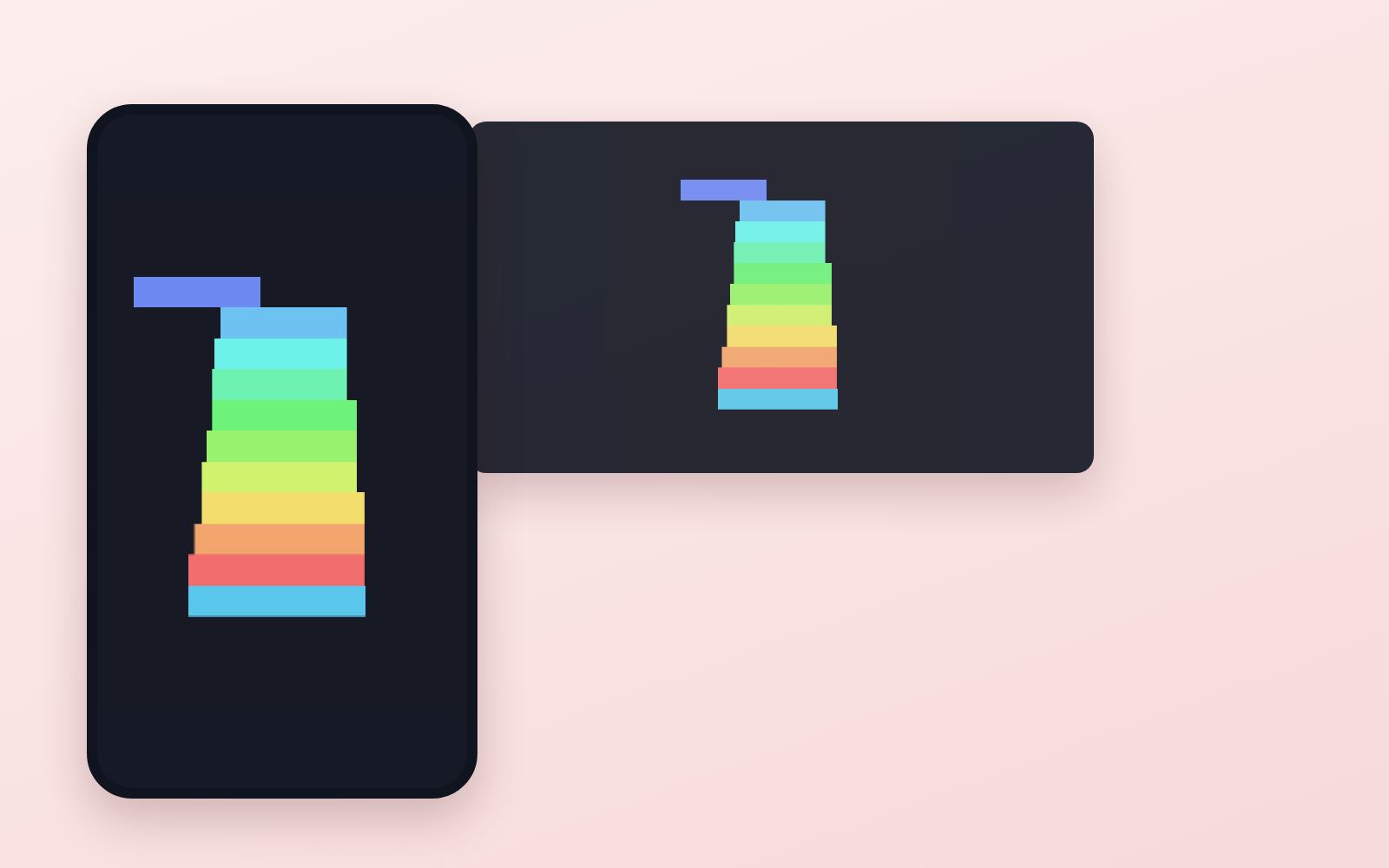 Furniture-to-3D KitFree
Spec drawings and product photos into an AR-ready 3D model
ohirutabeyo2026/09/12
Furniture-to-3D KitFree
Spec drawings and product photos into an AR-ready 3D model
ohirutabeyo2026/09/12
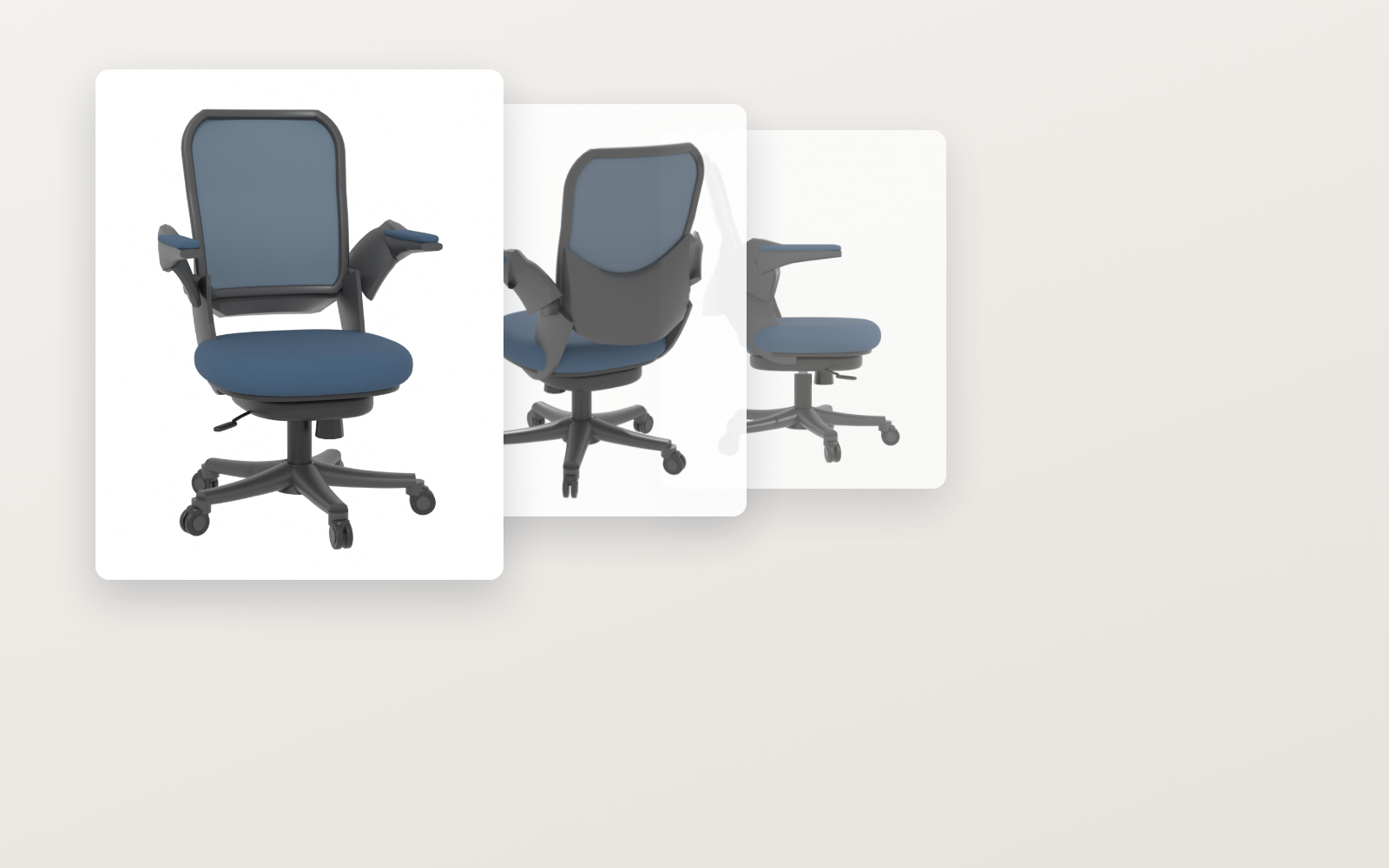 Pixel Motion KitFree
Hand it one drawing, get 16 animated frames
ohirutabeyo2026/09/11
Pixel Motion KitFree
Hand it one drawing, get 16 animated frames
ohirutabeyo2026/09/11