Personal Info Redaction Kit
Swap names, phone numbers, IDs and diagnoses for tags before handing text to AI
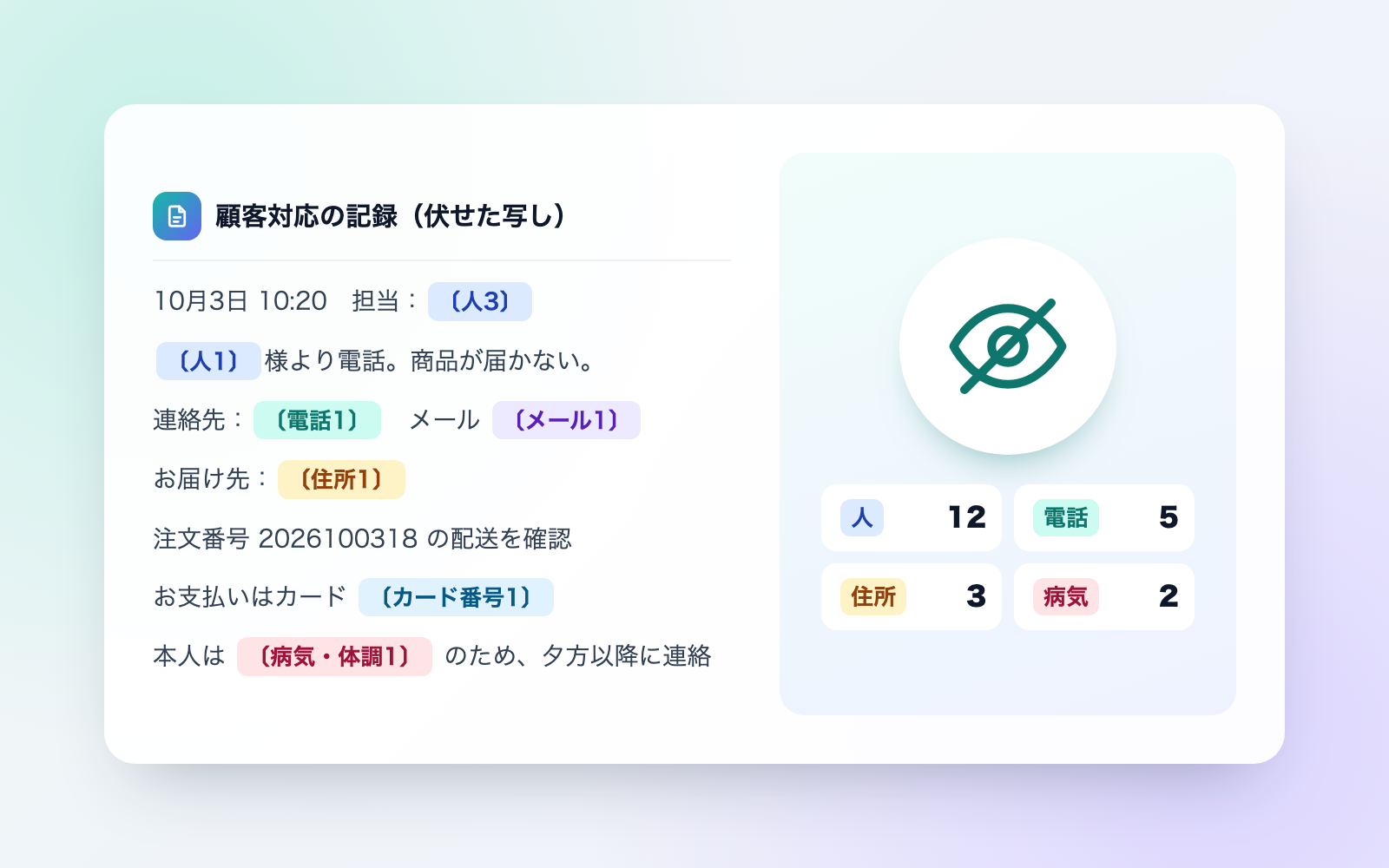
Personal Info Redaction Kit is a vibe coding kit for Claude Code and Codex. Swap names, phone numbers, IDs and diagnoses for tags before handing text to AI. It includes 6 fixes for pitfalls the maker hit in real work. Free.
When this helps
You want to summarize documents with personal data in AI, but erasing it by hand leaves gaps
What it does
Feed it support logs, minutes, inquiries, copies of medical records, or staff lists (text, Markdown, CSV, Word, Excel). It returns a copy with names, addresses, phone numbers, emails, birthdates, ID numbers, bank/card numbers and diagnoses replaced by tags like [Person1] or [Phone2]. Redaction runs locally — the AI never reads the original. The same person or number always gets the same tag, so summaries and sorting still work. It then re-checks for anything missed and shows the original wording in colour on a side-by-side page to verify by eye before handing it over. Missed items go on a "redact" list, over-redactions on a "keep" list, then rerun. It can also restore an AI reply to real names, and reads hidden text and hidden sheets in Word/Excel without copying them, reporting only counts.
The fixes baked into this kit
- A "seal" mark after the doctor's name made it look like not a nameIn forms like "Doctor's name: ___ [seal]", the trailing "seal" mark made the text look like it wasn't a name, so it was missed. The kit now checks every "name" field in full and strips the trailing seal mark before deciding.
- A diagnosis written on the indented line below the label was missedThe official referral-letter format writes the diagnosis and prescription on an indented line below the "diagnosis" label, not on the same line, so it slipped through. The kit now also redacts the indented line right after a name-only diagnosis label.
- Names and test values on the official health-checkup form were missedThe standard form spells "name" with a full-width space between the characters, so it didn't look like a name field and was left in, along with blood pressure, liver and urine test values. The kit now redacts that field regardless of spacing and treats checkup values as health information.
- An on-screen error message was wrongly treated as an instruction to the AIA translation file's UI string, "Failed to update the system prompt," was flagged as an instruction aimed at the AI and dropped from the copy. The kit no longer drops lines that merely mention terms like "system prompt" without an actual command.
- Staff and customer with the same surname got mixed up under one tag"Sato (staff)" and "Sato Hanako (customer)" were tagged as the same person just because they shared a surname, so the AI confused staff with the customer. Surname-only mentions and full-name mentions now always get separate tags.
- Phone and card numbers split across a line break were missedNumbers wrapped across a line break, like "090-1234-" followed by "5678" on the next line, weren't caught. The kit now joins text across line breaks before checking whether it matches a phone or card number.
What's inside
- The flow (drop files → redact → compare → hand over → restore → delete)
- A tool that turns text, Markdown, CSV, Word and Excel into redacted copies
- A tagging system so the same person or number always gets the same tag
- A side-by-side review page that highlights anything possibly missed
- A tool that restores an AI's reply back to real names
- "Words to redact" and "words to keep" lists to fix misses and over-redaction
- A sample fictional shop you can try it on
- A log of real issues hit in practice and how each was fixed
File list (40)
- .gitignore
- AGENTS.md
- CLAUDE.md
- KIT.md
- NOTES.md
- data/README.md
- output/README.md
- rules/CHECK.md
- rules/FLOW.md
- rules/LAW.md
- rules/PROMPTS.md
- rules/SPEC.md
- rules/TONE.md
- samples/porimori/inquiries.csv
- samples/porimori/interview.json
- samples/porimori/keep-words.txt
- samples/porimori/minutes.md
- samples/porimori/roster.txt
- samples/porimori/staff.json
- samples/porimori/support-log.txt
- tools/fuseji.mjs
- tools/lib/detect.mjs
- tools/lib/guard.mjs
- tools/lib/injection.mjs
- tools/lib/law.mjs
- tools/lib/leak.mjs
- tools/lib/office-make.mjs
- tools/lib/page.mjs
- tools/lib/paths.mjs
- tools/lib/read.mjs
- tools/lib/result.mjs
- tools/lib/store.mjs
- tools/lib/zip.mjs
- tools/list.mjs
- tools/remove.mjs
- tools/restore.mjs
- tools/selftest.mjs
- tools/setup.mjs
- tools/show.mjs
- tools/try.mjs
The first three decisions
- Words to keep — your company name, main phone line, contact email, etc.
- Redact or keep health/medical info (default: redact)
- Add a roster list (also catches names without titles)
What you need
- No extra costClaude Code or CodexBoth CLAUDE.md and AGENTS.md are included
- No extra costNode.js 18 or laterNeeded to run the tools; nothing else to install
- No extra costA browserTo view the results page and the side-by-side review page
How to use
Just paste this into your AI.
I want to use the nice to have kit "Personal Info Redaction Kit". Follow https://nicetohave.app/en/g/JSUAUKJ2-•••••••••• and set it up.
Works the same in Claude Code or Codex.
Read what this tells your AI to do, before you paste it
If you would rather take the files yourself
Paste the line above and your AI fetches it. If your AI cannot fetch it, or you would rather download it yourself, start here.
- Unpack the zip you downloaded
- Open the resulting folder in Claude Code or Codex (in VS Code, "Open Folder")
- Type "start building with this kit". The instructions are inside (Claude Code reads
CLAUDE.md, Codex readsAGENTS.md)
FAQ
- Can it redact photos or handwriting?
- No. Photos, scanned PDFs, handwriting and text inside images can't be read by this tool, so they're left out of the AI-facing copy entirely — you're only told how many there are.
- Does the redacted copy count as legally "anonymized" data?
- No. Under the Personal Information Protection Commission's guidelines, data that still gets treated as personal information even after names are removed for safety doesn't count as creating anonymized or pseudonymized data. Treat the redacted copy as personal information too.
- How can I catch more of the names it might miss?
- Put a name list (one person per line, or a CSV/Excel with a name column) in the "roster" folder. That also catches names without a title like "san" or "sama". The AI never reads this roster.
- Can I fix it if the main phone line or a place name gets redacted?
- Yes. Add the word to the "words to keep" list and rerun it. Because name-shaped text with no title — a common surname plus given name — is redacted by default to avoid missing real names, place and company names can sometimes get caught too.
- Is it okay for anyone to see the lookup table used to restore names?
- No — it contains every original name, so keep it somewhere internal-only and never hand it to the AI or anyone else. We recommend deleting it once you're done restoring.
Reviews
This is your kit. You can also see its reviews on your page.
No reviews yet. Be the first to say something.
Supporters
Once support opens, the people who backed this kit will be listed here.
- Publisher
 shuto-shinoda
- Published
- 2026/10/20
- Price
- Free
- Category
- Delegate work
- Personal data
- Handled
- Security review
- Needed (depends what you handle)
- What's inside
More kits
shuto-shinoda2026/10/20
 Outsourcing Contract & Order KitFree
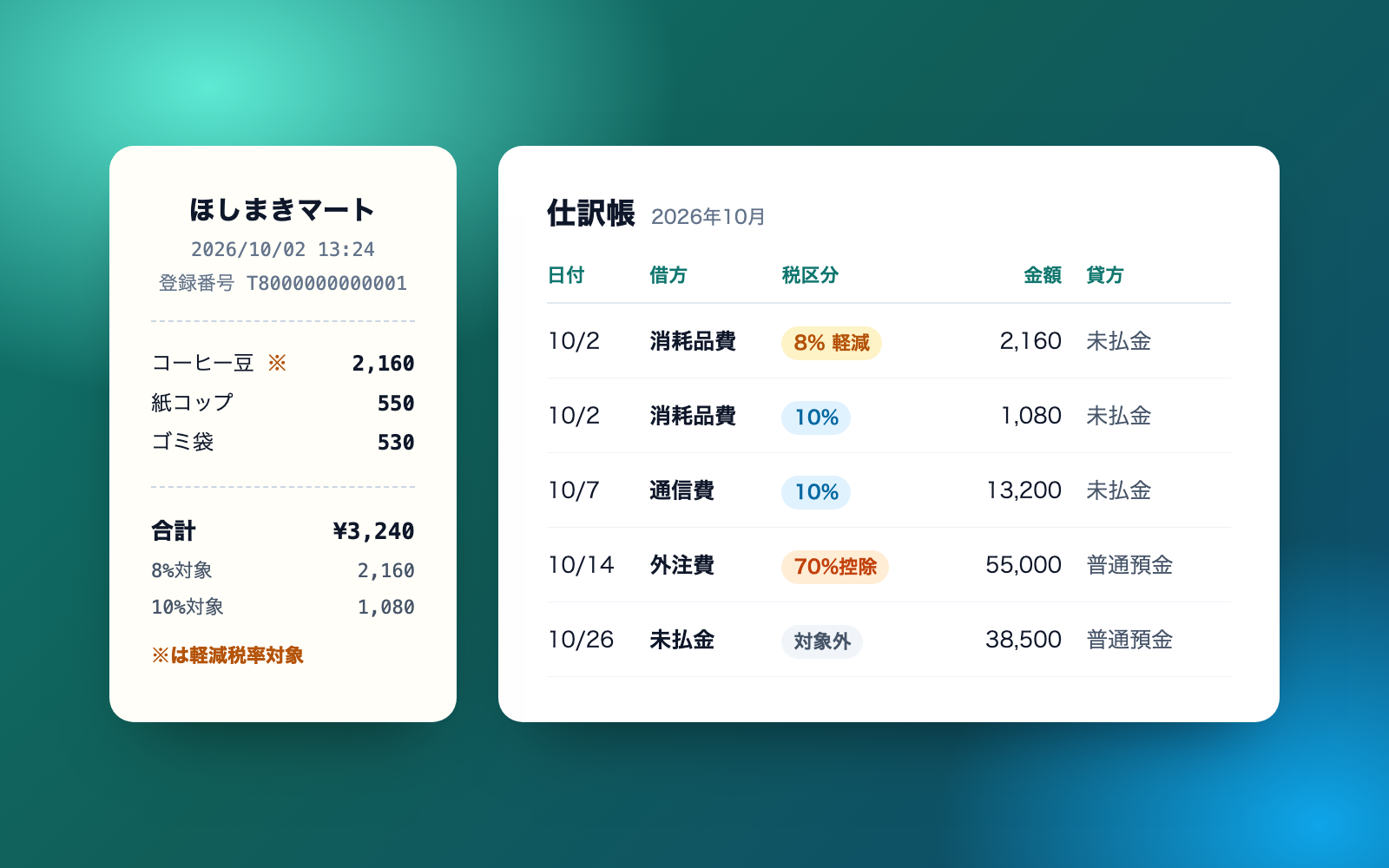
Turns agreed terms into a contract and order, and watches payment due dates
shuto-shinoda2026/10/20
Outsourcing Contract & Order KitFree
Turns agreed terms into a contract and order, and watches payment due dates
shuto-shinoda2026/10/20
 Employment Subsidy Application KitFree
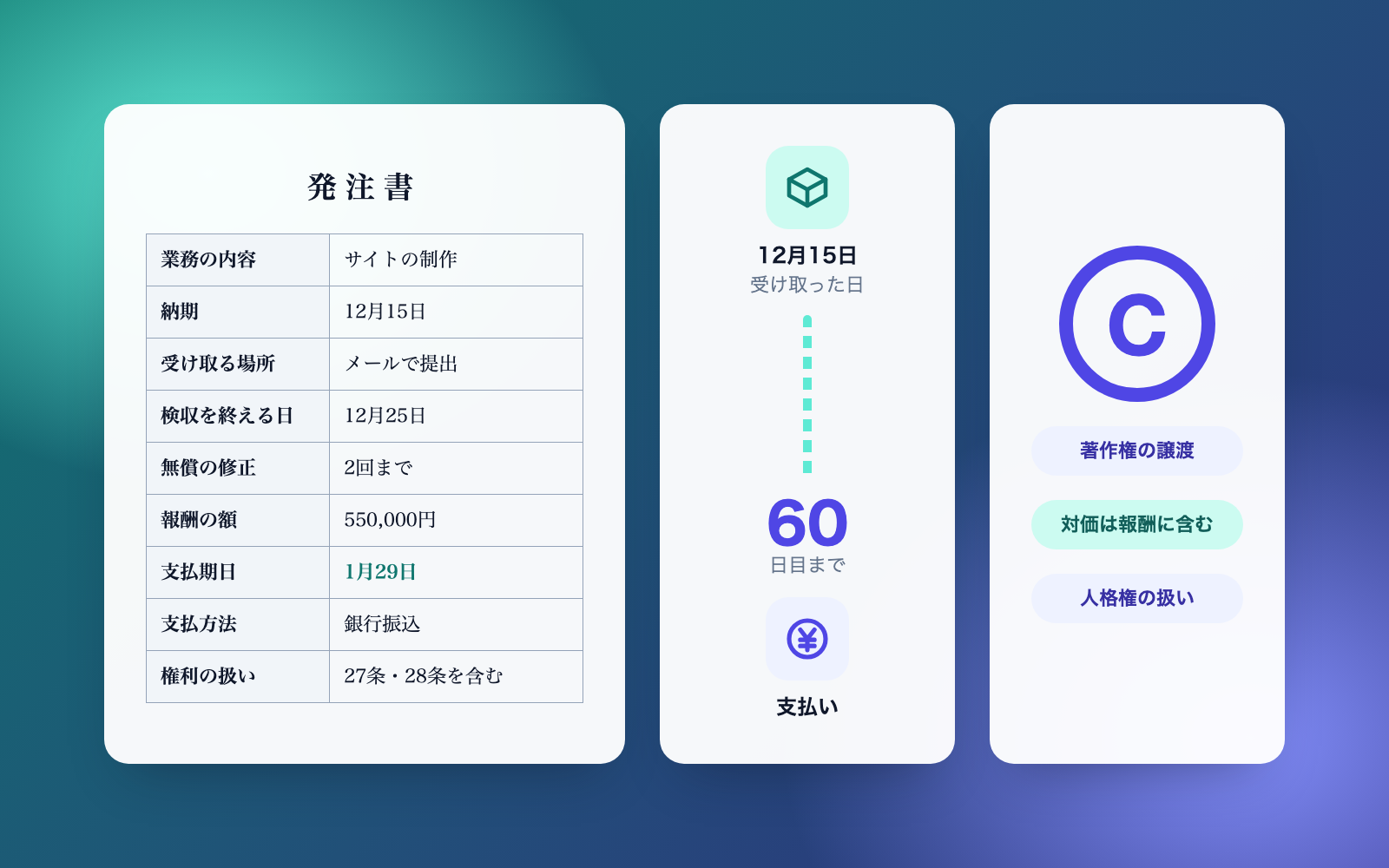
Describe what happened, see which subsidies might apply, with deadlines
shuto-shinoda2026/10/20
Employment Subsidy Application KitFree
Describe what happened, see which subsidies might apply, with deadlines
shuto-shinoda2026/10/20