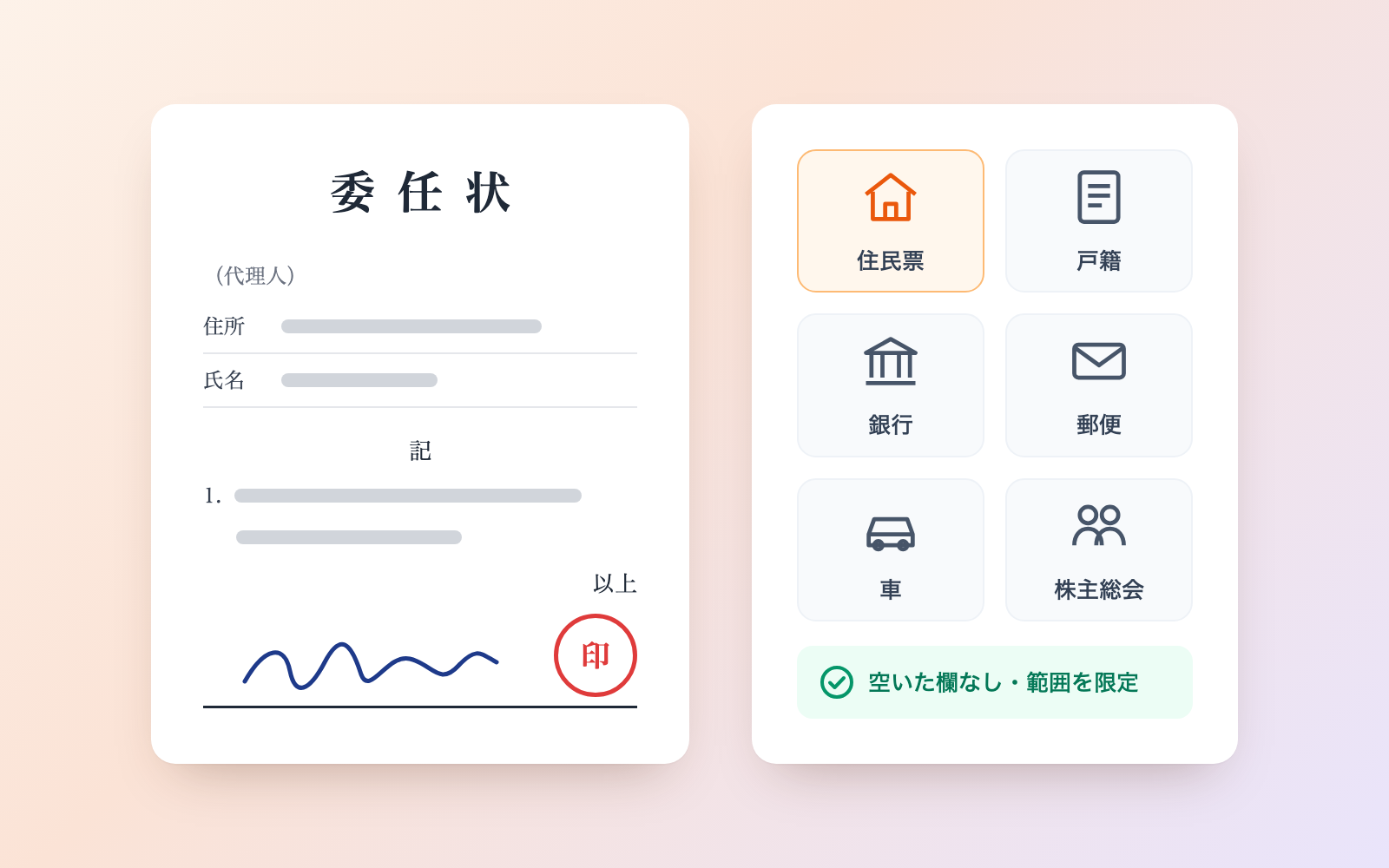
In-House AI Usage Rules Kit
Answer about your AI services and contracts, get staff rules and a ledger
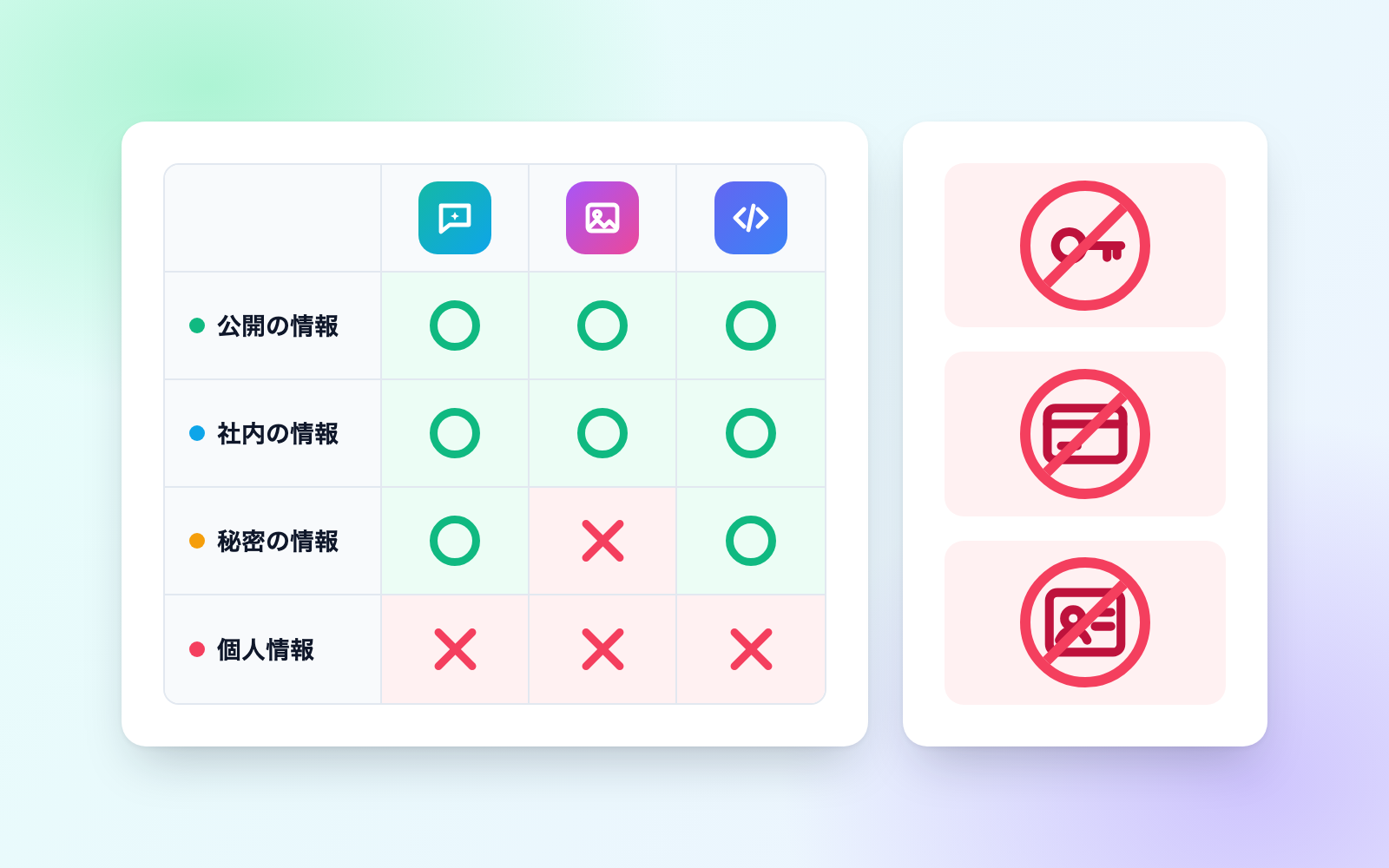
In-House AI Usage Rules Kit is a vibe coding kit for Claude Code and Codex. Answer about your AI services and contracts, get staff rules and a ledger. It includes 6 fixes for pitfalls the maker hit in real work. Free.
When this helps
Staff already use generative AI, but nobody wrote where the line is
What it does
Answer questions about the AI services, contracts, information, and business you have, and this kit drafts staff-facing AI usage rules, a one-page summary of what's allowed where, and a service ledger. Paste in existing rules to flag missing items, outdated claims like "AI output has no copyright," and leftover placeholders like [Company Name]. It never guesses contract or training terms — you confirm those yourself. Drafts stay drafts until every issue is fixed.
The fixes baked into this kit
- A ban doesn't read as a banA template's "must not include the following information in prompts" wasn't recognized as a rule about what not to enter. The review tool now matches combinations like enter/input/include/paste with negations like must-not/prohibited.
- Unfinished [Company Name] placeholders get missedBracketed placeholders like "[Your Company]" or "[Approved Tool 1]" in templates went unnoticed. Company names and tool names inside brackets are now flagged as unfinished too.
- Penalties exist, but nobody says who to tellMany rules had disciplinary penalties but no instructions on who to notify after a mistake. Missing notification steps are now flagged, and generated rules always include "report early, don't stay silent."
- Explanatory text mistaken for an instruction to the AILines like a local government guideline's "generative AI can learn from large volumes of text and..." were being flagged as AI-directed instructions. Text starting with "AI" is now only flagged if it names an action for the AI to take.
- Chat and API integration get treated as one contractConnecting a service by API, such as sending sales data automatically, was easily confused with using the same provider's chat screen under one contract. Contract type now has a separate "integration (API)" option, with a note that terms can differ.
- Government guidance remembered from an outdated versionSome draft rules were written against outdated versions of the AI Business Guidelines or the Trade Secret Management Guidelines. The kit now writes from the current version, flags any leftover references to older versions, and warns at the top of the results page once its own cutoff date has passed.
What's inside
- A tool that turns your answers into staff-facing "generative AI usage rules"
- A one-page summary: a yes/no table of what's allowed per service, by information type
- A ledger of your AI services (contract type, training settings, retention period, and more)
- A tool that reviews existing rules and flags missing items, outdated claims, and unfinished placeholders
- A tool that finds AI-directed instructions hidden in pasted text — and refuses to follow them
- Two fictional sample companies (home care, architecture) you can try it on
- Pitfalls found by checking against government guidelines and law, and how the kit fixes them
- Tools to re-read rules before sending them out, and to make a share-safe copy
File list (40)
- .gitignore
- AGENTS.md
- CLAUDE.md
- KIT.md
- NOTES.md
- data/README.md
- output/README.md
- rules/CHECK.md
- rules/FLOW.md
- rules/LAW.md
- rules/PROMPTS.md
- rules/SPEC.md
- rules/TONE.md
- samples/asagizaka-sekkei/hearing.json
- samples/hoshikage-kaigo/hearing-draft.json
- samples/hoshikage-kaigo/hearing-fixed.json
- samples/hoshikage-kaigo/old-rule.txt
- tools/lib/docs.mjs
- tools/lib/guard.mjs
- tools/lib/hearing.mjs
- tools/lib/injection.mjs
- tools/lib/law.mjs
- tools/lib/page.mjs
- tools/lib/paths.mjs
- tools/lib/read.mjs
- tools/lib/result.mjs
- tools/lib/review.mjs
- tools/lib/state.mjs
- tools/lib/zip.mjs
- tools/make.mjs
- tools/paste.mjs
- tools/ready.mjs
- tools/remove.mjs
- tools/review.mjs
- tools/selftest.mjs
- tools/send.mjs
- tools/share.mjs
- tools/show.mjs
- tools/status.mjs
- tools/try.mjs
The first three decisions
- Your company name and line of business
- The generative AI services you use
- Whether you already have written rules (paste them in if so)
What you need
- No extra costClaude Code or CodexBoth CLAUDE.md and AGENTS.md are included
- No extra costNode.js 18 or newerNeeded to run the tools; nothing else to install
- No extra costA browserTo view the results page and the rules it produces
- No extra costYour AI services' admin console or termsSo you can confirm contract type, training settings, and retention period yourself
How to use
Just paste this into your AI.
I want to use the nice to have kit "In-House AI Usage Rules Kit". Follow https://nicetohave.app/en/g/T5WFS7VR-•••••••••• and set it up.
Works the same in Claude Code or Codex.
Read what this tells your AI to do, before you paste it
If you would rather take the files yourself
Paste the line above and your AI fetches it. If your AI cannot fetch it, or you would rather download it yourself, start here.
- Unpack the zip you downloaded
- Open the resulting folder in Claude Code or Codex (in VS Code, "Open Folder")
- Type "start building with this kit". The instructions are inside (Claude Code reads
CLAUDE.md, Codex readsAGENTS.md)
FAQ
- Does the kit decide whether a service's terms are safe to use?
- No. Contract type, training settings, and retention period are only ever the answers you confirmed yourself from the original terms or admin console; the kit only tells you what to check.
- Can I enter customer names or personal data into the kit?
- It isn't built for that. What goes in is your company name, contact names, which services you use and under what contract, and any existing rules text — not customer or employee personal data itself.
- Does it cover overseas offices or overseas law?
- No. It's built around Japanese law and government guidelines, and doesn't cover overseas law or rules for companies that build and sell AI.
- Can it monitor how staff are actually using AI?
- No. The kit produces rules and a ledger, not a logging or monitoring system for how staff actually use these services.
- Are earlier versions of the rules kept?
- Yes. Each time distributed rules are rewritten, the previous version is kept in an archive folder, which is worth keeping as a record of what was decided and when.
Reviews
This is your kit. You can also see its reviews on your page.
No reviews yet. Be the first to say something.
Supporters
Once support opens, the people who backed this kit will be listed here.
- Publisher
 shuto-shinoda
- Published
- 2026/10/28
- Price
- Free
- Category
- Documents
- Personal data
- Handled
- Security review
- Needed (depends what you handle)
- What's inside
More kits
shuto-shinoda2026/10/28
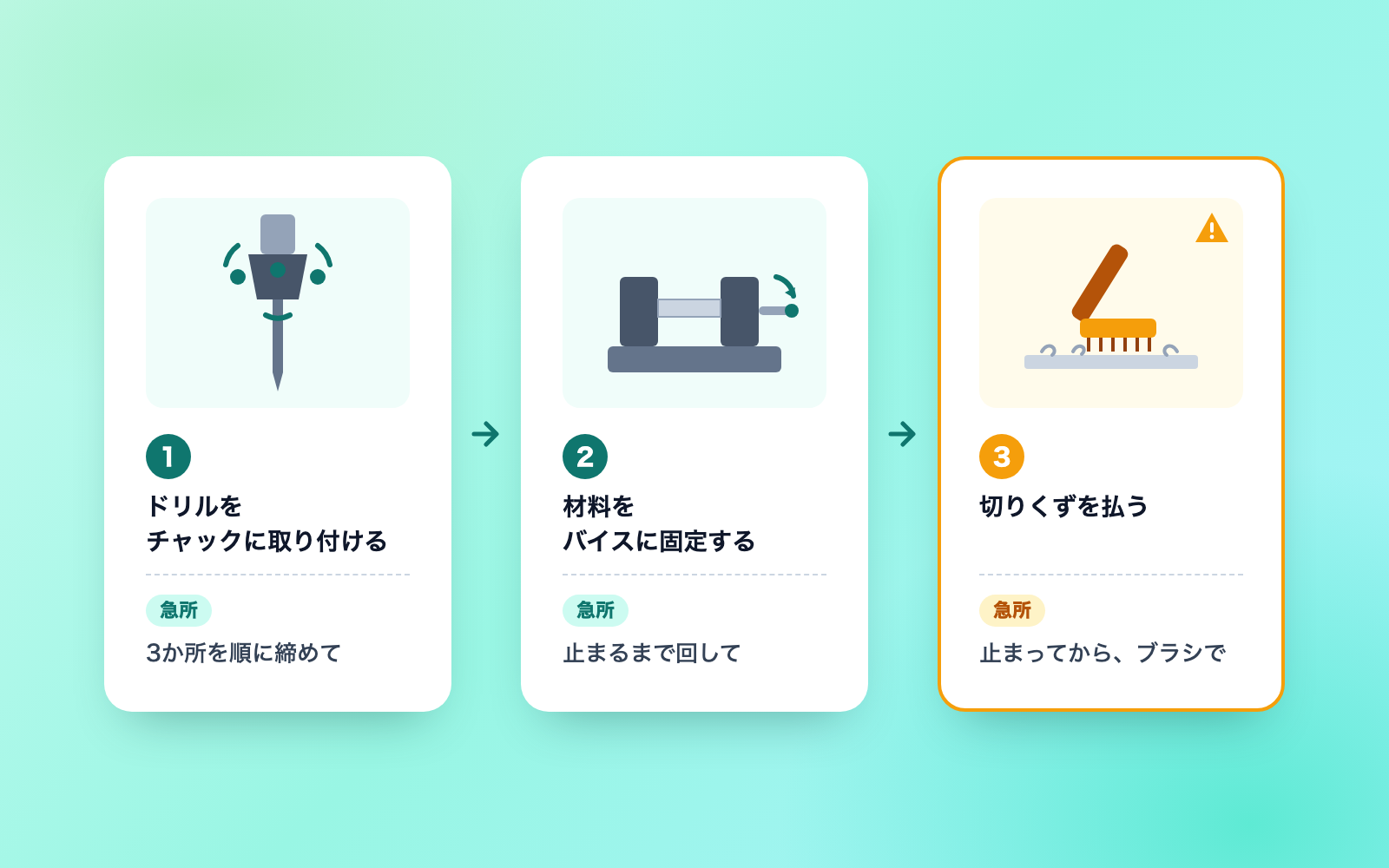 Dev Handover & README KitFree
Read the code and get a README, handover doc and question list
shuto-shinoda2026/10/28
Dev Handover & README KitFree
Read the code and get a README, handover doc and question list
shuto-shinoda2026/10/28
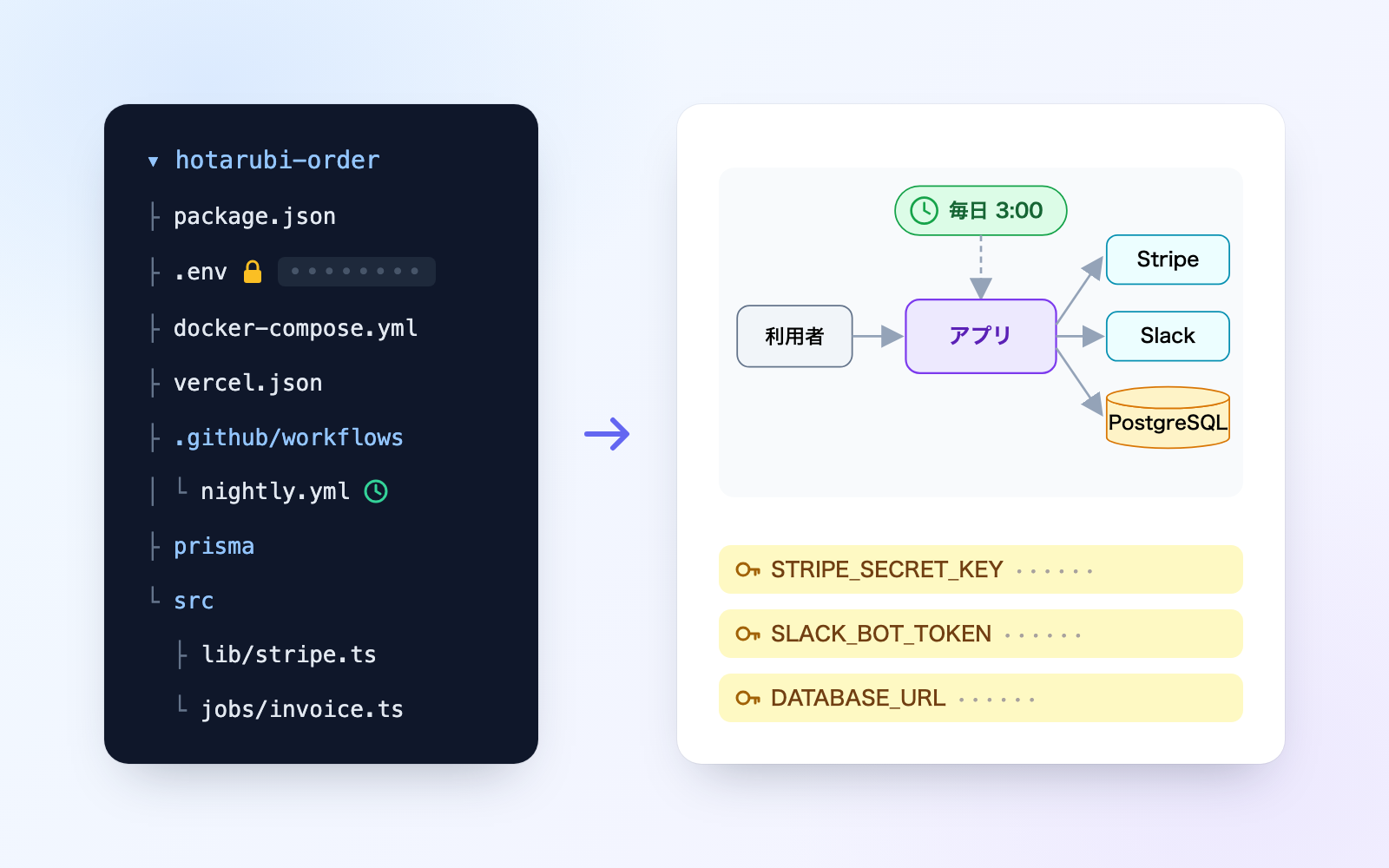 Power of Attorney KitFree
Just talk, and get a power of attorney checked for blanks and overreach
shuto-shinoda2026/10/28
Power of Attorney KitFree
Just talk, and get a power of attorney checked for blanks and overreach
shuto-shinoda2026/10/28