Construction Safety Documents (Green File) Kit
Turn one ledger into site safety document drafts and deadline tracking
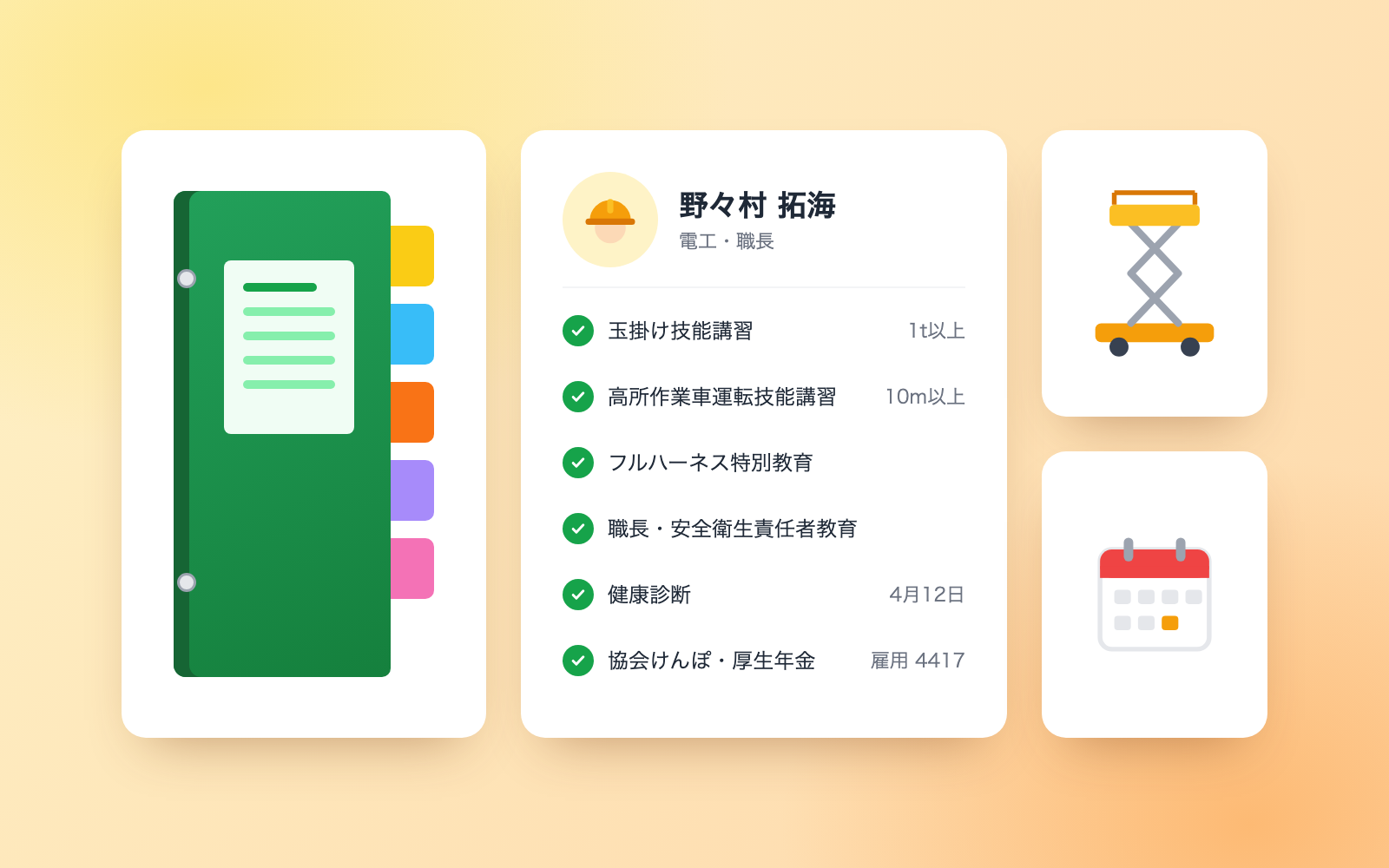
Construction Safety Documents (Green File) Kit is a vibe coding kit for Claude Code and Codex. Turn one ledger into site safety document drafts and deadline tracking. It includes 8 fixes for pitfalls the maker hit in real work. Free.
When this helps
You must submit safety documents to the contractor, but each site means redoing rosters and deadline checks
What it does
Enter your company, workers, qualifications, insurance, health checkups, vehicles and machinery into one Excel ledger, and the kit drafts the worker roster, subcontractor notice, equipment-use notice, vehicle notice and new-entrant survey for each site. It tracks deadlines for qualifications, inspections, checkups and residence status, and checks whether workers' qualifications match their work and whether the roster's insurance matches MLIT's "appropriate insurance" guidance. Submitted documents are fingerprinted so later changes trigger a resubmission notice. Insurance numbers, My Number, and health-checkup results are kept out of the documents, and instruction-like text in the ledger is flagged, not followed.
The fixes baked into this kit
- The roster could end up copying insurance numbers in fullThe draft was copying the full employment insurance ID and health insurance symbol/number onto the roster. It now shows only the insurance name, and only the last 4 digits of the employment insurance number, even when the ledger holds the full number.
- National health insurance passed as "enrolled" for a company employeeA company employee on National Health Insurance was treated as adequately insured just because the field was filled in. The check now applies MLIT's "appropriate insurance" criteria (company vs. sole proprietor, headcount, role), and flags construction-industry health insurance association enrollment for confirmation of the pension office's exemption approval.
- Aerial platform qualifications weren't checked against machine sizeSomeone with only the special training for aerial work platforms was treated as qualified to operate a 12m platform. The kit now derives the required qualification from the machine's size (10m or more needs the skills training course) and checks it against the operator's actual qualification.
- Health-checkup results could leak into the documentsNotes like "blood pressure" or "needs re-examination" on a worker's record were about to appear on the new-entrant survey. The kit now only ever handles the date of a checkup; anything that reads like a result is flagged but never written to the ledger or the documents.
- A resubmission need after a roster change went unnoticedAfter documents were submitted, a later change to workers or qualifications wasn't recognized as requiring resubmission. Submitted documents are now fingerprinted, and regenerating with a different fingerprint triggers a resubmission flag. Fields that drift with time alone, like age, are excluded from the fingerprint.
- Instruction-like text and ID numbers in the ledger passed into documentsEntering instruction-like text, confidential notes, or what looked like a My Number into the ledger's job-title or qualification fields carried straight through into the documents sent to the prime contractor. Those fields are now replaced with a "not copied" marker, and the finished documents are re-read afterward to catch anything that slipped through.
- A business operator ID was mistaken for a My Number and redactedA 12-digit business operator ID in a published sample record happened to match the My Number check digits and got redacted by mistake. Redaction now only triggers when the check digits actually match or the text says "My Number"; company and subcontractor operator IDs are left alone.
- A February 29 checkup pushed the next deadline a day lateA health checkup taken on February 29 produced a next-due date of March 1, a day later than intended. Dates with no matching day in the target month now fall back to the last day of that month instead.
What's inside
- The workflow (first-time setup, routine updates, before entering a site, after submission)
- Drafts for the document set (worker roster, subcontractor notice, equipment-use notice, vehicle notice, new-entrant survey)
- Deadline tracking for qualifications, inspections, checkups and residence status
- A check for whether workers hold the qualifications their work requires
- A check for whether the roster's insurance matches MLIT's "appropriate insurance" guidance
- A flag when ledger changes mean a submitted document needs resubmitting
- A sample fictional electrical contractor (5 workers, 2 sites)
- Pitfalls fixed using laws and MLIT guidance (see NOTES.md)
File list (36)
- .gitignore
- AGENTS.md
- CLAUDE.md
- KIT.md
- NOTES.md
- data/README.md
- output/README.md
- rules/CHECK.md
- rules/FLOW.md
- rules/LAW.md
- rules/PROMPTS.md
- rules/SPEC.md
- rules/TONE.md
- samples/soyokaze-densetsu/add.json
- samples/soyokaze-densetsu/ledger-input.json
- tools/add.mjs
- tools/clean.mjs
- tools/lib/book.mjs
- tools/lib/dates.mjs
- tools/lib/engine.mjs
- tools/lib/guard.mjs
- tools/lib/injection.mjs
- tools/lib/law.mjs
- tools/lib/paths.mjs
- tools/lib/report.mjs
- tools/lib/result.mjs
- tools/lib/xlsx-read.mjs
- tools/lib/xlsx-write.mjs
- tools/lib/zip.mjs
- tools/make.mjs
- tools/paste-check.mjs
- tools/selftest.mjs
- tools/show.mjs
- tools/template.mjs
- tools/try.mjs
- work/README.md
The first three decisions
- The company (name, construction permit, insurance enrollment)
- Workers on site (date of birth, insurance type, qualifications, checkup date)
- The site the documents go to (prime contractor, schedule, who/what enters)
What you need
- No extra costNode.js 18 or laterUsed to run the tools. Nothing else needs installing.
- No extra costExcel or NumbersUsed to view the safety document ledger, mapped values and management sheet.
- No extra costCopies of permits, certificates and inspection recordsOnly what's written on these is entered into the ledger; missing items are left blank for you to fill in later.
How to use
Just paste this into your AI.
I want to use the nice to have kit "Construction Safety Documents (Green File) Kit". Follow https://nicetohave.app/en/g/MQPEHVJU-•••••••••• and set it up.
Works the same in Claude Code or Codex.
Read what this tells your AI to do, before you paste it
If you would rather take the files yourself
Paste the line above and your AI fetches it. If your AI cannot fetch it, or you would rather download it yourself, start here.
- Unpack the zip you downloaded
- Open the resulting folder in Claude Code or Codex (in VS Code, "Open Folder")
- Type "start building with this kit". The instructions are inside (Claude Code reads
CLAUDE.md, Codex readsAGENTS.md)
FAQ
- Can this be used with formats other than the Zenken unified forms?
- The documents are drafts, and no blank form itself ships with the kit. Many prime contractors use the Zenken unified forms (6th revision), but if yours uses its own format or an electronic system, copy the drafted values into that instead.
- How does it check insurance for a one-person contractor?
- Guidance is applied per role (regular employee, officer, owner, one-person contractor, etc.). A one-person contractor shown as "enrolled" in employment insurance is flagged as a role mismatch, and there's a field for whether they have special enrollment in workers' comp.
- Will the kit decide whether a qualification or insurance is sufficient?
- No. It shows guidance and the underlying law or MLIT reference, and tells you to confirm the final call with your company and the prime contractor.
- Does the ledger keep health-checkup results, like diagnoses or numbers?
- No. Only the date of the checkup is handled. Anything that reads like a result, such as blood pressure or "needs re-examination," is flagged and kept out of both the ledger and the documents.
- Is the ledger's content sent anywhere outside my computer?
- The kit's own tools don't connect to the network or send anything out. The content does pass to whichever AI service runs your Claude Code or Codex, so check your company's AI usage policy and whether your plan has a business agreement or an opt-out from training.
Reviews
This is your kit. You can also see its reviews on your page.
No reviews yet. Be the first to say something.
Supporters
Once support opens, the people who backed this kit will be listed here.
- Publisher
 shuto-shinoda
- Published
- 2026/10/28
- Price
- Free
- Category
- Delegate work
- Personal data
- Handled
- Security review
- Needed (depends what you handle)
- What's inside
More kits
shuto-shinoda2026/10/28
 Petty Cash Ledger KitFree
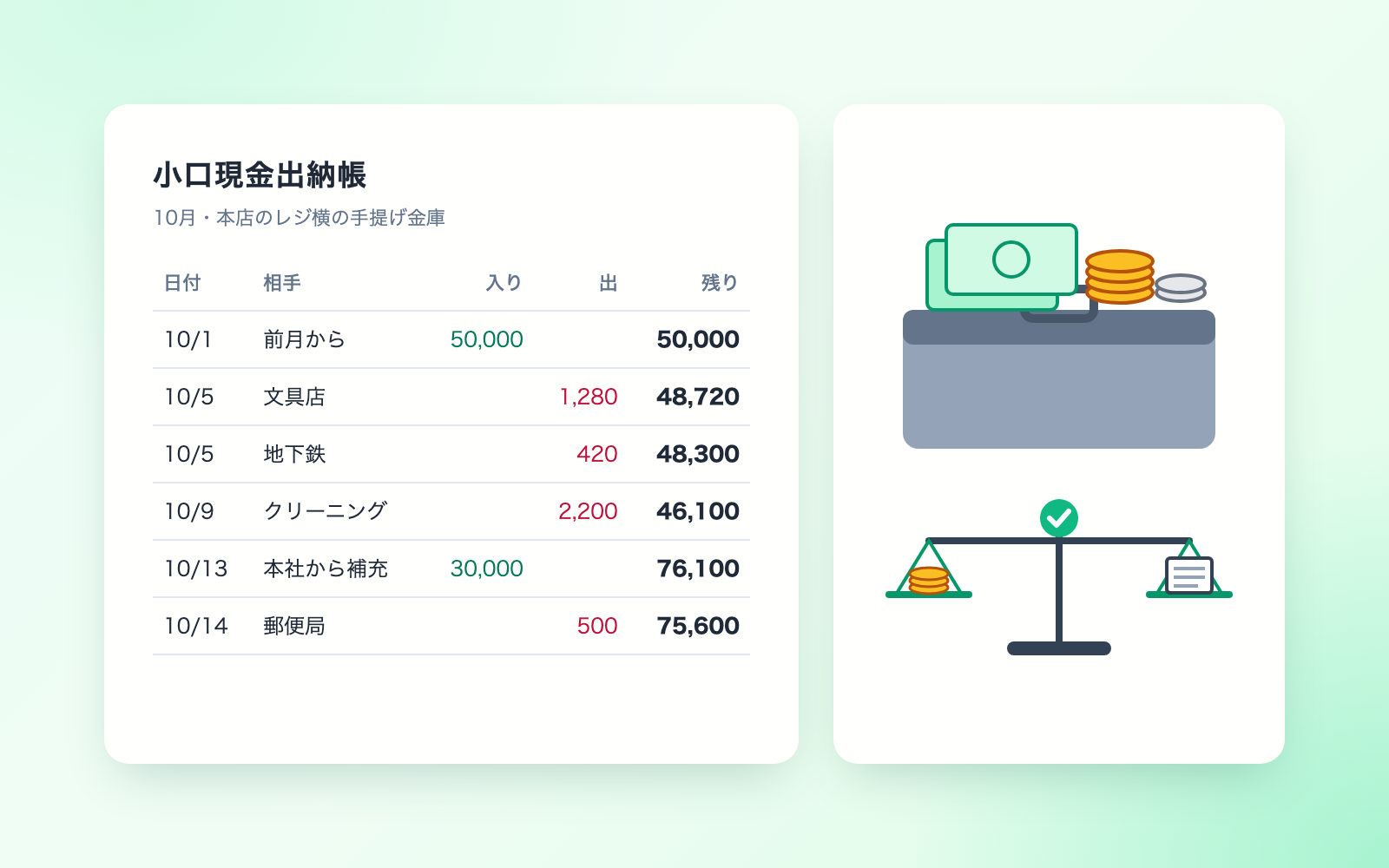
Turn spoken entries into a ledger, checked against counted cash
shuto-shinoda2026/10/28
Petty Cash Ledger KitFree
Turn spoken entries into a ledger, checked against counted cash
shuto-shinoda2026/10/28
 Received Invoice Check KitFree
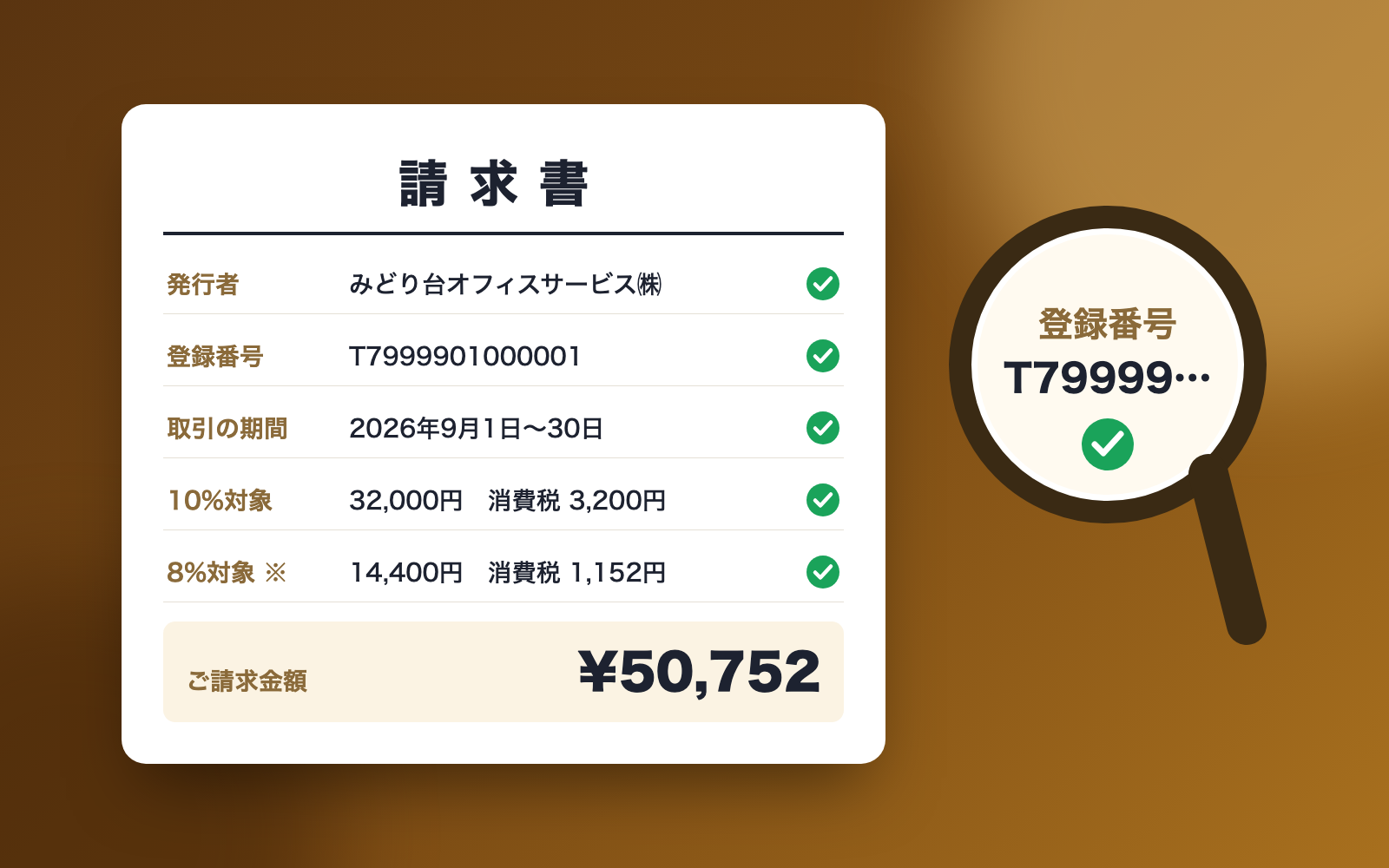
Checks invoices for compliance, then saves and logs them
shuto-shinoda2026/10/28
Received Invoice Check KitFree
Checks invoices for compliance, then saves and logs them
shuto-shinoda2026/10/28