Personal Income Tax Return Kit
Hand over your documents and get reviewed values ready for your tax return
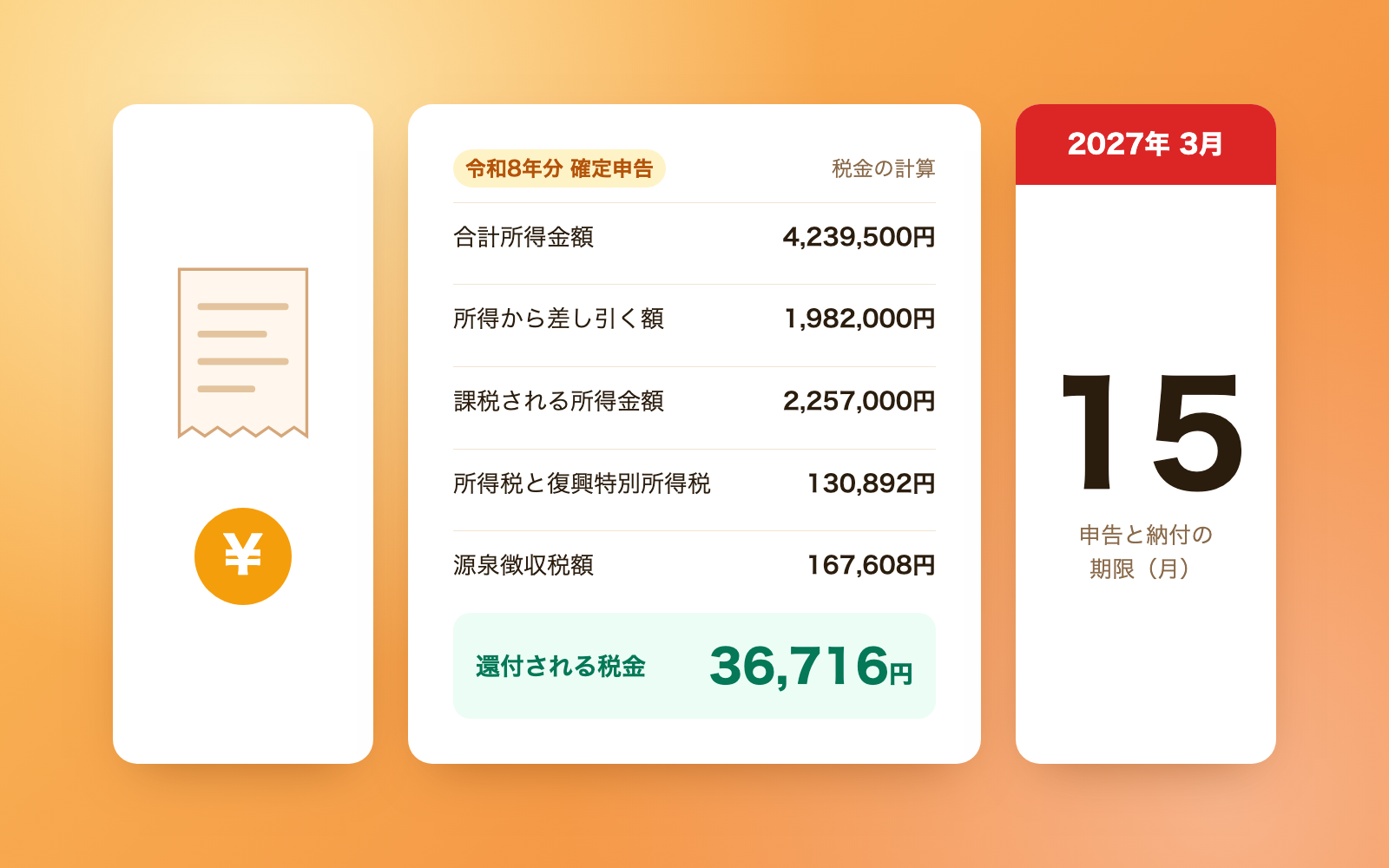
Personal Income Tax Return Kit is a vibe coding kit for Claude Code and Codex. Hand over your documents and get reviewed values ready for your tax return. It includes 8 fixes for pitfalls the maker hit in real work. Free.
When this helps
You want to file your taxes, but this year's basic deduction changed and your old math no longer applies
What it does
A FY2026 (Reiwa 8) Japanese income-tax return kit for sole proprietors (white or blue filers) and employees with side income. Hand over your withholding slip, expense records and deduction certificates. It won't produce numbers until 'fix it' problems are resolved — such as non-deductible taxes booked as expenses, or expenses with no clear category — and separately flags 'check it' points to compare against your documents, such as home-office expense splits or how sales are counted. It calculates income and tax from the National Tax Agency's FY2026 tables, then lists the value for every box on the return plus an expense summary. Since the FY2026 form isn't published yet, box names follow the FY2025-onward format. It does not prepare, file, or submit via e-Tax.
The fixes baked into this kit
- Reading a summary of the basic deduction table gives the wrong amountWeb summaries can read as '¥620,000 for income between ¥1.32M and ¥3.36M', but the original table spans multiple rows; the correct FY2026 amount is ¥1.04M. Figures are taken from the original table.
- Mistaking the ¥750,000 blue-return deduction as available for FY2026Some materials can be read as if ¥750,000 applies from FY2026, but it only starts in FY2027. FY2026 uses ¥650,000/¥550,000/¥100,000, and this is flagged at the top of the results.
- Expense categories left as 'unset' get tallied as a categoryAccounting-software exports with categories left as 'unset' or 'other' were tallied under those literal names. These are now flagged as needing a category, chosen from the income/loss statement's list.
- Asking for a household/business split based on category name aloneJudging by category name alone asked for a household/business split even on a work-only software subscription or office rent. Splits now depend on the actual content (home, mobile, line, electricity, etc.), excluding dedicated offices and shops.
- Sales counted by payment date drop unpaid receivablesCounting sales by payment date let sales past due but not yet paid fall out of the calculation. Business sales are now checked against the date of sale, with side-income cash-basis exceptions also flagged.
- Leftover hospitalization benefits were deducted from other medical expensesWhen a hospitalization benefit exceeded that hospitalization's cost, the leftover was being deducted from other medical expenses too. It's now capped per line item at that item's own expense amount.
- A My Number typed into an expense description leaked into the resultsA My Number written into an expense description field showed up as-is in review logs and return values. Numbers are now erased immediately on read, and only flagged as a My Number when a cue word or check digit matches, so order numbers aren't masked by mistake.
- AI misreading accounting-software exports on the flyAsking to 'import' a CSV led the AI to write ad-hoc code that misread comma-formatted amounts and sometimes double-counted against yearly total rows. A dedicated tool now identifies columns by header, flagging categories that could overlap with total rows.
What's inside
- Document review, split into items that block progress until fixed and items for you to compare against your records
- Income and tax calculation against the FY2026 tables (checked line-by-line against all 1,103 rows of the salary table)
- A list of values for each box on the return (main form, schedule, income/loss statement) plus an expense summary
- A tool that imports expenses from accounting/household software exports (CSV, Excel)
- A mechanism that detects and masks AI-directed instructions or likely My Number IDs hidden in documents
- Sample runs with three fictional filers (white-return mistakes, employee with side income, blue-return ¥650,000)
- A log of findings checked against the original National Tax Agency materials (NOTES.md)
File list (38)
- .gitignore
- AGENTS.md
- CLAUDE.md
- KIT.md
- NOTES.md
- data/README.md
- output/README.md
- rules/CHECK.md
- rules/FLOW.md
- rules/LAW.md
- rules/PROMPTS.md
- rules/SPEC.md
- rules/TONE.md
- samples/blue-shop.json
- samples/salary-side.json
- samples/white-mistakes.json
- tools/calc.mjs
- tools/days.mjs
- tools/delete.mjs
- tools/expenses.mjs
- tools/lib/guard.mjs
- tools/lib/injection.mjs
- tools/lib/kakutei.mjs
- tools/lib/law.mjs
- tools/lib/paths.mjs
- tools/lib/read.mjs
- tools/lib/render.mjs
- tools/lib/result.mjs
- tools/lib/tax.mjs
- tools/lib/xlsx-read.mjs
- tools/lib/xlsx-write.mjs
- tools/lib/zip.mjs
- tools/scan.mjs
- tools/selftest.mjs
- tools/setup.mjs
- tools/share.mjs
- tools/try.mjs
- work/README.md
The first three decisions
- Filing type (default: employee with side income)
- Family (spouse, children, parents) and their expected income this year
- Where to store data (default: inside the kit)
What you need
- No extra costNode.js 18 or newerNeeded to run the tools. Nothing else to install.
- No extra costThis year's documentsWithholding slip, sales/expense records, deduction certificates, medical receipts and the like.
- No extra costExcel or NumbersTo view the expense summary. You can still view the return-value page without it.
How to use
Just paste this into your AI.
I want to use the nice to have kit "Personal Income Tax Return Kit". Follow https://nicetohave.app/en/g/Y5GREPWF-•••••••••• and set it up.
Works the same in Claude Code or Codex.
Read what this tells your AI to do, before you paste it
If you would rather take the files yourself
Paste the line above and your AI fetches it. If your AI cannot fetch it, or you would rather download it yourself, start here.
- Unpack the zip you downloaded
- Open the resulting folder in Claude Code or Codex (in VS Code, "Open Folder")
- Type "start building with this kit". The instructions are inside (Claude Code reads
CLAUDE.md, Codex readsAGENTS.md)
FAQ
- Can I use this if I have real-estate income or stock gains?
- No, it doesn't calculate those. It flags when real estate, stocks/funds, public pensions, occasional income, capital gains, retirement income or forestry income are present, but you confirm the values at the e-Tax filing portal or tax office.
- What happens if I already applied for the one-stop furusato nozei exception?
- Filing a tax return cancels the one-stop exception, so every donation, including the ones already applied through it, is entered and calculated.
- Is it safe to hand over my My Number?
- It is never written into the input, copies, or results, and is erased if found. However, a number pasted into the chat remains in the AI service's and your computer's conversation history, so mask it before sharing.
- Does it decide between the medical expense deduction and the self-medication tax system?
- Only one can be used. The tool suggests whichever gives the larger deduction, but you make the final choice, and it can't be changed afterward.
- Can I use this as-is for a FY2027 return?
- No. FY2027 changes the blue-return deduction and the special reconstruction tax rate, so this kit isn't built for it; from 2028 onward the results page will show 'not usable for FY2027 returns' at the top.
Reviews
This is your kit. You can also see its reviews on your page.
No reviews yet. Be the first to say something.
Supporters
Once support opens, the people who backed this kit will be listed here.
- Publisher
 shuto-shinoda
- Published
- 2026/10/28
- Price
- Free
- Category
- Delegate work
- Personal data
- Handled
- Security review
- Needed (depends what you handle)
- What's inside
More kits
shuto-shinoda2026/10/28
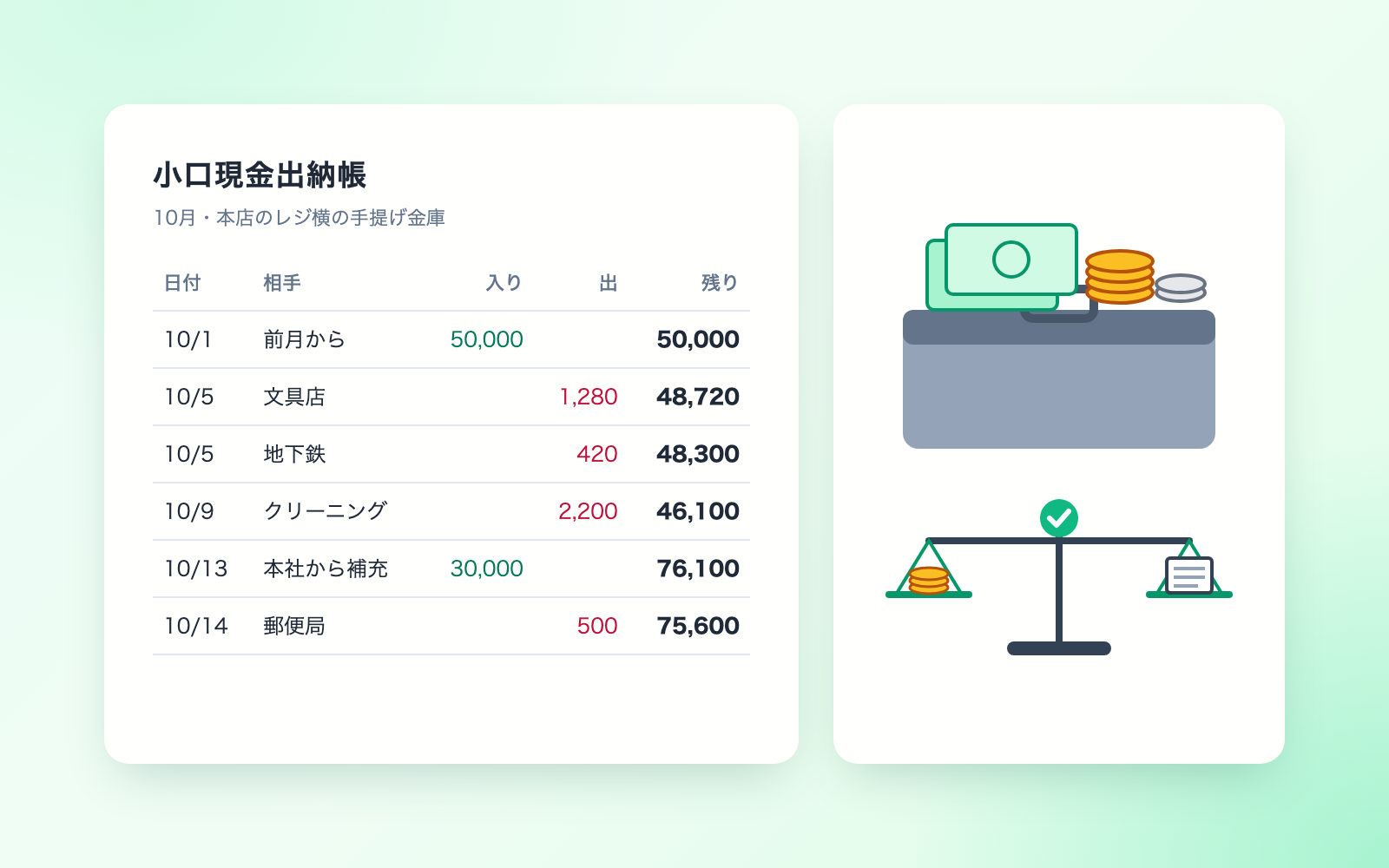
 Petty Cash Ledger KitFree
Turn spoken entries into a ledger, checked against counted cash
shuto-shinoda2026/10/28
Petty Cash Ledger KitFree
Turn spoken entries into a ledger, checked against counted cash
shuto-shinoda2026/10/28
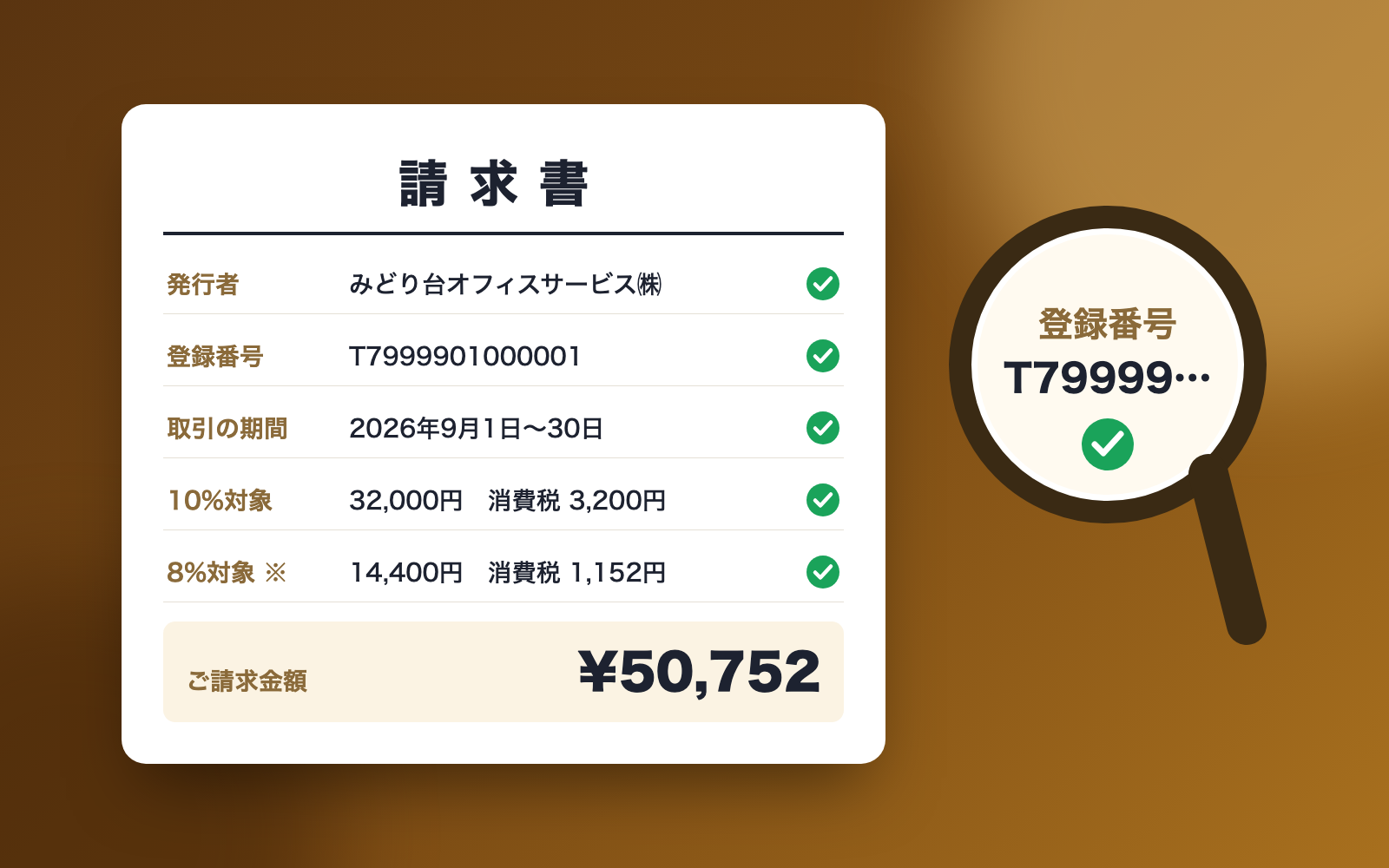
 Received Invoice Check KitFree
Checks invoices for compliance, then saves and logs them
shuto-shinoda2026/10/28
Received Invoice Check KitFree
Checks invoices for compliance, then saves and logs them
shuto-shinoda2026/10/28