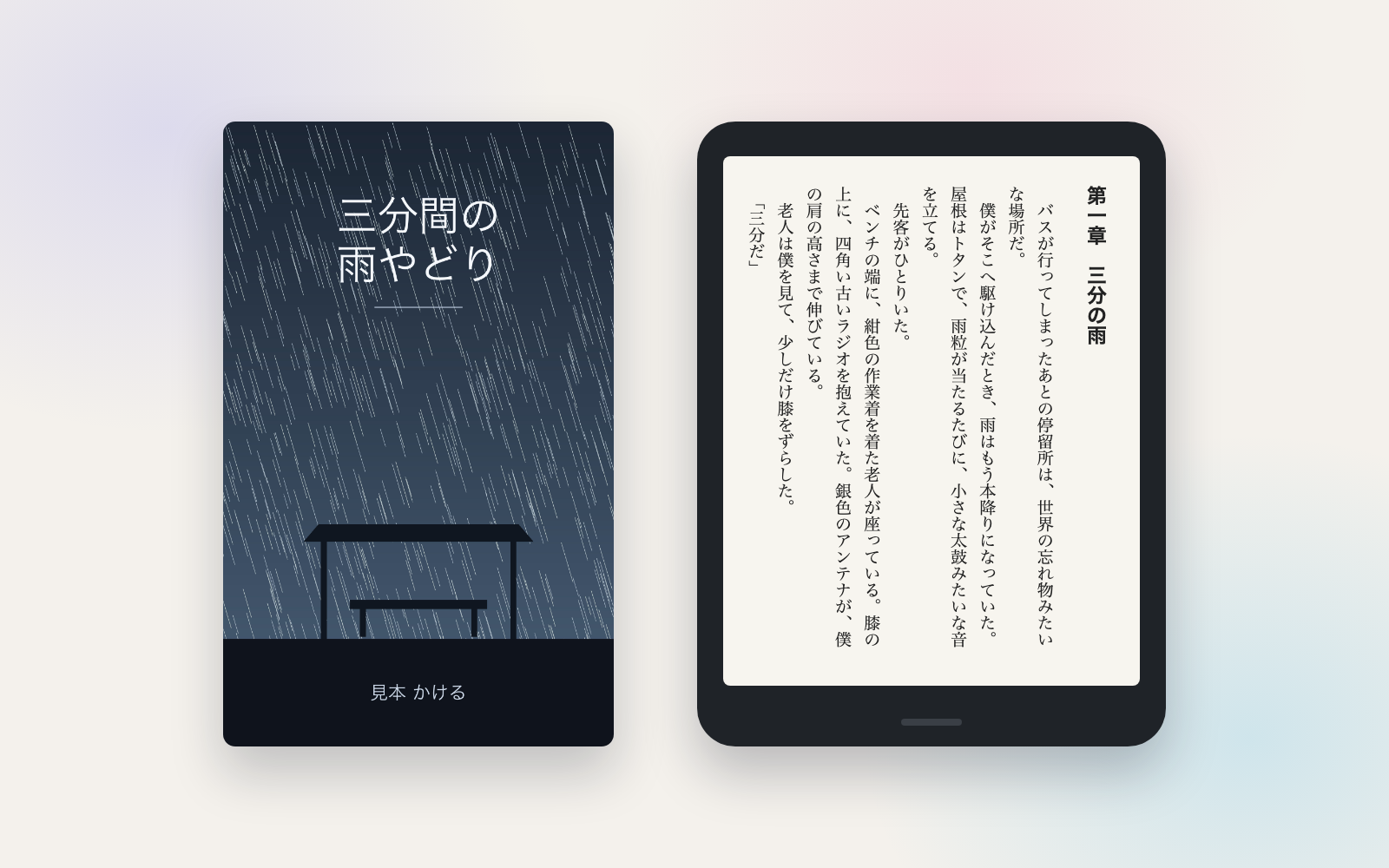
Kindle Publishing Kit is a vibe coding kit for Claude Code and Codex. Give it a manuscript, get an EPUB, cover and KDP input sheet. It includes 8 fixes for pitfalls the maker hit in real work. Free.
When this helps
You want to publish on Kindle, but the file prep and fine print trip you up
What it does
Give it a manuscript (novel, manga, picture book or photo book) and a cover image, and it automatically picks the layout — vertical, right-to-left for Japanese fiction, or horizontal, left-to-right otherwise. Tables, code blocks and links inside how-to Markdown become real book formatting instead of raw symbols. It checks the manuscript and KDP's specs (cover size, title length, etc.) against the actual KDP help pages, flagging must-fix issues with ✗ and items to confirm with △. A results page opens; you check every page in Kindle Previewer and upload to KDP yourself. Title, price and DRM are never decided by the AI — those fields stay blank for you to fill in.
The fixes baked into this kit
- How-to Markdown came out as raw symbolsFeeding in a how-to guide with tables, code blocks and links left them as raw symbols, and "#" lines inside code blocks turned into chapters, producing blank chapters. Tables, blocks, lists and links are now converted into real book formatting, and headings are no longer created inside code blocks.
- Wrapped lines cut sentences mid-wayA manuscript that wrapped lines mid-sentence turned each line into its own paragraph, cutting sentences in half. The kit now flags, with △, three or more long lines in a row that run on without a closing punctuation mark.
- Numbers tilted sideways in vertical textRendering 89 FAQ entries as a vertical book made the "24" in "24時間" tilt sideways and become hard to read. One- and two-digit numbers are now laid sideways within the vertical line (tate-chu-yoko).
- Vertical-writing warnings on a horizontal bookA horizontal how-to guide was still getting warnings about vertical-writing indentation. Indentation is now only checked for vertically written books.
- Wrong warning about mismatched photo numberingA 27-photo photo book with unnumbered filenames triggered an irrelevant warning about digit mismatches. When filenames aren't consistently numbered, the kit now shows the current order and asks you to confirm it.
- WebP images silently droppedWebP images pulled from the web were silently skipped, with only a vague "no manuscript yet" message shown. It now names the file format and tells you to export it as JPEG or PNG.
- Outdated explanation of DRMThe kit said DRM couldn't be changed after publishing, but KDP's help page says it can be changed anytime. The explanation and input sheet were corrected.
- Missed the title-length ruleThe rule that title plus subtitle must be under 200 characters combined had been missed. It was verified against KDP's actual help page and is now enforced as a ✗.
What's inside
- A tool that looks at your manuscript and automatically picks vertical/RTL or horizontal/LTR layout
- A tool that turns tables, code blocks and links in how-to Markdown into real book formatting
- A mechanism that lays small numbers like the "24" in "24時間" sideways inside vertical text
- A check that cover size, aspect ratio and colour mode meet KDP's specs
- An input sheet with the title, description, keywords etc. to paste into the KDP screen
- Samples you can try before you have a manuscript or cover (a novel, manga, how-to guide, a manuscript with typos)
- A pre-upload checklist (what to look for in Kindle Previewer, what to confirm on the KDP screen)
- A place to log what tripped you up, so the fix carries over to the next book
File list (40)
- .gitignore
- AGENTS.md
- CLAUDE.md
- KIT.md
- NOTES.md
- book.example.json
- data/README.md
- output/README.md
- research/kdp-stumbling-points.md
- rules/CHECK.md
- rules/FLOW.md
- rules/PROMPTS.md
- rules/SPEC.md
- rules/TONE.md
- samples/README.md
- samples/manga/book.json
- samples/manga/cover.jpg
- samples/manga/pages/p001.jpg
- samples/manga/pages/p002.jpg
- samples/manga/pages/p003.jpg
- samples/manga/pages/p004.jpg
- samples/manga/pages/p005.jpg
- samples/manga/pages/p006.jpg
- samples/manual/book.json
- samples/manual/cover.jpg
- samples/manual/text/01.md
- samples/manual/text/02.md
- samples/novel/book.json
- samples/novel/cover.jpg
- samples/novel/images/lighthouse.png
- samples/novel/text/01.md
- samples/novel/text/02.md
- samples/rain/book.json
- samples/rain/cover.jpg
- samples/rain/text/01.md
- samples/rain/text/02.md
- samples/rain/text/03.md
- tools/lib/check.mjs
- tools/lib/epub.mjs
- tools/lib/image.mjs
The first three decisions
- Title and author name (plus furigana)
- Book layout and direction (vertical/RTL or horizontal/LTR)
- Cover image (a tall JPEG with the title and author's name on it)
What you need
- No extra costManuscript (plain text/Markdown, or one image per page for manga)Text books are exported as .txt or Markdown (.md). Manga, picture books and photo books need one same-sized JPEG or PNG per page.
- No extra costCover image (you provide it yourself)A tall JPEG (recommended 2560×1600px) with the title and author's name on it. This kit does not create covers.
- No extra costNode.jsNeeded to run the tooling. If you're not sure how to install it, the AI can walk you through it.
- No extra costKindle Previewer (free)Free software for checking how the finished book looks on real devices. Get it from Amazon's official page.
- No extra costA KDP account (you register it yourself)★You register your author/publisher details, tax information and payout bank account yourself. The AI is never told your password, account number or tax details.
How to use
Just paste this into your AI.
I want to use the nice to have kit "Kindle Publishing Kit". Follow https://nicetohave.app/en/g/H8YUD479-•••••••••• and set it up.
Works the same in Claude Code or Codex.
Read what this tells your AI to do, before you paste it
If you would rather take the files yourself
Paste the line above and your AI fetches it. If your AI cannot fetch it, or you would rather download it yourself, start here.
- Unpack the zip you downloaded
- Open the resulting folder in Claude Code or Codex (in VS Code, "Open Folder")
- Type "start building with this kit". The instructions are inside (Claude Code reads
CLAUDE.md, Codex readsAGENTS.md)
FAQ
- Do I need a manuscript or cover to try the sample?
- No. Saying "try it with a sample" builds a full set from a fictional novel, manga, how-to guide and a manuscript with intentional typos, then shows you the results page. You can prepare your own book afterward.
- Does the AI also upload to KDP and click "Publish"?
- No. KDP has no official way to upload from outside, so you do the upload and click "Publish" yourself. Asking the AI to check before publishing walks you through the checklist together first.
- If I skip DRM, can I turn it on later?
- KDP's help page says it can be changed anytime. But from January 20, 2026, books without DRM let buyers save them as EPUB or PDF, and a file already saved that way can't be recalled.
- Do I need to declare AI-generated content?
- Yes, if AI created the text, images (including the cover) or translation, even if you later made major edits. If you only used AI to tweak something you wrote yourself, no declaration is needed.
- How big can the cover file be?
- KDP's help page says under 50 MB, but a separate guidelines page says 5 MB or less — the two pages disagree. The kit flags anything over 5 MB with △ to be safe.
Reviews
This is your kit. You can also see its reviews on your page.
No reviews yet. Be the first to say something.
Supporters
Once support opens, the people who backed this kit will be listed here.
- Publisher
 shuto-shinoda
- Published
- 2026/10/15
- Price
- Free
- Category
- Documents
- Personal data
- Not handled
- Security review
- Not needed (no personal data)
- What's inside
More kits
shuto-shinoda2026/10/16
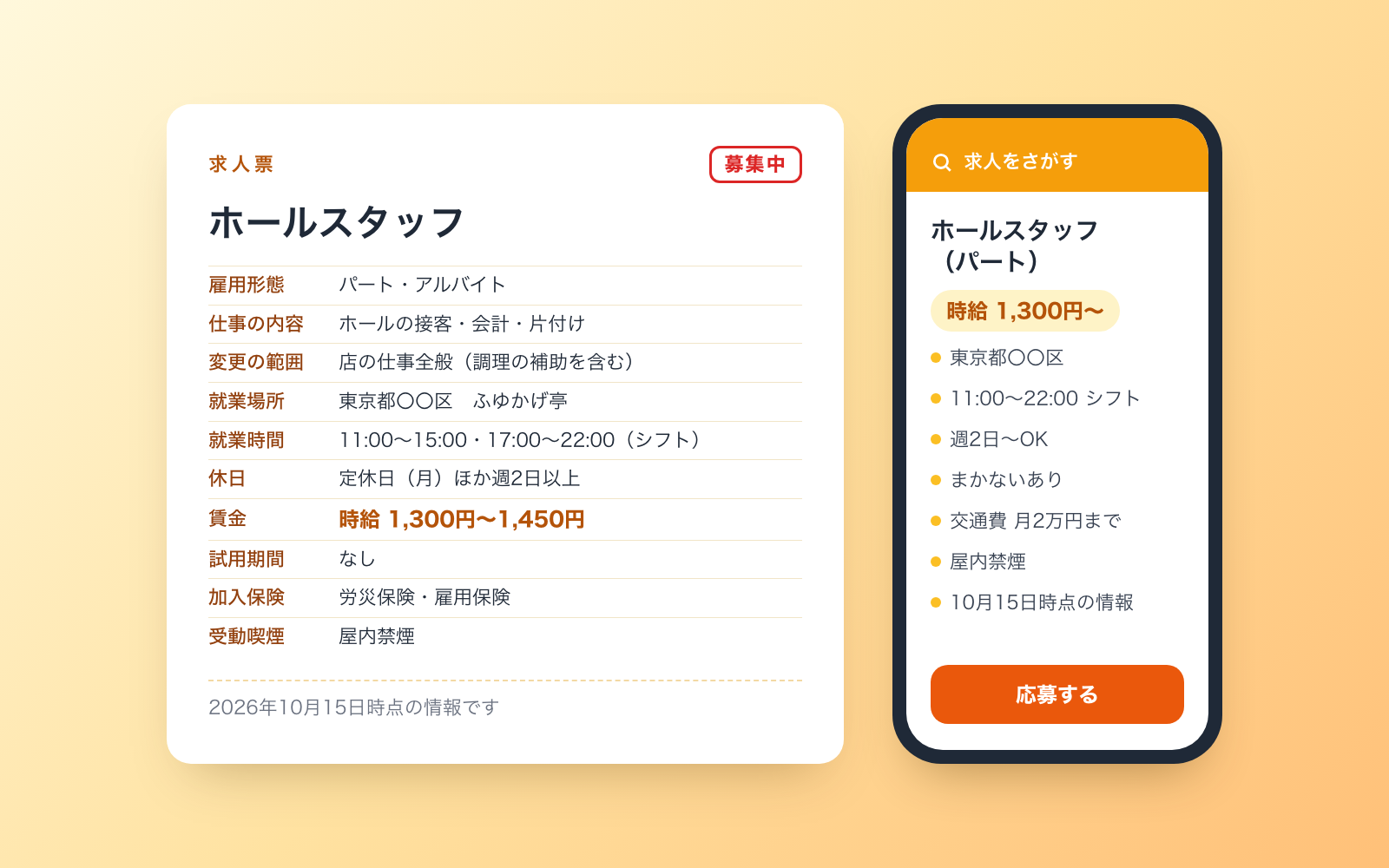
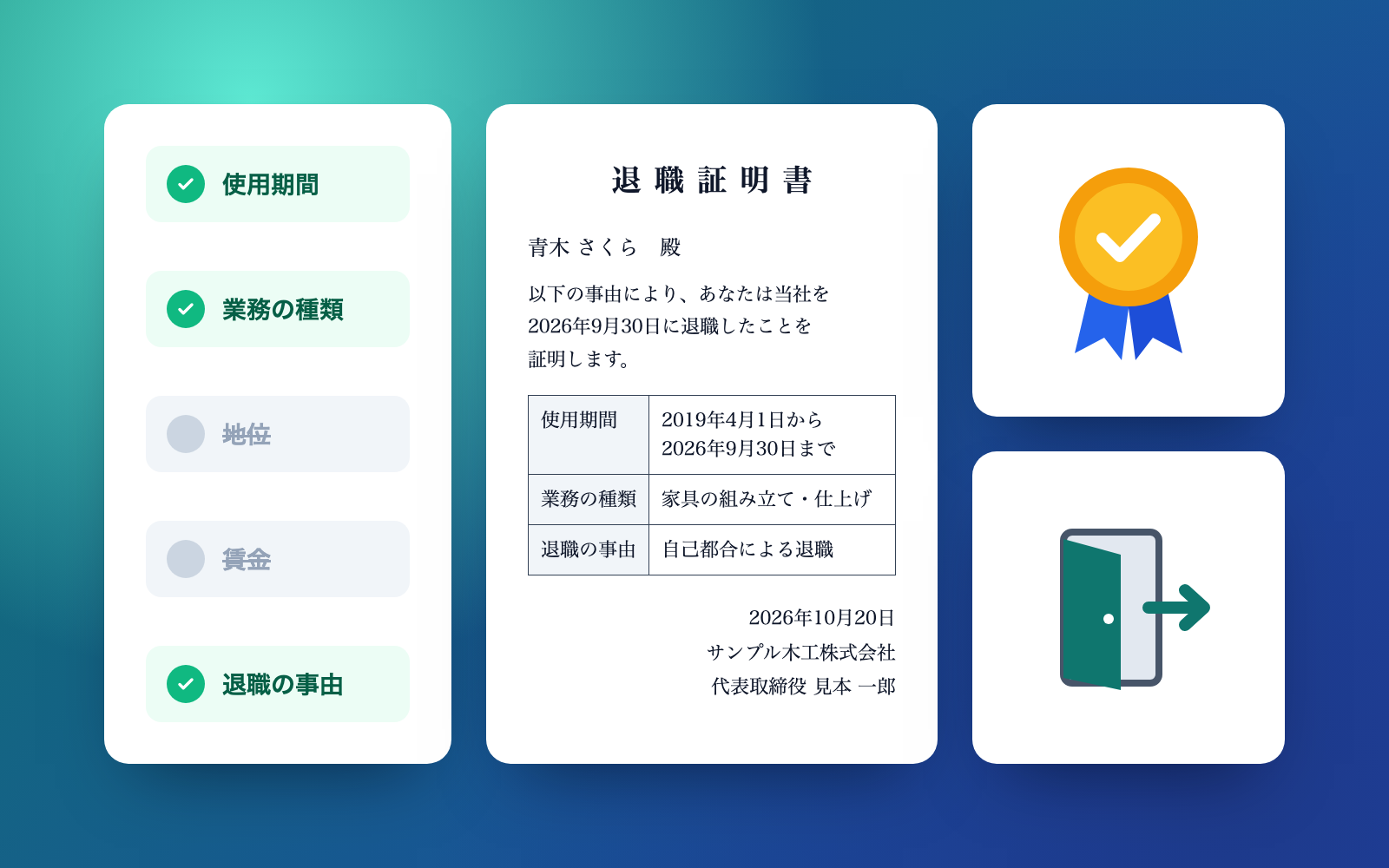 Job Posting KitFree
Turn an intake interview into a law-compliant job posting
shuto-shinoda2026/10/16
Job Posting KitFree
Turn an intake interview into a law-compliant job posting
shuto-shinoda2026/10/16
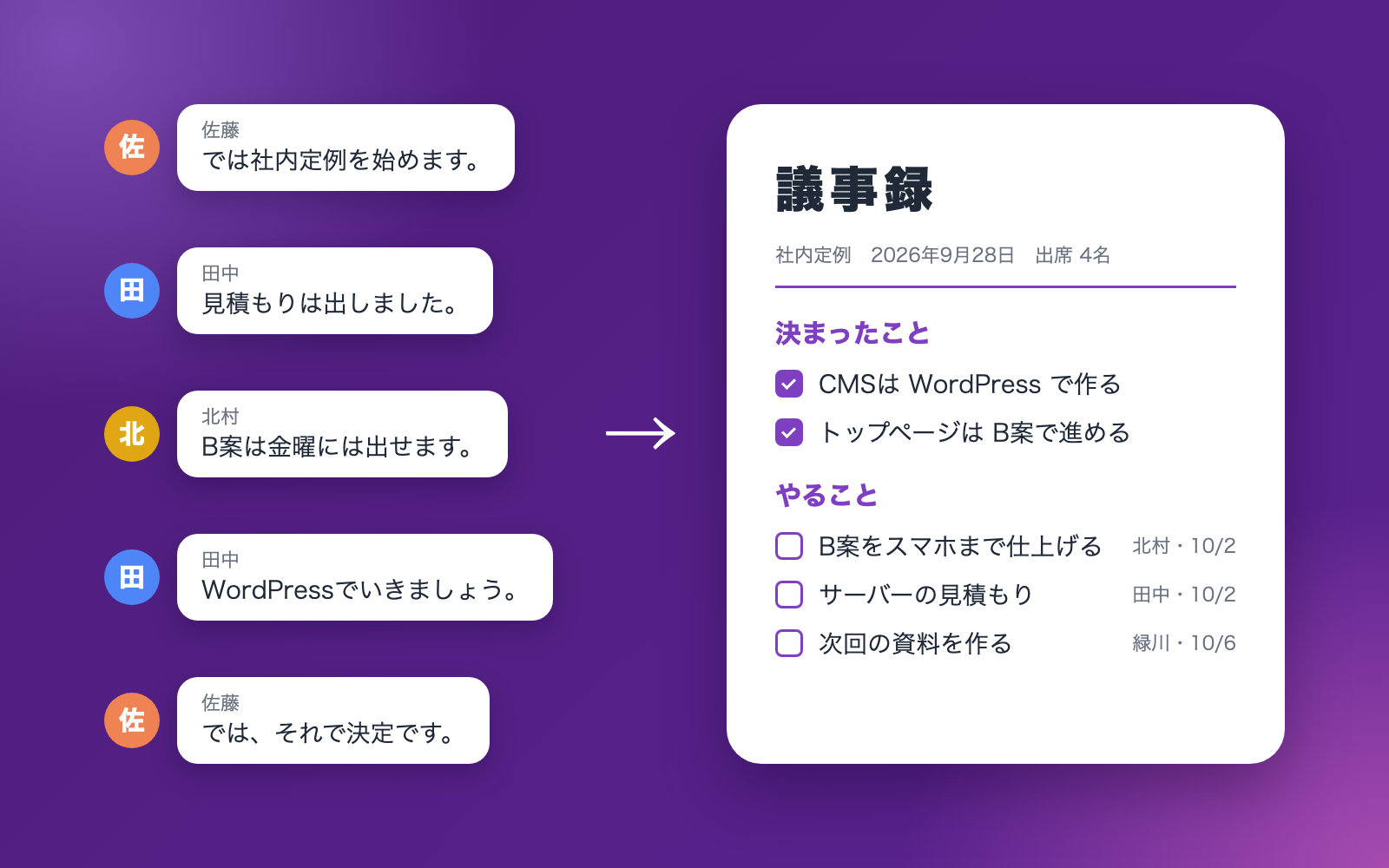
 Meeting Minutes KitFree
Turn a transcript into minutes with decisions and action items checked against it
shuto-shinoda2026/10/16
Meeting Minutes KitFree
Turn a transcript into minutes with decisions and action items checked against it
shuto-shinoda2026/10/16