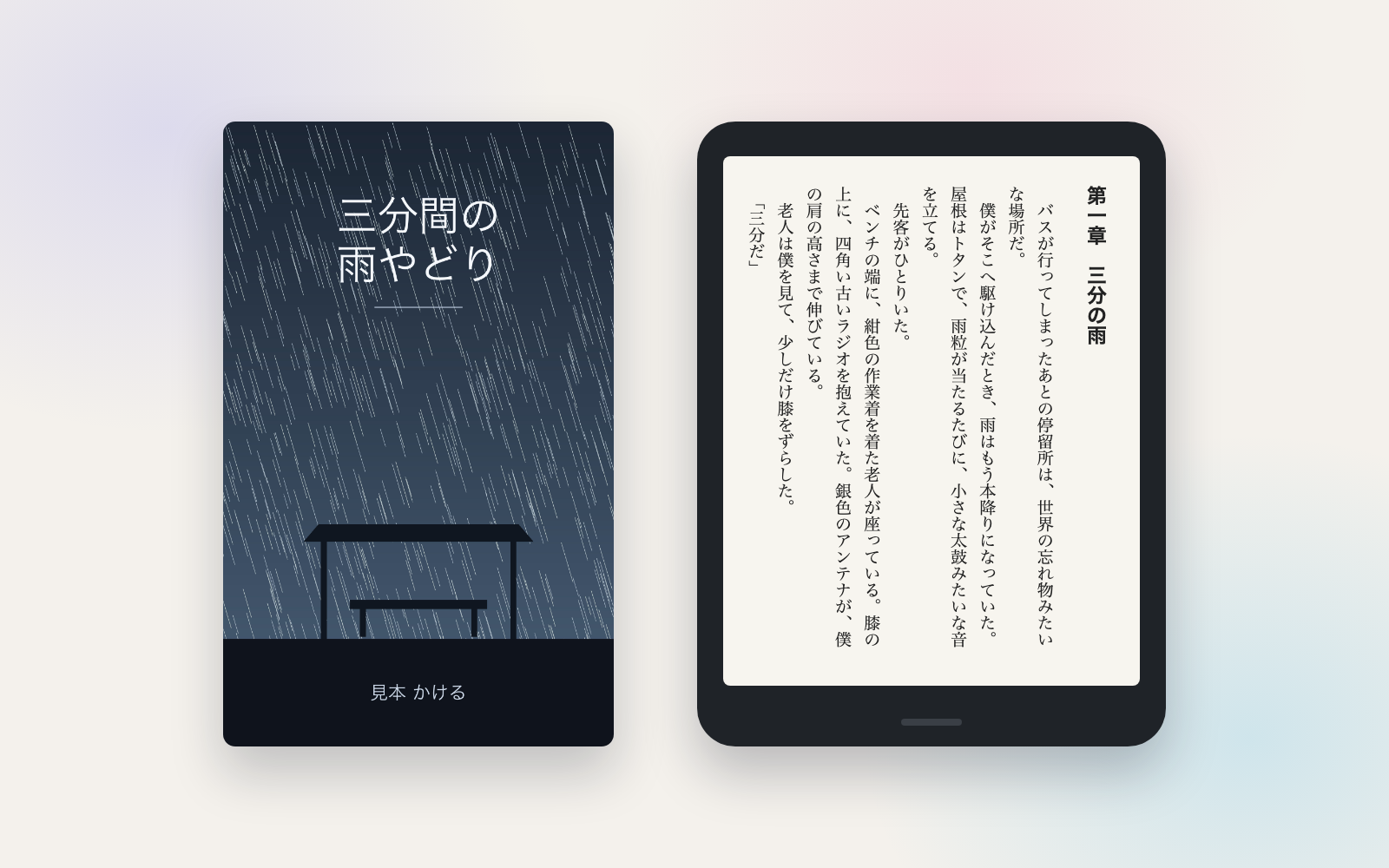
Meeting Minutes Kit
Turn a transcript into minutes with decisions and action items checked against it
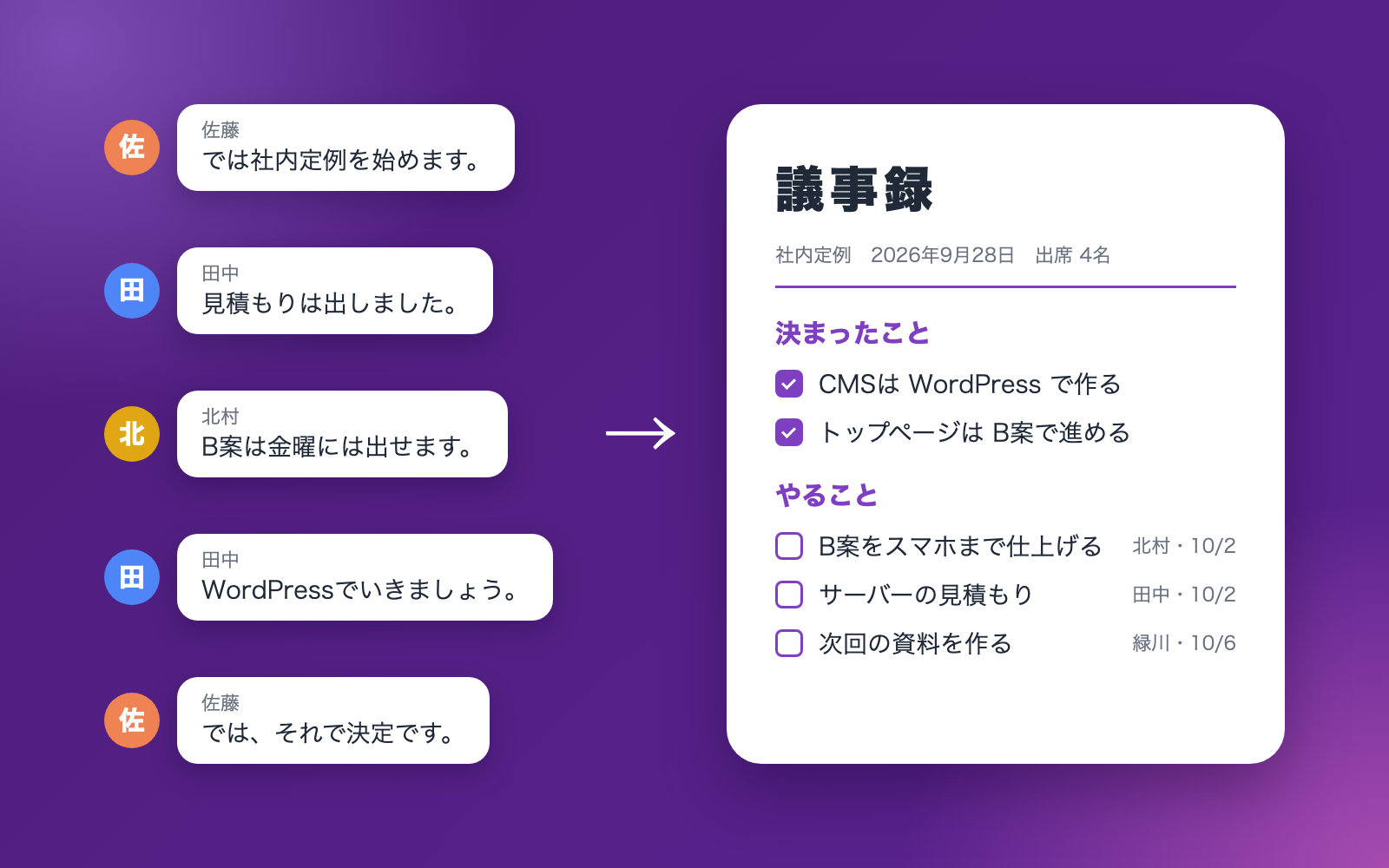
Meeting Minutes Kit is a vibe coding kit for Claude Code and Codex. Turn a transcript into minutes with decisions and action items checked against it. It includes 10 fixes for pitfalls the maker hit in real work. Free.
When this helps
You want to leave meeting minutes to AI, but it invents facts and miscounts deadlines
What it does
Give it a meeting transcript and it drafts minutes split into decisions, action items and open issues. Every decision and action item it writes must quote the actual remark it is based on, and a tool checks that quote is really in the transcript. It also handles speaker names with titles or affiliations and quirks specific to auto-generated captions. Deadlines like "by next Friday" are converted to real dates and cross-checked, and anything said off the record is withheld until its scope is confirmed. For meetings with outside guests, it also produces an external version with internal-only remarks removed. Action items are tracked across meetings in a ledger and carried over to the next one.
The fixes baked into this kit
- Attendees in the roster still come out "unknown speaker"Names with titles or affiliations (e.g. a government official's or division head's title, or a name in parentheses like "XX Research Institute (Mr. Aoki)") didn't match the roster directly. Added matching by surname plus title/division, by the name inside parentheses, and by a single character from the given name, and when several people share a surname it now asks instead of guessing.
- Can't read the "○ Name text" format at allPublic meeting records often use formats like "○ Chairman Yamakawa text" or "【Name】text", and the kit failed to attribute any remarks. Added a reading path that strips the title and matches against the roster.
- Words get missed at caption line breaksWhen transcribed from live-captioning output, words got split mid-way with a space inserted, causing some phrases to be missed. Japanese word fragments are now joined without the space.
- A repeated stock phrase throws off quote matchingA standard closing phrase ("hearing no objection, it is so decided") that also appeared near the start of the meeting caused the quote check to match the wrong, distant remark. Now, when the same phrase appears in multiple places, the nearest matching pair is chosen.
- Deadlines like "by end of month" get misread"By next April" couldn't be read, and "by end of March" was read as the end of the meeting's own month. Added reading for "end of/during such-and-such month", "next month", "by year end", and it now flags "by such-and-such month" for confirmation since it could mean the end of the prior or that month.
- The same ruling repeated makes the subject unclear"The draft was approved" was said identically for three different agenda items, so which item it referred to couldn't be determined. When the same phrase appears in several places, it's now flagged for the user to confirm with surrounding context included.
- No warning when zero speakers could be readWith a PDF-pasted format like "Chair text", all 1,406 lines came out as unknown speaker, with no warning given. It now flags when not a single speaker could be read, asking for the export format to be changed.
- Web artifacts and timestamps get mistaken for speechIn a record pasted from a web page, a leftover "-->" caused the whole thing to be treated as captions with zero remarks, and "13" from "13:00-15:00" was read as a speaker name. Captions are now identified by timestamp lines, and names that are just numbers are no longer treated as speakers.
- People not on the roster show up twicePeople missing from the roster appeared once as an attendee and again as a speaker, and an action item assigned to "the office" was flagged since that isn't a person on the roster. The same person is now merged into one line, and terms like "the office" or "everyone" are treated as a role, not a missing person.
- Greetings and old business clutter the missed-item listPhrases like "thank you for your time" and references to past years kept showing up as possibly-missed content. Greetings and past-business mentions are no longer treated as candidates.
What's inside
- A tool that reads the transcript and fixes mishearings using the roster and glossary
- A tool that checks decision and action-item quotes against the transcript to catch invented content
- A tool that turns phrases like "next Friday" or "end of March" into real dates and cross-checks them
- A mechanism that withholds off-the-record remarks, by range, from the minutes
- A ledger that tracks action items across meetings and flags overdue ones
- Folders that separate what goes to staff, what goes to outside guests, and internal-only evidence pages
- A sample run through five fictional meetings you can try end to end
File list (40)
- .gitignore
- AGENTS.md
- CLAUDE.md
- KIT.md
- NOTES.md
- data/README.md
- input/README.md
- output/README.md
- rules/CHECK.md
- rules/FLOW.md
- rules/LAW.md
- rules/PROMPTS.md
- rules/SPEC.md
- rules/TONE.md
- samples/midoridai-web/01-weekly-2026-09-21-zoom.vtt
- samples/midoridai-web/02-client-meeting-2026-09-24-teams.vtt
- samples/midoridai-web/03-weekly-2026-09-28-meet.txt
- samples/midoridai-web/04-estimate-review-2026-09-25-teams-docx.txt
- samples/midoridai-web/05-production-team-2026-09-29-notta.txt
- samples/midoridai-web/minutes-01-bad-example.json
- samples/midoridai-web/minutes-01.json
- samples/midoridai-web/minutes-02.json
- samples/midoridai-web/minutes-03.json
- samples/midoridai-web/minutes-04.json
- samples/midoridai-web/minutes-05.json
- samples/midoridai-web/settings-add.json
- tools/fill.mjs
- tools/issue.mjs
- tools/ledger.mjs
- tools/lib/dates.mjs
- tools/lib/docx.mjs
- tools/lib/injection.mjs
- tools/lib/law.mjs
- tools/lib/ledger.mjs
- tools/lib/minutes.mjs
- tools/lib/paths.mjs
- tools/lib/pdf.mjs
- tools/lib/render.mjs
- tools/lib/result.mjs
- tools/lib/run.mjs
The first three decisions
- The minutes format (highlights / decisions only / full transcript style)
- The attendee roster (correct spelling of names; outside guests need their company too)
- Who gets it (internal only, or also an external version)
What you need
- No extra costNode.js 18 or newerTo run the tools. Nothing else needs installing.
- No extra costMeeting transcriptsFrom Zoom, Teams, Google Meet captions, Notta, etc. Raw audio can't be read.
- No extra costChrome or EdgeTo generate PDFs automatically. Without one, open the HTML in a browser and "Save as PDF".
How to use
Just paste this into your AI.
I want to use the nice to have kit "Meeting Minutes Kit". Follow https://nicetohave.app/en/g/T9SFS9N8-•••••••••• and set it up.
Works the same in Claude Code or Codex.
Read what this tells your AI to do, before you paste it
If you would rather take the files yourself
Paste the line above and your AI fetches it. If your AI cannot fetch it, or you would rather download it yourself, start here.
- Unpack the zip you downloaded
- Open the resulting folder in Claude Code or Codex (in VS Code, "Open Folder")
- Type "start building with this kit". The instructions are inside (Claude Code reads
CLAUDE.md, Codex readsAGENTS.md)
FAQ
- Can it produce minutes for a board of directors or shareholders meeting?
- No. How those must be prepared, signed and retained is set by the Companies Act, so this kit does not handle them.
- Does revising the minutes overwrite the earlier version?
- No. An issued version stays as-is, and a revision creates a new version (e.g. version 2) alongside it.
- Can it email the finished minutes for me?
- No, the kit never sends anything itself. You attach the PDF from the results page to your usual email; it can draft the message text for you.
- How do an outside guest's remarks appear in the external version?
- As "Company name, Name, san". Remarks marked internal-only are excluded from the external version, and a missing mark gets flagged.
- What happens to speakers still shown as "Speaker 1"?
- You can be asked who it is and have that one meeting re-read with the name assigned. The number isn't added to the roster, since it gets reassigned every meeting.
Reviews
This is your kit. You can also see its reviews on your page.
No reviews yet. Be the first to say something.
Supporters
Once support opens, the people who backed this kit will be listed here.
- Publisher
 shuto-shinoda
- Published
- 2026/10/16
- Price
- Free
- Category
- Documents
- Personal data
- Handled
- Security review
- Needed (depends what you handle)
- What's inside
More kits
shuto-shinoda2026/10/16
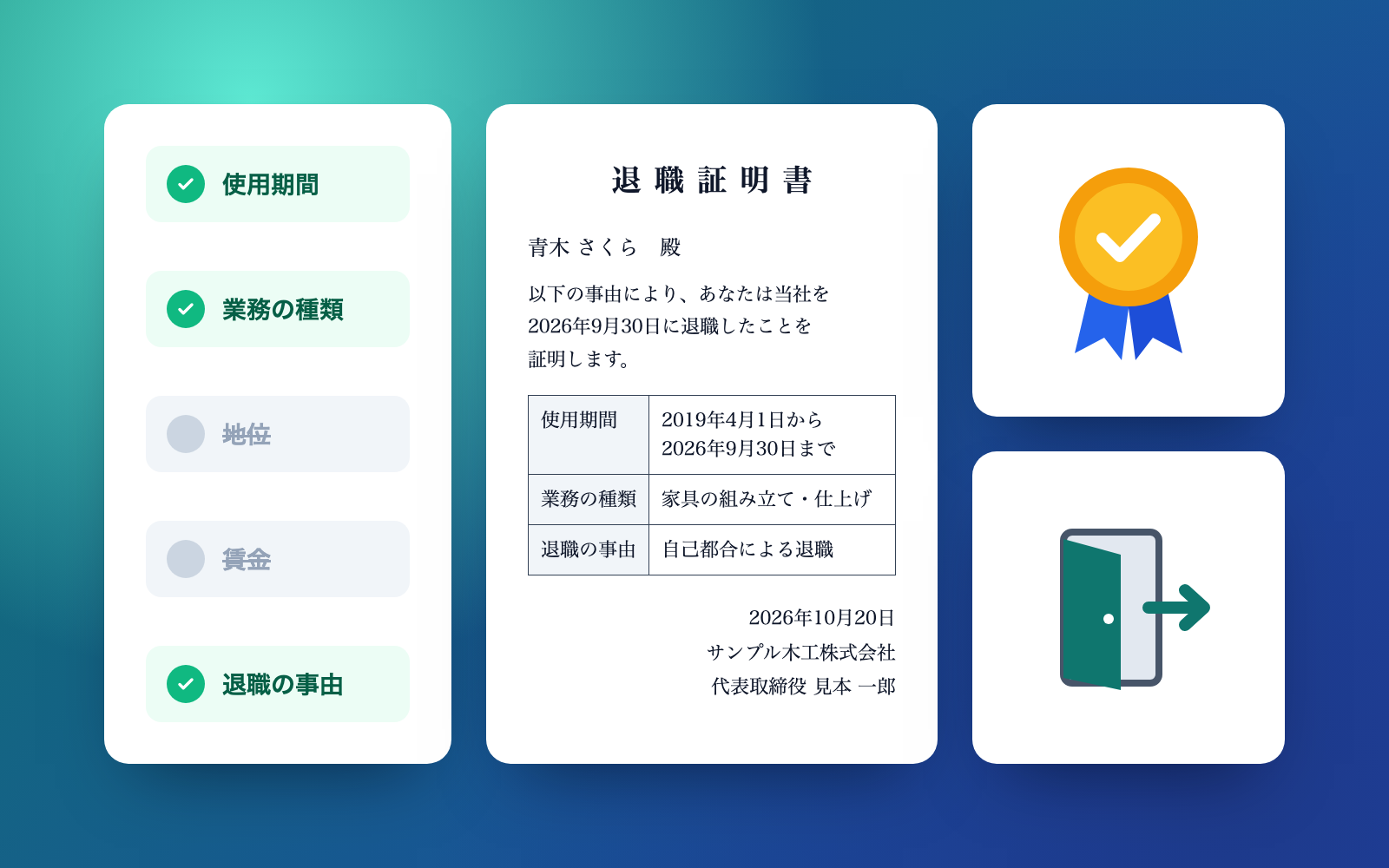 Job Posting KitFree
Turn an intake interview into a law-compliant job posting
shuto-shinoda2026/10/16
Job Posting KitFree
Turn an intake interview into a law-compliant job posting
shuto-shinoda2026/10/16
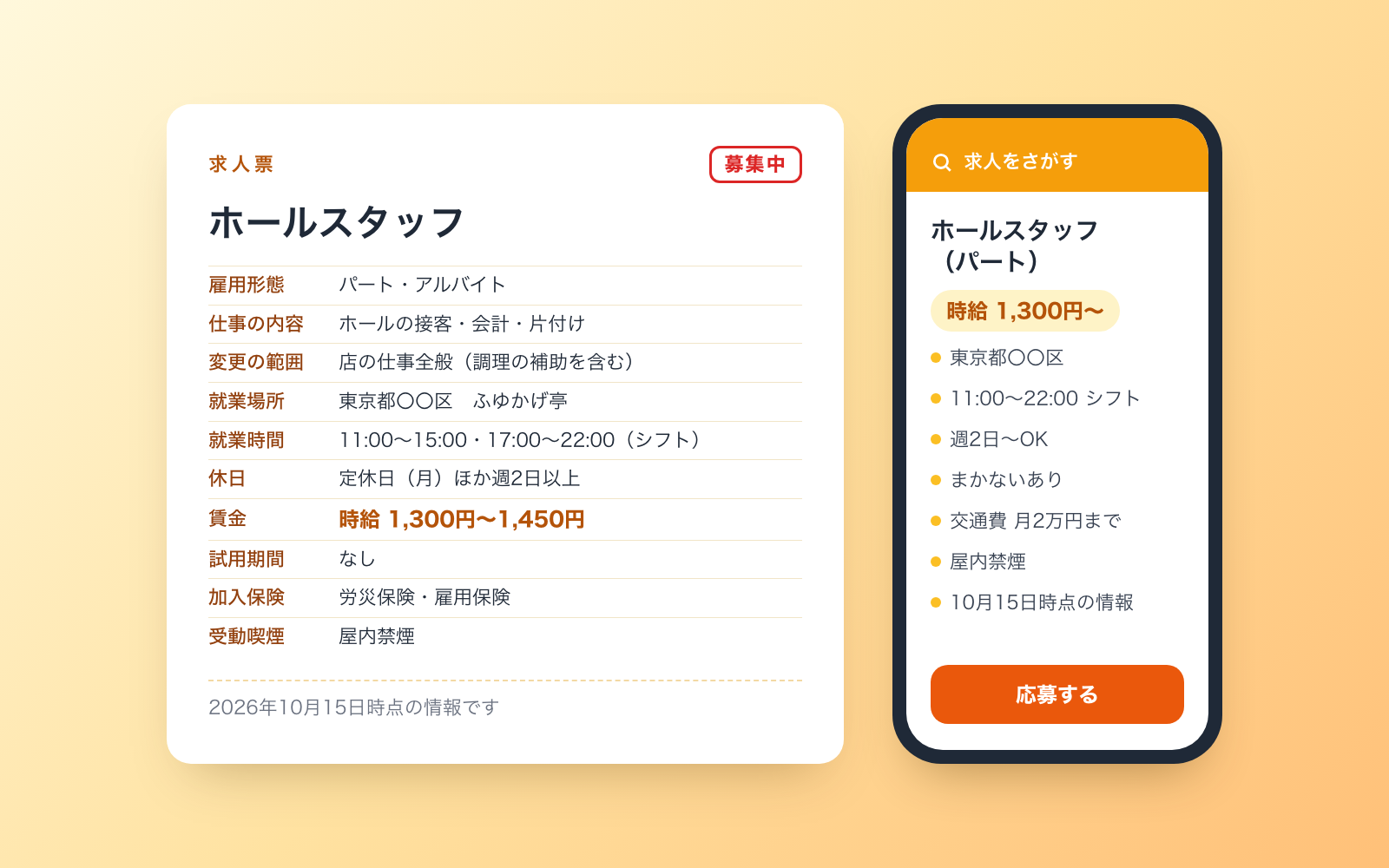 Kindle Publishing KitFree
Give it a manuscript, get an EPUB, cover and KDP input sheet
shuto-shinoda2026/10/15
Kindle Publishing KitFree
Give it a manuscript, get an EPUB, cover and KDP input sheet
shuto-shinoda2026/10/15