URL-to-OGP Image Kit is a vibe coding kit for Claude Code and Codex. Hand it a URL, get an OGP image that looks like the site. It includes 10 fixes for pitfalls the maker hit in real work. Free.
When this helps
You want an OGP image, but tools built for sites with code can't help with outsourced or no-code sites
What it does
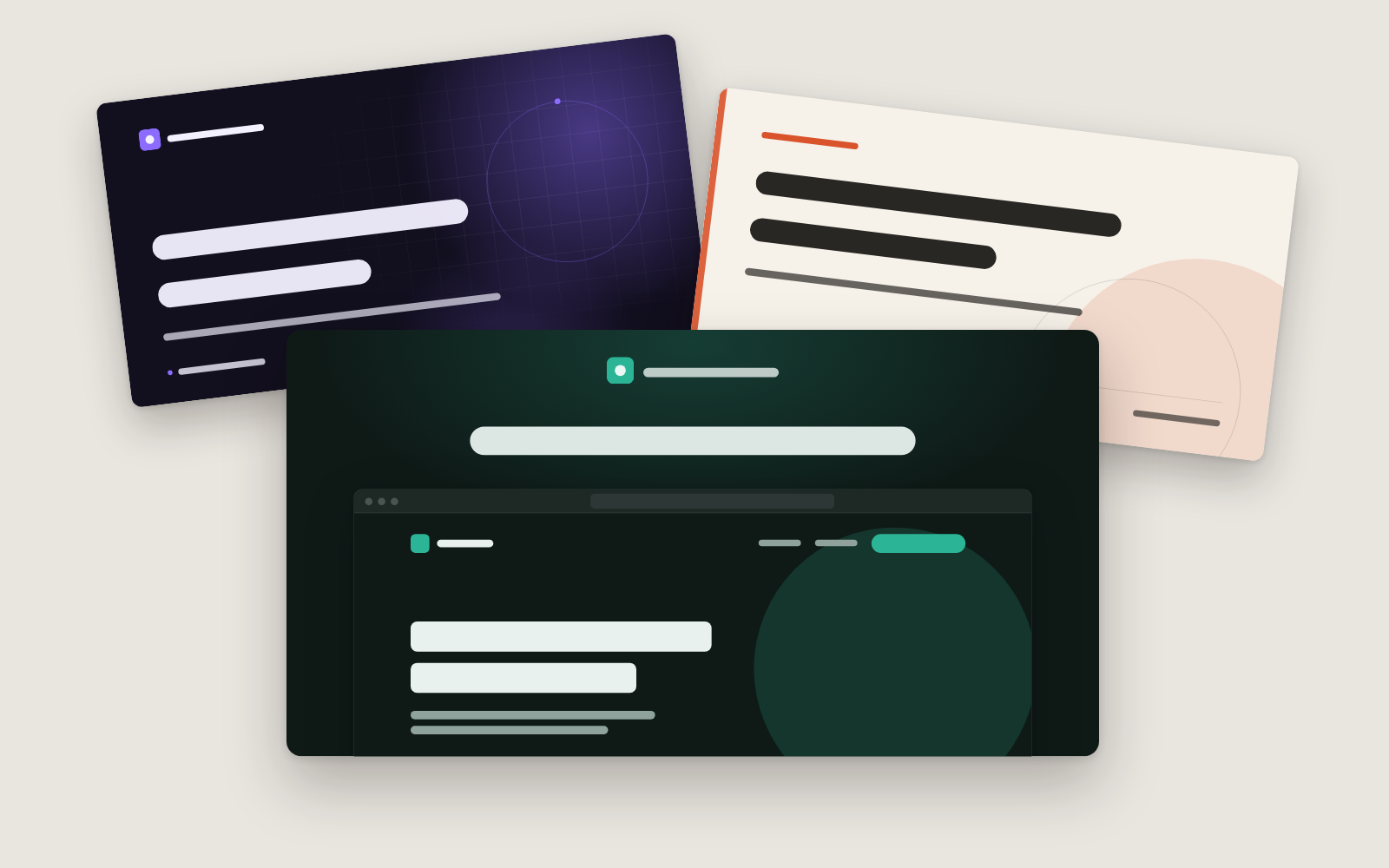
Hand it a URL and it builds an OGP image — the big image shown when a link is shared on social media. It opens the site in Chrome, reads the background, text and accent colours, the font and the logo, and produces an image that looks like the site. Choose from three styles: showcase (a real screenshot), glow (a big headline with a colour glow) and editorial (magazine-style type). It also checks the current OGP image's size, ratio and alt text, and prints the tags to paste in. Headlines and taglines use only the page's own title, description or your words, never invented numbers. Make one image, look at it, then adjust the style, colours, headline or logo.
The fixes baked into this kit
- The site name stays stuck to the headlineThe site's name setting (like 'Example Corp') didn't exactly match the name used in the page title, leaving a leftover fragment at the front of the headline. Now, if a leftover fragment is contained in the site name, it's treated as the site name and dropped.
- The tag's image path doesn't match the real locationThe example tag always showed a fixed path, but the actual OGP image lived somewhere else, so pasting it as-is showed no image. It now prints the image's real current location instead.
- Replacing the image still shows the old one on social mediaOverwriting the same location can leave social platforms showing a cached old image. It now tells you to rename the file each time or re-fetch it with a debug tool, and shows where the Facebook and LinkedIn tools for that are.
- Sites with no colour setting get mismatched coloursSites without a colour setting fell back to an unrelated default (navy). It now opens the site and reads the actual background, text and button colours.
- A black site gets read as whiteSites that paint their background with an image or gradient still report white as the colour setting, so black sites were misread as white. It now counts the colours in a screenshot and uses whichever colour is actually dominant.
- The site's font is ignored, giving a generic sans-serifEven on a site using a serif font, the image came out in a generic sans-serif if that font wasn't installed on the machine doing the work. It now overlays the template on the live site and captures it, so the font the site actually loaded is used.
- Japanese text wraps in the middle of a wordJapanese descriptions were wrapping mid-word. The template is now marked as Japanese text so that phrase-aware wrapping takes effect.
- Headlines that already fit shrink to the minimum size anywayA headline was counted as overflowing if its letterforms stuck out by even a few pixels, so two-line headlines that actually fit kept shrinking. It now allows slack of up to a quarter of the letter height before counting that as overflow.
- A long headline gets cut off with '…' while staying on one lineLong headlines were truncated with '…' on a single line instead of shrinking. It now shrinks the text on one line first, and only wraps to two lines and shrinks further if it still doesn't fit.
- The glow effect looks dirty on sites with no accent colourOn sites with no accent colour, the decorative glow came out as a grey smudge that looked dirty. It now dims the glow whenever there is no accent colour.
What's inside
- The flow (pick URL → make one → review → adjust → hand off)
- A tool that opens the site in Chrome and reads its colours, font, logo and screen
- Three style templates: showcase, glow and editorial
- A check on the current OGP image (size, ratio, whether alt text exists)
- Output of the tags ready to paste into the page
- Ten real fixes hit on actual sites (duplicate site names, stale cached images, and more)
File list (14)
- .gitignore
- AGENTS.md
- CLAUDE.md
- KIT.md
- ogp.config.json
- rules/CHECK.md
- rules/FLOW.md
- rules/PROMPTS.md
- rules/SPEC.md
- rules/TONE.md
- templates/editorial.html
- templates/glow.html
- templates/showcase.html
- tools/make.mjs
The first three decisions
- The site's URL (for a per-article image, that article's URL)
- The style (showcase by default; glow and editorial also available)
- The headline (default: the page title with the site name removed)
What you need
- No extra costNode.jsNeeds version 22 or later. Install it from https://nodejs.org
- No extra costGoogle Chrome (or similar)Edge or Brave also work. Used to open the site and capture its screen, colours and font.
- No extra costA public URL, no login requiredPages that need a login or internal pages can't be used — the screenshot would show private information.
How to use
Just paste this into your AI.
I want to use the nice to have kit "URL-to-OGP Image Kit". Follow https://nicetohave.app/en/g/YPZZSDMC-•••••••••• and set it up.
Works the same in Claude Code or Codex.
Read what this tells your AI to do, before you paste it
If you would rather take the files yourself
Paste the line above and your AI fetches it. If your AI cannot fetch it, or you would rather download it yourself, start here.
- Unpack the zip you downloaded
- Open the resulting folder in Claude Code or Codex (in VS Code, "Open Folder")
- Type "start building with this kit". The instructions are inside (Claude Code reads
CLAUDE.md, Codex readsAGENTS.md)
FAQ
- Will it add the tags to my site for me?
- No. The kit never changes the site itself; it only prints the tags to add. Pass them to whoever manages the site, or paste them in yourself. The image location is written as a full URL starting with https://.
- Does it work on sites that show a consent pop-up when opened?
- Yes, but with showcase (which includes a screenshot of the site) the pop-up may appear in the capture. In that case, choose glow or editorial.
- The font in the image doesn't match my site.
- It may have captured the page before the site's font finished loading, so try making it again. If it still differs, the site may be showing its headline as an image, in which case the font can't be reproduced.
- My headline is long and the text keeps getting smaller.
- Before shrinking the text, it suggests cutting words from the headline. A good test is whether it's still readable when the image is scaled down to about 400px wide; keep just the part of the current title that matters most.
- Will it match each social network's file size limits?
- This kit doesn't include each network's detailed limits (file size, minimum dimensions, etc.). If that matters, check each network's official guidance. Images are made at 1200×630, or at double resolution (2400×1260).
Reviews
This is your kit. You can also see its reviews on your page.
No reviews yet. Be the first to say something.
Supporters
Once support opens, the people who backed this kit will be listed here.
- Publisher
 teluki0815
- Published
- 2026/10/13
- Price
- Free
- Category
- Video & stickers
- Personal data
- Not handled
- Security review
- Not needed (no personal data)
- What's inside
More kits
 ohirutabeyo2026/10/04
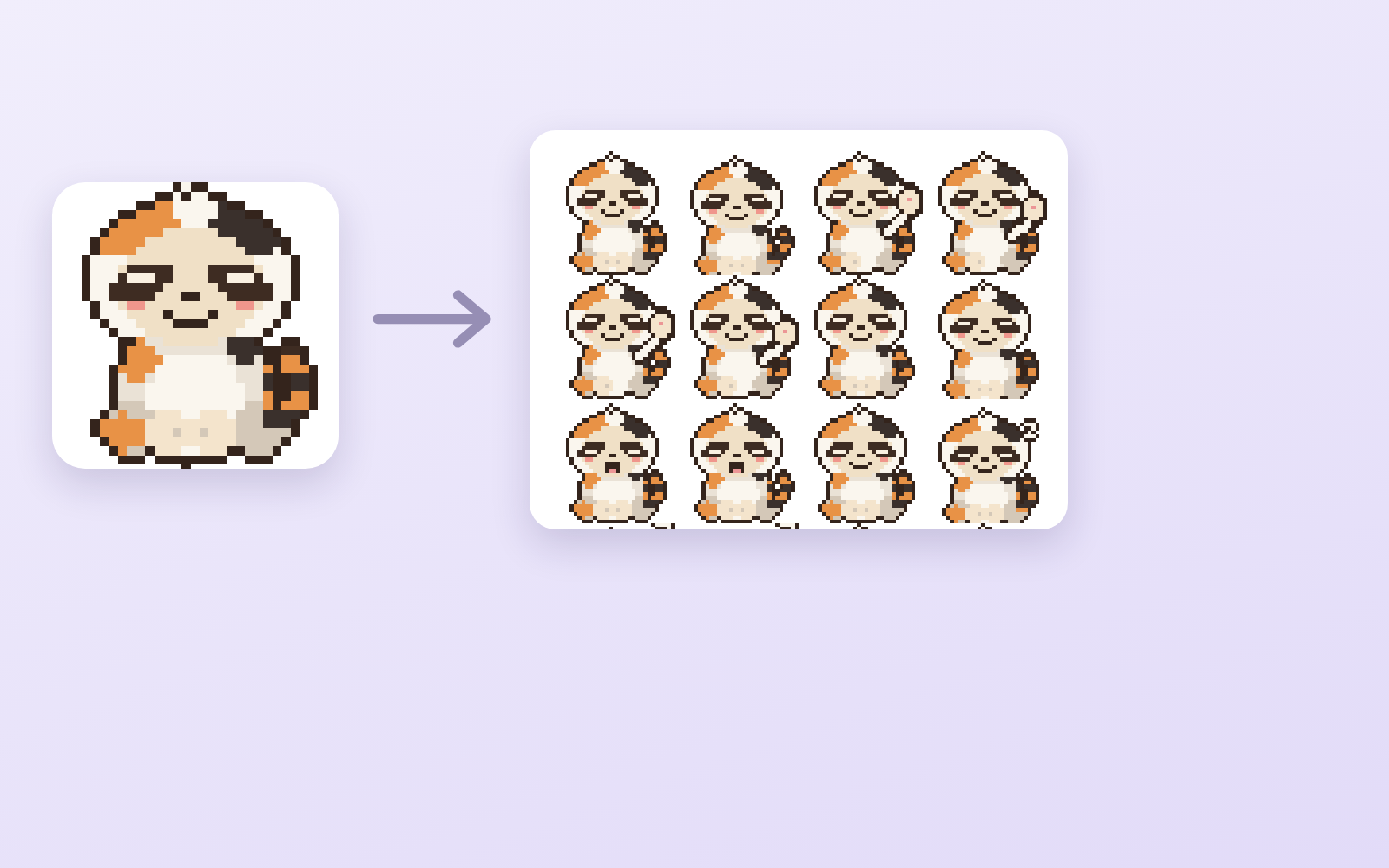
 Pixel Motion KitFree
Hand it one drawing, get 16 animated frames
ohirutabeyo2026/09/11
Pixel Motion KitFree
Hand it one drawing, get 16 animated frames
ohirutabeyo2026/09/11
 LINE Sticker KitFree
From artwork to a submittable sticker set (animated too)
ohirutabeyo2026/08/30
LINE Sticker KitFree
From artwork to a submittable sticker set (animated too)
ohirutabeyo2026/08/30