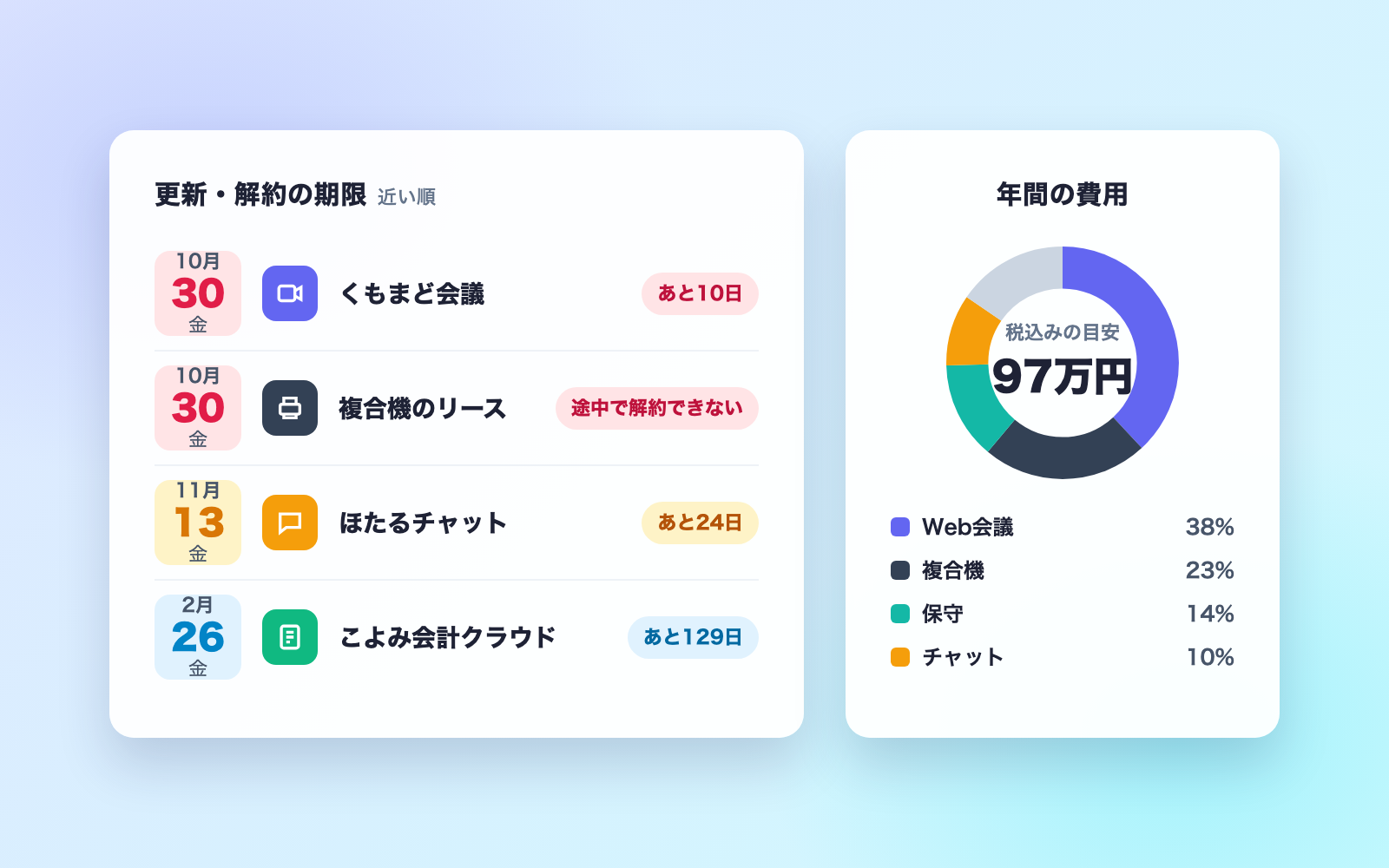
E-commerce Product Photo Align Kit
Aligns background, size and brightness of photos, exports per marketplace
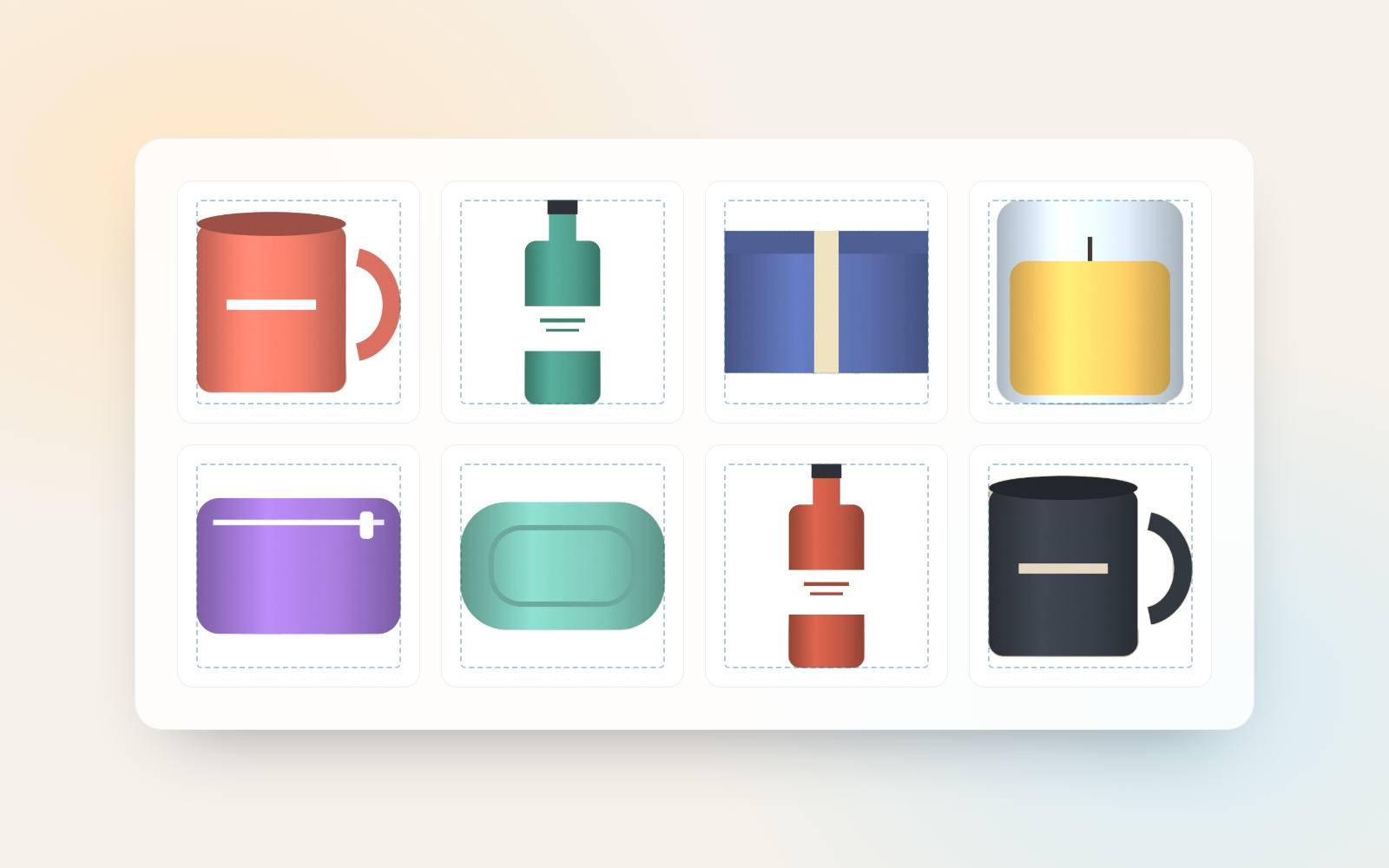
E-commerce Product Photo Align Kit is a vibe coding kit for Claude Code and Codex. Aligns background, size and brightness of photos, exports per marketplace. It includes 6 fixes for pitfalls the maker hit in real work. Free.
When this helps
You want product photos to look consistent, but it differs in background, size and brightness, and fixing many by hand is heavy.
What it does
Hand it photos taken on a phone and it strips the background to white (or a solid colour), aligns product size, position, brightness and tilt, and exports them at the size and file weight each marketplace (Rakuten, Yahoo! Shopping, Amazon, Shopify, eBay) requires. It builds a comparison page showing how products will look side by side in your shop, three background options (white-centred, white-bottom, or original), and flags — without stopping — dark, tilted, cropped, or poorly cut-out photos. Brightness and colour are corrected only within limits that keep the photo true to the real product, and any hidden location data or instruction-like text in a photo is flagged too. All photo processing happens locally; nothing is sent out.
The fixes baked into this kit
- A white plate's inside gets cut out, leaving a ringWhite plates and similar products sometimes had enclosed background areas cut out too, leaving a ring where the middle should be. We now only remove enclosed background smaller than 12% of the product, flag photos where a cut might be missing, and suggest keeping the original background (option C) when it would avoid that.
- Teapots and bowls get rotated about 10 degrees when they weren't tiltedTeapots, bowls and similar items placed straight were sometimes judged as tilted just because of their shape. Tilt is now only measured for near-rectangular items: ones whose outline fills at least 80% of its bounding box, with 60% of the edge hugging that box.
- Dark photos or grey backdrops get over-brightenedDark photos and grey photo backdrops were sometimes mistaken for dimly lit white paper and brightened by 60% or more. We capped the correction at roughly 40% perceived brightness and now recommend reshooting photos beyond that limit.
- Fabric, wood desks, or room backgrounds don't cut out cleanlyPhotos with uneven backgrounds used to produce broken cutouts. The tool now detects background variation, keeps the original background (option C) without stopping, and flags that the result can't be used as Amazon's first image.
- Instructions hidden in captions or filenames could leak into exported photosWe checked whether instructions to the AI hidden in Exif, IPTC, XMP, WebP or HEIC captions, or in filenames, could survive into exported photos. Exported photos are redrawn, so none of that data carries over; any such text is flagged at the top of the results page, and filenames containing it are renamed to a photo-001 style for the export.
- The sandboxed Chrome could still reach numeric IP addressesBlocking DNS lookups alone still let the sandboxed Chrome reach other local ports or internal IP addresses. We route it through a proxy that only allows the kit's own local endpoint, also block the WebRTC leak, and verify in self-tests that nothing else is reachable.
What's inside
- The flow (drop in photos → align → compare → export)
- A tool that cuts out the background to white or a solid colour and aligns size, position, tilt and brightness
- Export for Rakuten, Yahoo! Shopping, Amazon, Shopify and eBay
- A page comparing how products will look in your shop, with three layout options
- Flags for dark, tilted, cropped, or poorly cut-out photos
- Flags for instruction-like text or location data hidden in a photo
- A 2-minute sample run with a fictional shop's photos
File list (37)
- AGENTS.md
- CLAUDE.md
- KIT.md
- NOTES.md
- data/README.md
- output/README.md
- rules/CHECK.md
- rules/FLOW.md
- rules/LAW.md
- rules/PROMPTS.md
- rules/SPEC.md
- rules/TONE.md
- samples/usukage-zakka/fix.json
- samples/usukage-zakka/photos.json
- tools/check-text.mjs
- tools/fix.mjs
- tools/lib/chrome.mjs
- tools/lib/draw.js
- tools/lib/engine.js
- tools/lib/guard.mjs
- tools/lib/injection.mjs
- tools/lib/law.mjs
- tools/lib/meta.mjs
- tools/lib/paths.mjs
- tools/lib/photos.mjs
- tools/lib/report.mjs
- tools/lib/result.mjs
- tools/lib/settings.mjs
- tools/make.mjs
- tools/ready.mjs
- tools/remove.mjs
- tools/selftest.mjs
- tools/setup.mjs
- tools/share.mjs
- tools/show.mjs
- tools/try.mjs
- work/README.md
The first three decisions
- Where to sell (Rakuten, Yahoo! Shopping, Amazon, etc.)
- Background colour (white recommended)
- Where your photos are (a phone's camera folder works)
What you need
- No extra costNode.js 18 or newerUsed to run the tools. Nothing else needs installing.
- No extra costGoogle Chrome (or Microsoft Edge)Used for photo processing (no window opens). It doesn't touch your regular browsing history.
- No extra costProduct photosJPEG, PNG, WebP, and HEIC on a Mac. Shooting against white paper or a white wall makes a white background easier.
How to use
Just paste this into your AI.
I want to use the nice to have kit "E-commerce Product Photo Align Kit". Follow https://nicetohave.app/en/g/HAUVLME7-•••••••••• and set it up.
Works the same in Claude Code or Codex.
Read what this tells your AI to do, before you paste it
If you would rather take the files yourself
Paste the line above and your AI fetches it. If your AI cannot fetch it, or you would rather download it yourself, start here.
- Unpack the zip you downloaded
- Open the resulting folder in Claude Code or Codex (in VS Code, "Open Folder")
- Type "start building with this kit". The instructions are inside (Claude Code reads
CLAUDE.md, Codex readsAGENTS.md)
FAQ
- Can measuring tapes or price tags in the shot be removed?
- No. Rulers, number tags, price tags, and display stands that appear with the product can't be told apart from it, so they stay in the photo. Please shoot without them in frame.
- Is it fine to upload the original photos as-is?
- We don't recommend it. Original photos can contain location data from where they were taken. Exported photos are redrawn and don't carry that data, so use those instead.
- Does the kit upload the finished photos to the marketplace for me?
- No. It only produces photos sized and compressed for each marketplace — you upload them yourself through that marketplace's dashboard.
- Can I use iPhone HEIC photos on Windows?
- Not as-is. On a Mac, a JPEG copy is made automatically, but that isn't supported on Windows. Either set the iPhone to "Most Compatible" format, or export the photos as JPEG first.
- Can photos where the product looks small in frame still be used?
- Yes, but they get enlarged to match the target size, which can look grainy, so the tool flags them for a reshoot. Aim for the product filling about 85% of the frame.
Reviews
This is your kit. You can also see its reviews on your page.
No reviews yet. Be the first to say something.
Supporters
Once support opens, the people who backed this kit will be listed here.
- Publisher
 shuto-shinoda
- Published
- 2026/10/29
- Price
- Free
- Category
- Delegate work
- Personal data
- Not handled
- Security review
- Not needed (no personal data)
- What's inside
More kits
shuto-shinoda2026/10/29
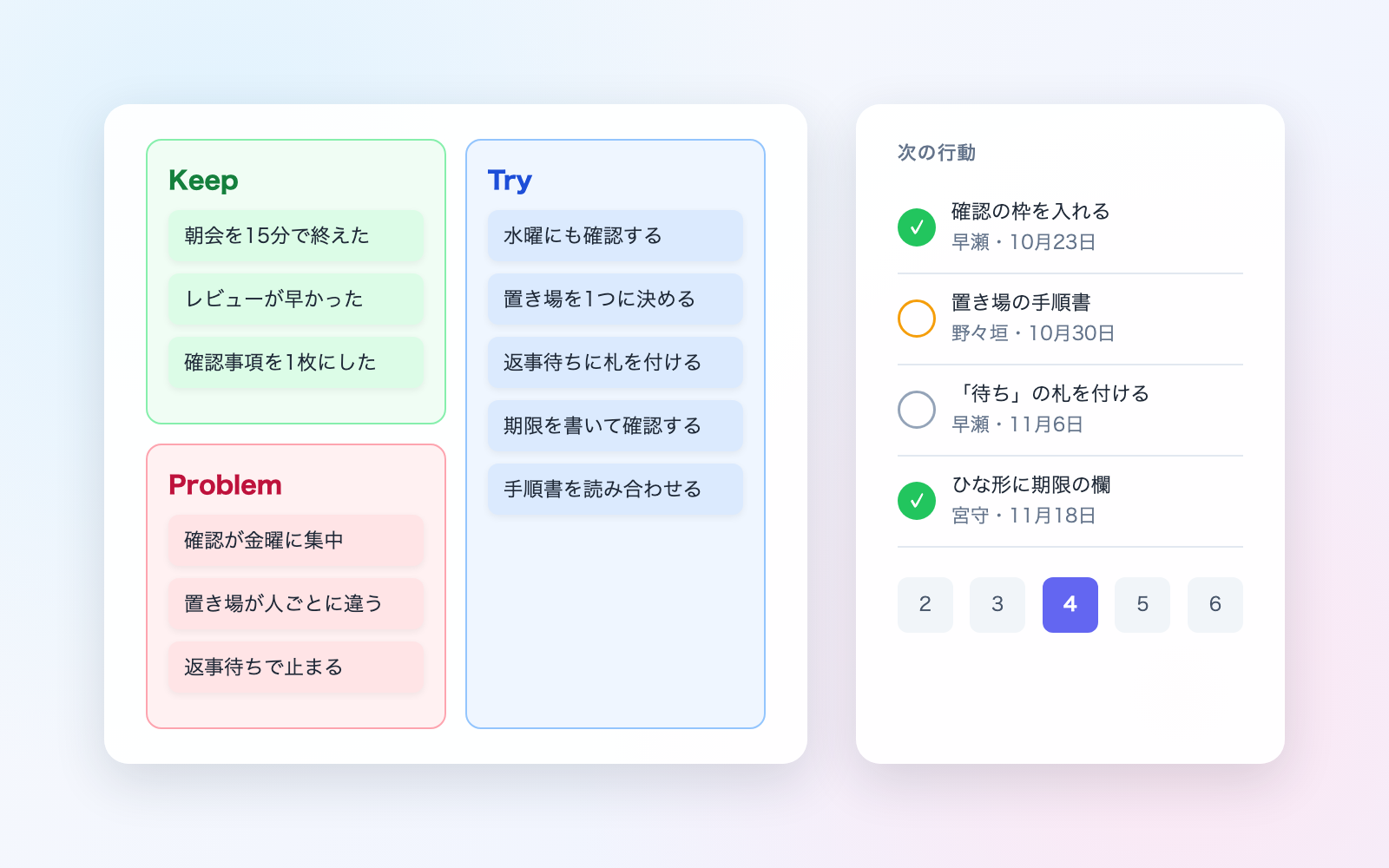 Misconduct & Incident Report KitFree
Talk through what happened, get separate misconduct and incident report drafts
shuto-shinoda2026/10/29
Misconduct & Incident Report KitFree
Talk through what happened, get separate misconduct and incident report drafts
shuto-shinoda2026/10/29
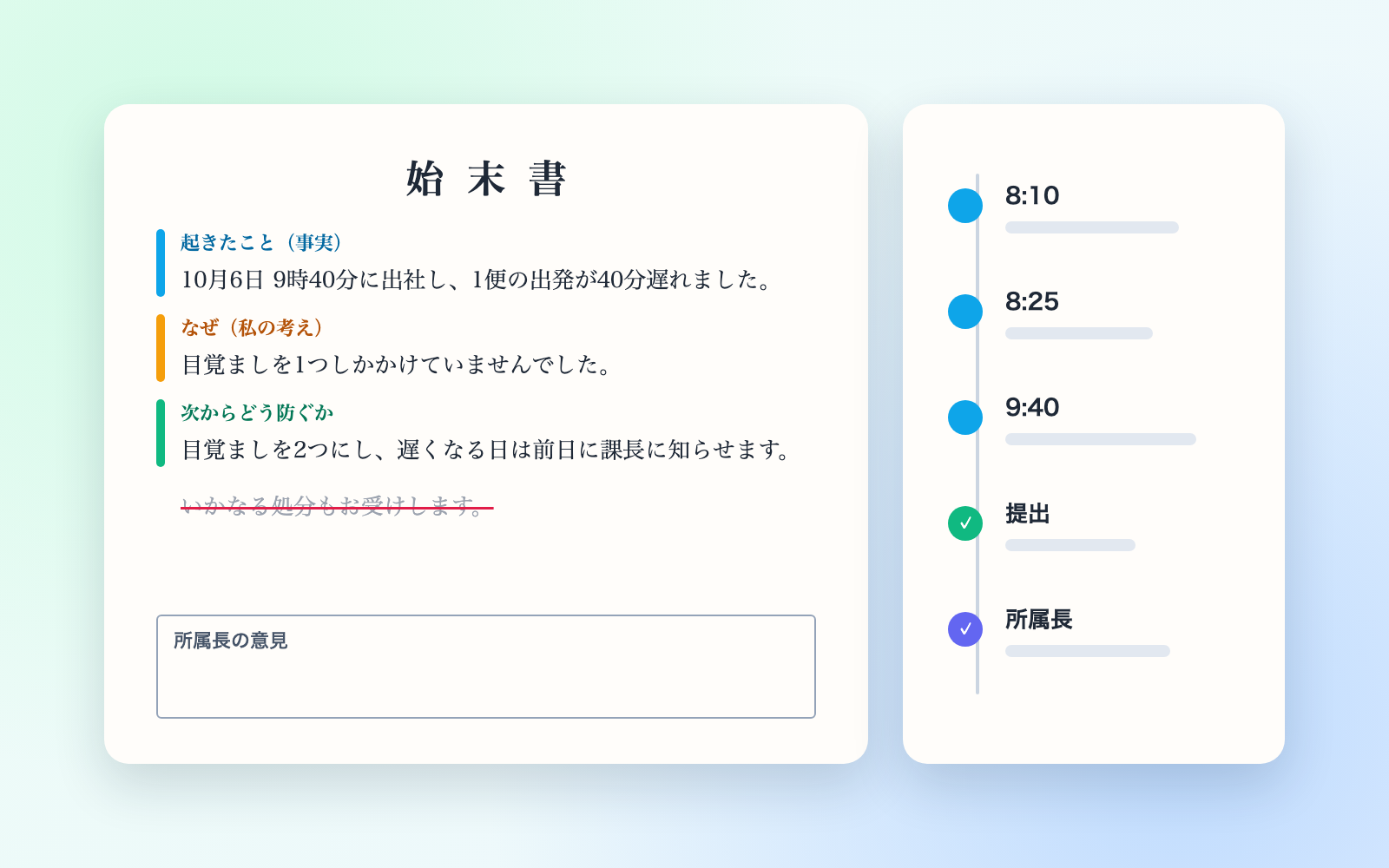 Subscription & Contract Ledger KitFree
Turns contracts into a ledger and lists cancellation deadlines soonest first
shuto-shinoda2026/10/29
Subscription & Contract Ledger KitFree
Turns contracts into a ledger and lists cancellation deadlines soonest first
shuto-shinoda2026/10/29