YouTube Game Kit is a kit for Claude Code and Codex. Bring your game up to YouTube's requirements, all the way to applying. It includes 8 fixes for pitfalls the maker hit in real work. Free.
When this helps
You want to ship a game on YouTube, but you can't tell what it has to meet
What it does
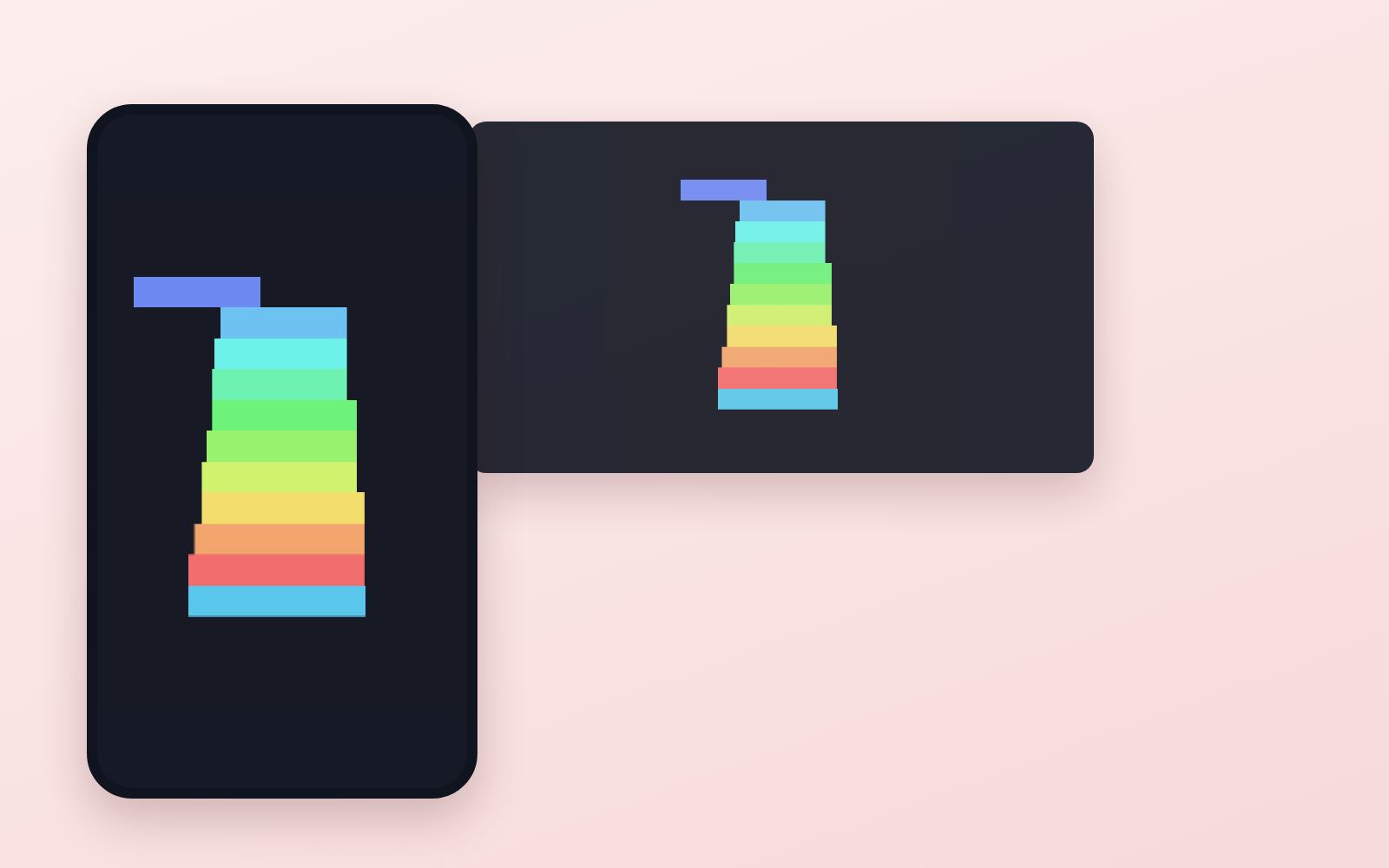
Takes a game made in Unity, makes it run to the requirements of YouTube Playables, and goes as far as sending the application form. It wires up the load signal, pause, mute, save and score, then measures whether each requirement is met with tools (numbers and ✓/✗, not "it looks like it works"). A sample game is included, so you can run that first and then turn it into your own. ★Playables is invite-only for now. You can apply, but YouTube decides whether it goes live.
The fixes baked into this kit
- ★Pause, mute and save-load signals never reach the gameGoogle's official component hard-codes where it sends signals: an object named "YTGameWrapper". Attach it to an object with any other name and the game keeps running normally, but pause doesn't stop it, mute is ignored and saves never load. The kit fixes the name and raises an error if it differs.
- ★Without writing any code, the game calls Unity's servers, breaks the rules and writes forbidden storageUnity silently adds analytics and purchasing packages to new projects. Just having them makes the game contact Unity's servers on startup, get blocked four times by YouTube's restrictions (CSP), and write PlayerPrefs to the browser even though the game never uses them. The kit includes a tool to remove them; removing them brought violations to 0 and halved the initial bundle.
- ★The 512MB memory limit counts all of Unity's memory. Works locally, crashes on iPhoneThe "512MB JS heap" requirement counts the game's whole Unity memory. The commonly watched number showed 9MB while 1.9GB was in use, so you can't notice, and Unity's default limit is 2048MB. Even lowering it to 512 went over. The kit pins it at 448 and includes a tool that measures it the same way the requirement does. When it crashes, no message appears on screen.
- ★Setting Time.timeScale = 0 on pause doesn't stop the gameOnly part of it stops; per-frame updates, coroutines and audio keep running. On top of that, Unity always builds in a render loop that has no way to stop it. The kit includes a web template where pause really stops everything, and a tool that counts from outside whether it stopped.
- Saving reports "success" even when it fails (official component)The official save function always returns 0 (success), even on failure, and logs nothing to the console. The component's comment says the opposite, "non-zero means failure". The kit replaces it with a component that reports whether the save worked.
- With Unity's standard web template, the startup signal passes but every other signal is droppedThe official component assumes variables that exist only in Google's own template. Build with the standard template and the startup check looks fine, but pause and every other signal fail with errors. The kit pins the template and checks it with a tool.
- Depending on how it's served, the game stays black and never startsUnity's compressed builds can't be read unless the server adds a specific header. YouTube doesn't publish whether its hosting adds it, so the kit uses settings that start either way, and tests by serving without the header.
- Unity Hub says "installed successfully" when only half of it is installedThe free-space check only looked at the download size, so it stopped halfway and still reported success. Windows' confirmation prompt also fails the install if not clicked within two minutes, and if Hub is left running in the background, reinstalling fails within seconds. The kit includes a tool that checks before and after installing, and steps for when to click.
What's inside
- The flow (install → build → wire up → measure → ship → apply)
- Tools that measure whether you meet the requirements (size, startup speed, memory, restriction violations)
- A template where pause really stops the game (the official one does not)
- A tool that removes packages Unity adds on its own
- How to install Unity and pin the version (with a check that catches half-finished installs)
- How to answer the application form
- What you don't need to worry about, and what is still unknown (written honestly)
File list (13)
- unity/Assets/WebGLTemplates/… (★a web template where pause really stops the game)
- unity/Assets/Scripts/YTGameSDK/… (a component that reports save results, and the signal receiver)
- unity/Assets/Editor/PlayablesBuild.cs (reapplies the recommended settings on every build)
- unity/Assets/Scripts/Sample/StackGame.cs (the sample game, Stack)
- tools/measure.mjs (★measures every requirement in one run)
- tools/pausecheck.mjs (counts from outside whether pause really stopped the game)
- tools/check-project.mjs (checks for package creep, settings and forbidden storage)
- tools/check-install.mjs (finds a half-installed Unity)
- tools/build-webgl.ps1 (stops the build when disk space runs low)
- tools/filmstrip.mjs (captures the screen the moment each signal fires)
- tools/prepare-deploy.mjs (applies YouTube's restrictions and prepares the build for hosting)
- rules/FLOW.md, CHECK.md, TONE.md, PROMPTS.md
- CLAUDE.md / KIT.md
The first three decisions
- The game itself (run the sample, Stack, first)
- Whose name it goes under (as an individual, company name and country are N/A on the form)
- Where the playable build lives (Vercel, free)
What you need
- No extra costUnity (free)Installs 6.3 LTS (the AI walks you through it). You sign in to Unity once.
- No extra costWindows★Some tools are Windows-only. Not tested on Mac.
- No extra cost20GB of free disk spaceUnity itself takes about 12GB.
- No extra costSomewhere to host the playable buildVercel's free tier is enough. The application needs a public link.
How to use
Just paste this into your AI.
I want to use the nice to have kit "YouTube Game Kit". Follow https://nicetohave.app/en/g/86J46ZZ4-•••••••••• and set it up.
Works the same in Claude Code or Codex. If you have Safe Rail (the guard that stops dangerous operations automatically), it fetches the kit for you.
Read what this tells your AI to do, before you paste it
If you would rather take the files yourself
Paste the line above and your AI fetches it. To download it yourself, start here.
- Unpack the zip you downloaded
- Open the resulting folder in Claude Code or Codex (in VS Code, "Open Folder")
- Type "start building with this kit". The instructions are inside (Claude Code reads
CLAUDE.md, Codex readsAGENTS.md)
This route comes without Safe Rail, the guard that stops dangerous operations automatically. If you are building something that handles keys or personal data, use Claude Code with Safe Rail.
FAQ
- What does YouTube Game Kit do?
- Takes a game made in Unity, makes it run to the requirements of YouTube Playables, and goes as far as sending the application form. It wires up the load signal, pause, mute, save and score, then measures whether each requirement is met with tools (numbers and ✓/✗, not "it looks like it works"). A sample game is included, so you can run that first and then turn it into your own. ★Playables is invite-only for now. You can apply, but YouTube decides whether it goes live.
- Which AI tools does it work with?
- Claude Code and Codex. Copy the one line on the kit page and paste it into your AI; it pulls in the kit and starts (copying needs a GitHub or Google sign-in).
- Does it cost anything?
- The kit is free. Nothing else in the kit costs extra. The AI tool itself is billed under your own plan.
- How is this different from just asking an AI?
- It already contains the fixes for pitfalls the maker hit in real work: "Pause, mute and save-load signals never reach the game", "Without writing any code, the game calls Unity's servers, breaks the rules and writes forbidden storage", "The 512MB memory limit counts all of Unity's memory. Works locally, crashes on iPhone", "Setting Time.timeScale = 0 on pause doesn't stop the game", "Saving reports "success" even when it fails (official component)", "With Unity's standard web template, the startup signal passes but every other signal is dropped", "Depending on how it's served, the game stays black and never starts", "Unity Hub says "installed successfully" when only half of it is installed".
- What do I decide first?
- Three things: The game itself (run the sample, Stack, first); Whose name it goes under (as an individual, company name and country are N/A on the form); Where the playable build lives (Vercel, free). The AI asks them one at a time.
- Does it handle personal data?
- No.
Reviews
This is your kit. You can also see its reviews on your page.
No reviews yet. Be the first to say something.
Supporters
Once support opens, the people who backed this kit will be listed here.
- Publisher
 ohirutabeyo
- Published
- 2026/09/17
- Price
- Free
- Category
- Make games
- Personal data
- Not handled
- Security review
- Not needed (no personal data)
- What's inside
More kits
 sariqh2026/09/27
 Furniture-to-3D KitFree
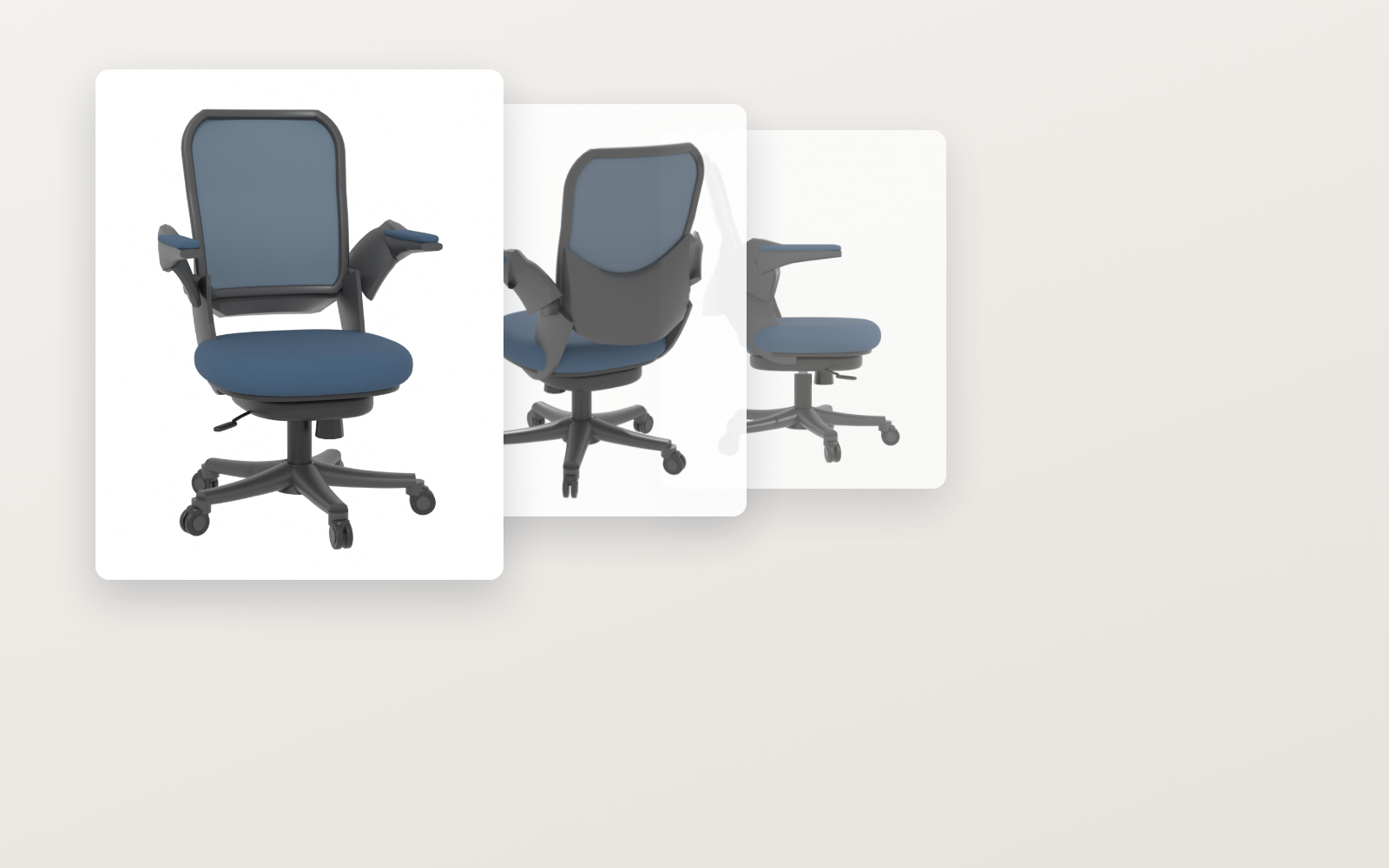
Spec drawings and product photos into an AR-ready 3D model
ohirutabeyo2026/09/12
Furniture-to-3D KitFree
Spec drawings and product photos into an AR-ready 3D model
ohirutabeyo2026/09/12
 Pixel Motion KitFree
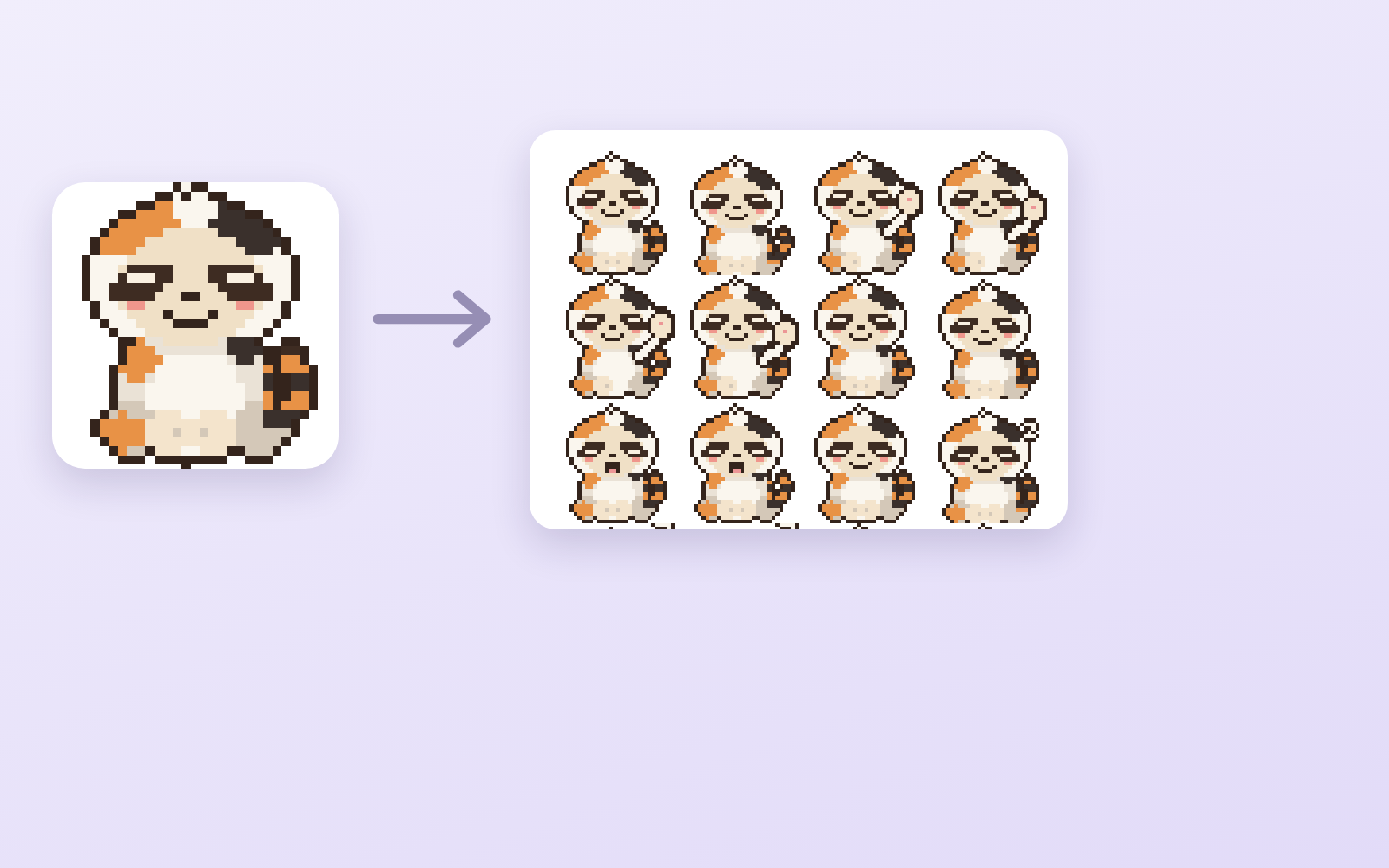
Hand it one drawing, get 16 animated frames
ohirutabeyo2026/09/11
Pixel Motion KitFree
Hand it one drawing, get 16 animated frames
ohirutabeyo2026/09/11