Invoice & Receipt Kit
Talk it through to get invoices and receipts, tracked until paid
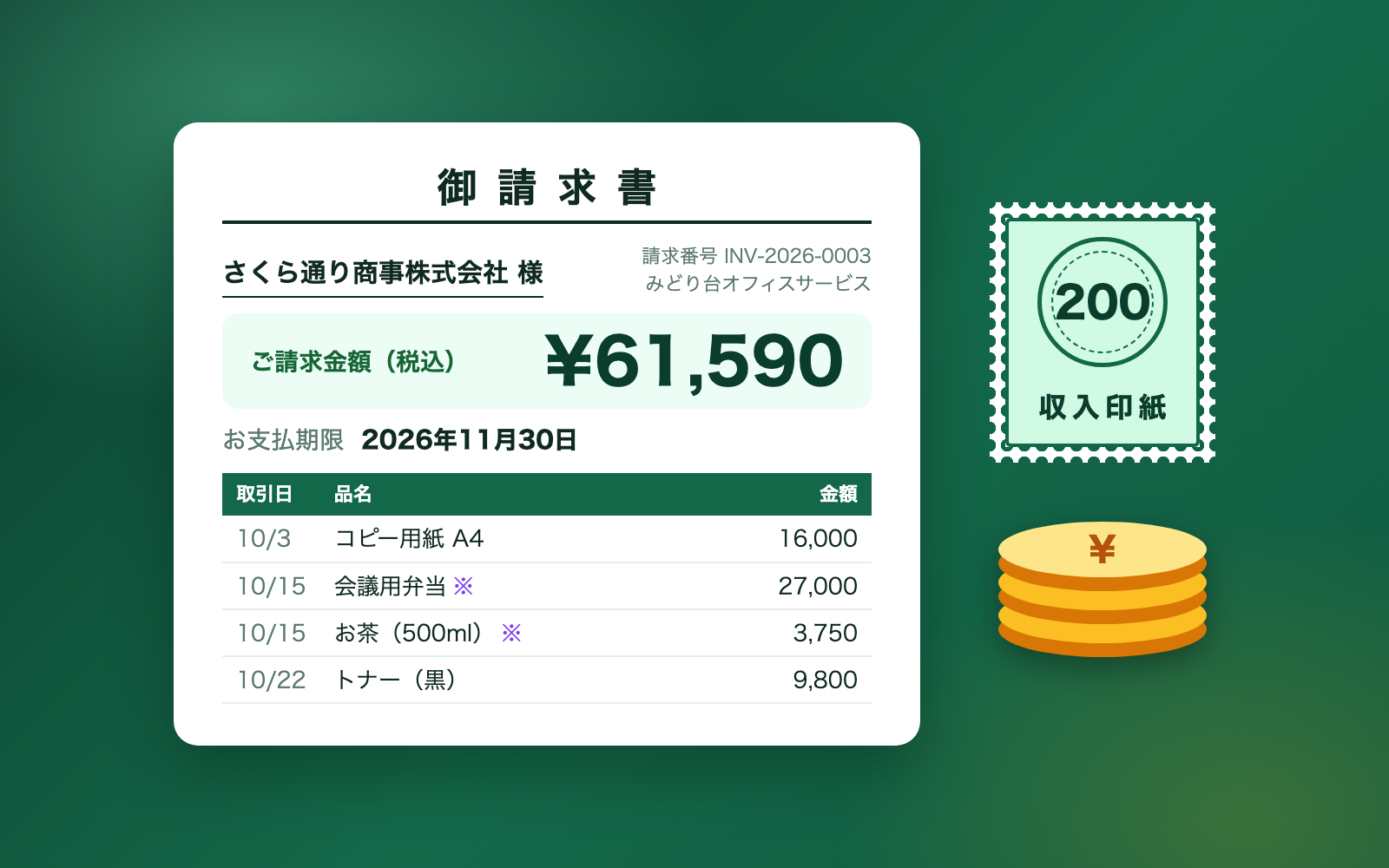
Invoice & Receipt Kit is a kit for Claude Code and Codex. Talk it through to get invoices and receipts, tracked until paid. It includes 8 fixes for pitfalls the maker hit in real work. Free.
When this helps
Every time you issue an invoice, you worry about missing details and tax miscalculation
What it does
Turns what you say into an invoice or delivery note with Japan's invoice-system details and consumption tax calculated correctly. Mention a product code and it copies the name, price and tax rate from your product list; it also handles monthly summary invoices and invoices built from a quote. Before issuing, it checks for things to fix (✗), such as a missing transaction date, a wrong registration number, or a due date before the issue date, and things to confirm (△), such as a mismatch with a quote total. Issuing produces a numbered PDF; corrections are kept as a new version. Payments are recorded after you confirm a proposed match against a bank statement; receipts built from a payment work out the revenue stamp duty for paper receipts of 50,000 yen or more. Invoices, payments, due dates and corrections are all tracked in an Excel ledger.
The fixes baked into this kit
- A one-digit error in the registration number went throughThe registration number was only checked for the "T + 13 digits" shape, so a single wrong digit still passed. Now the corporate number's check digit is verified too.
- Invoices printed the issue date in place of a missing transaction dateLine items with no transaction date silently got the issue date printed instead. A missing transaction date is now flagged to fix (✗); monthly summary invoices pass if a billing period is given.
- Order totals and invoice totals were off by a few yenThe order screen rounds tax down per line, while the invoice rounds down once per tax rate, so identical orders came out a few yen apart. Invoices built from a quote are now flagged to confirm (△) if they differ from the quote total.
- The due date was missing from invoicesThe due date existed in the data but was never printed on the invoice. It is now shown in bold, and flagged to confirm (△) if missing.
- Spec-sheet headings like "JAN code" or "case" were read as product namesImporting from 31 real product lists misread headings such as "JAN code" and "case" as the product name. The tool now tells apart table, one-item-per-sheet and side-by-side layouts and only uses the actual name field.
- Tax rates were guessed when missingNone of the product lists had a tax-rate column. Rather than guess 8% or 10%, the field is left blank for a person to decide.
- Overpayments showed a negative remaining balanceWhen a payment exceeded the invoice total, the screen showed a remaining balance like "-¥9,440". It now reads as "amount received in excess".
- A symbol in an invoice number could write to the wrong folderPutting a "/" at the start of an invoice number let it write into a different folder. Invoice numbers are now restricted to 1-6 letters.
What's inside
- The flow (draft → check → issue → payment → receipt → ledger)
- A check that the invoice has all required Japanese invoice details
- Consumption tax rounded once per tax rate, not per line
- Due dates calculated from each client's billing cutoff
- A tool that matches payments against a bank statement
- Receipts with the revenue stamp duty amount worked out
- An Excel ledger of invoices, payments and due dates
- A sample company you can try it on
File list (40)
- .gitignore
- AGENTS.md
- CLAUDE.md
- KIT.md
- NOTES.md
- data/README.md
- output/README.md
- rules/CHECK.md
- rules/FLOW.md
- rules/LAW.md
- rules/PROMPTS.md
- rules/SPEC.md
- rules/TONE.md
- samples/midoridai-office/bank-statement.csv
- samples/midoridai-office/company.json
- samples/midoridai-office/fix2.json
- samples/midoridai-office/invoice1.json
- samples/midoridai-office/invoice2.json
- samples/midoridai-office/invoice3.json
- samples/midoridai-office/receipt-request.json
- samples/midoridai-office/revision1.json
- tools/draft.mjs
- tools/issue.mjs
- tools/items.mjs
- tools/ledger.mjs
- tools/lib/bank.mjs
- tools/lib/book.mjs
- tools/lib/input.mjs
- tools/lib/invoice.mjs
- tools/lib/law.mjs
- tools/lib/layout.mjs
- tools/lib/ledger.mjs
- tools/lib/paths.mjs
- tools/lib/pdf.mjs
- tools/lib/receipt.mjs
- tools/lib/regno.mjs
- tools/lib/render.mjs
- tools/lib/request.mjs
- tools/lib/result.mjs
- tools/lib/run.mjs
The first three decisions
- The client (who you are invoicing)
- The period covered (which month's work)
- Items and quantities (copied from your product list by code)
What you need
- No extra costClaude Code or CodexBoth CLAUDE.md and AGENTS.md are included
- No extra costNode.js 18 or newerTo run the tools. Nothing else to install
- No extra costGoogle Chrome or Microsoft EdgeTo produce PDFs. Without one, open the file in a browser and use "Print to PDF"
- No extra costExcel or NumbersTo view company info, invoice entries and the ledger
How to use
Just paste this into your AI.
I want to use the nice to have kit "Invoice & Receipt Kit". Follow https://nicetohave.app/en/g/VDL2DTR6-•••••••••• and set it up.
Works the same in Claude Code or Codex.
Read what this tells your AI to do, before you paste it
If you would rather take the files yourself
Paste the line above and your AI fetches it. If your AI cannot fetch it, or you would rather download it yourself, start here.
- Unpack the zip you downloaded
- Open the resulting folder in Claude Code or Codex (in VS Code, "Open Folder")
- Type "start building with this kit". The instructions are inside (Claude Code reads
CLAUDE.md, Codex readsAGENTS.md)
FAQ
- What does Invoice & Receipt Kit do?
- Turns what you say into an invoice or delivery note with Japan's invoice-system details and consumption tax calculated correctly. Mention a product code and it copies the name, price and tax rate from your product list; it also handles monthly summary invoices and invoices built from a quote. Before issuing, it checks for things to fix (✗), such as a missing transaction date, a wrong registration number, or a due date before the issue date, and things to confirm (△), such as a mismatch with a quote total. Issuing produces a numbered PDF; corrections are kept as a new version. Payments are recorded after you confirm a proposed match against a bank statement; receipts built from a payment work out the revenue stamp duty for paper receipts of 50,000 yen or more. Invoices, payments, due dates and corrections are all tracked in an Excel ledger.
- Which AI tools does it work with?
- Claude Code and Codex. Copy the one line on the kit page and paste it into your AI; it pulls in the kit and starts (copying needs a GitHub or Google sign-in).
- Does it cost anything?
- The kit is free. Nothing else in the kit costs extra. The AI tool itself is billed under your own plan.
- How is this different from just asking an AI?
- It already contains the fixes for pitfalls the maker hit in real work: "A one-digit error in the registration number went through", "Invoices printed the issue date in place of a missing transaction date", "Order totals and invoice totals were off by a few yen", "The due date was missing from invoices", "Spec-sheet headings like "JAN code" or "case" were read as product names", "Tax rates were guessed when missing", "Overpayments showed a negative remaining balance", "A symbol in an invoice number could write to the wrong folder".
- What do I decide first?
- Three things: The client (who you are invoicing); The period covered (which month's work); Items and quantities (copied from your product list by code). The AI asks them one at a time.
- Does it handle personal data?
- Yes. Needed (depends what you handle)
Reviews
This is your kit. You can also see its reviews on your page.
No reviews yet. Be the first to say something.
Supporters
Once support opens, the people who backed this kit will be listed here.
- Publisher
 shuto-shinoda
- Published
- 2026/10/07
- Price
- Free
- Category
- Delegate work
- Personal data
- Handled
- Security review
- Needed (depends what you handle)
- What's inside
More kits
shuto-shinoda2026/10/07
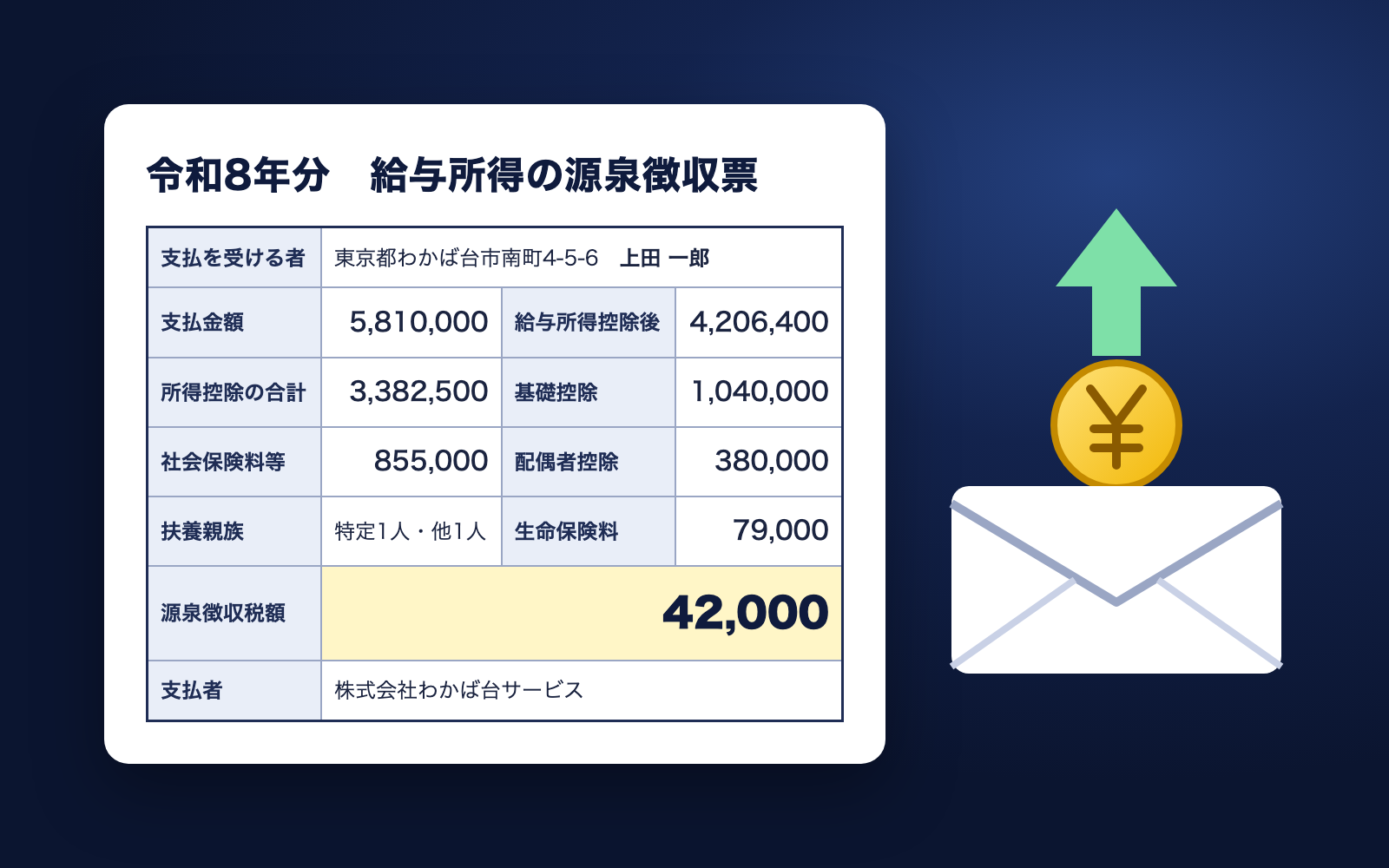 Employment Notice KitFree
Just talk, and get an employment notice checked against minimum wage
shuto-shinoda2026/10/07
Employment Notice KitFree
Just talk, and get an employment notice checked against minimum wage
shuto-shinoda2026/10/07
 Asset Rights & Credit Check KitFree
Point it at a site folder to learn each asset's source and required credit
shuto-shinoda2026/10/07
Asset Rights & Credit Check KitFree
Point it at a site folder to learn each asset's source and required credit
shuto-shinoda2026/10/07